Best Personalized Learning Apps for Students


A personalized learning app can make your course materials easier to study, but the apps don't all adapt in the same way. Some build practice from your files; others guide you through set lessons. Here are five options and the students each one may suit.
1. StudyBuddy
StudyBuddy is a web and iPhone study app that turns your own course materials into exam-style practice. Upload a PDF, lecture slides, notes, photos, or a YouTube video. The app makes MCQs, flashcards, and answer explanations, then adapts practice to your performance.
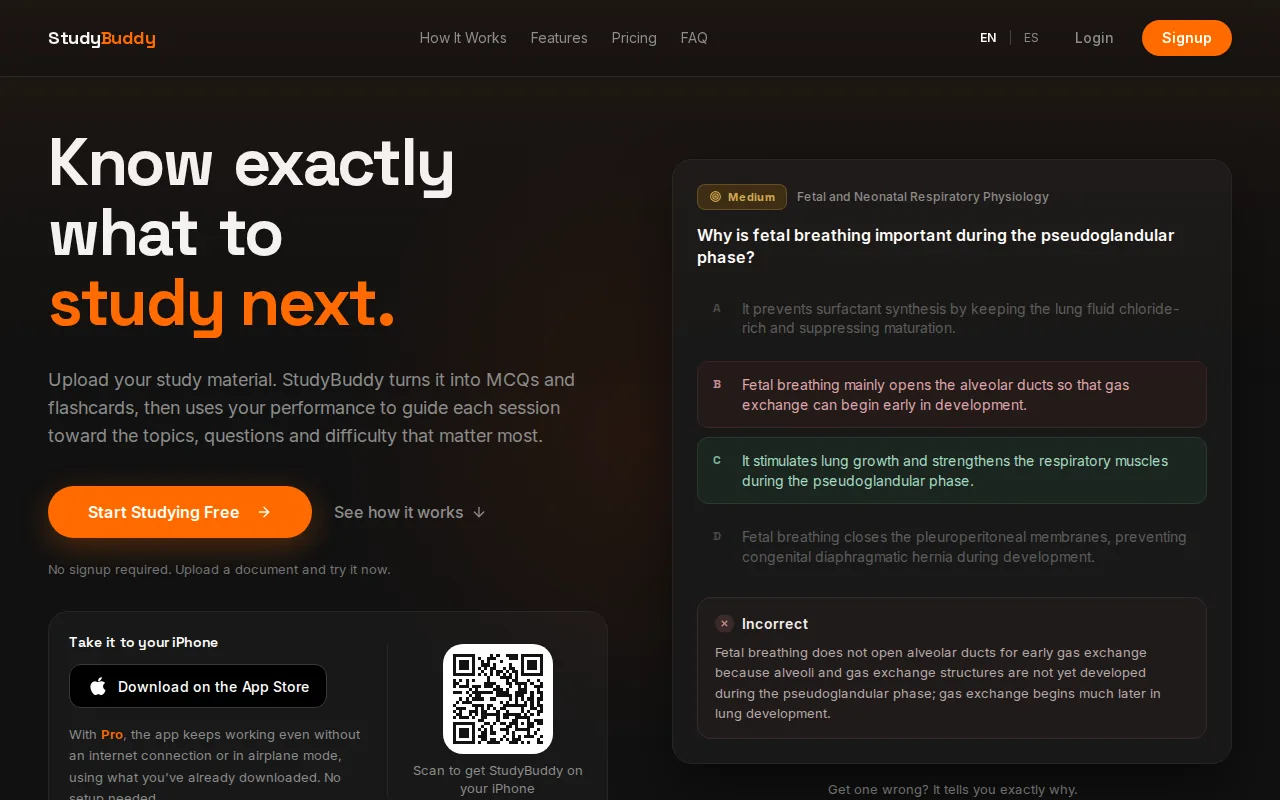
It’s a strong fit if your class has given you a stack of material and you need to work out what to review first. For example, a business student can upload accounting slides, answer questions, then focus on topics where practice shows a gap. A history student can use the same flow with class notes.
StudyBuddy tracks topic mastery and an exam Readiness Score. Use those signals to choose what to review next, not as a promise about your exam result. Get a question wrong? Read the explanation, then keep practicing. The next round can shift attention toward topics that need more work.
You can try StudyBuddy in a browser guest session without signing up. Pro costs $8.99 per month or $89.90 per year, and includes 50 monthly credits and 30 active documents. The app works in English and Spanish, which can help students who prefer to study in either language.
If your main goal is to prepare for a test using your own course files, compare the formats in these exam preparation apps for students. StudyBuddy is a useful place to start when you want generated questions tied to the material you’re studying.
2. StudyFetch: A study workflow built around uploaded class materials
StudyFetch builds a study workflow around uploaded class materials. It suits students who want an AI tutor alongside generated study aids, rather than a tool focused only on testing. Its Sparky tutor answers questions about course content and can build a personalized study schedule.
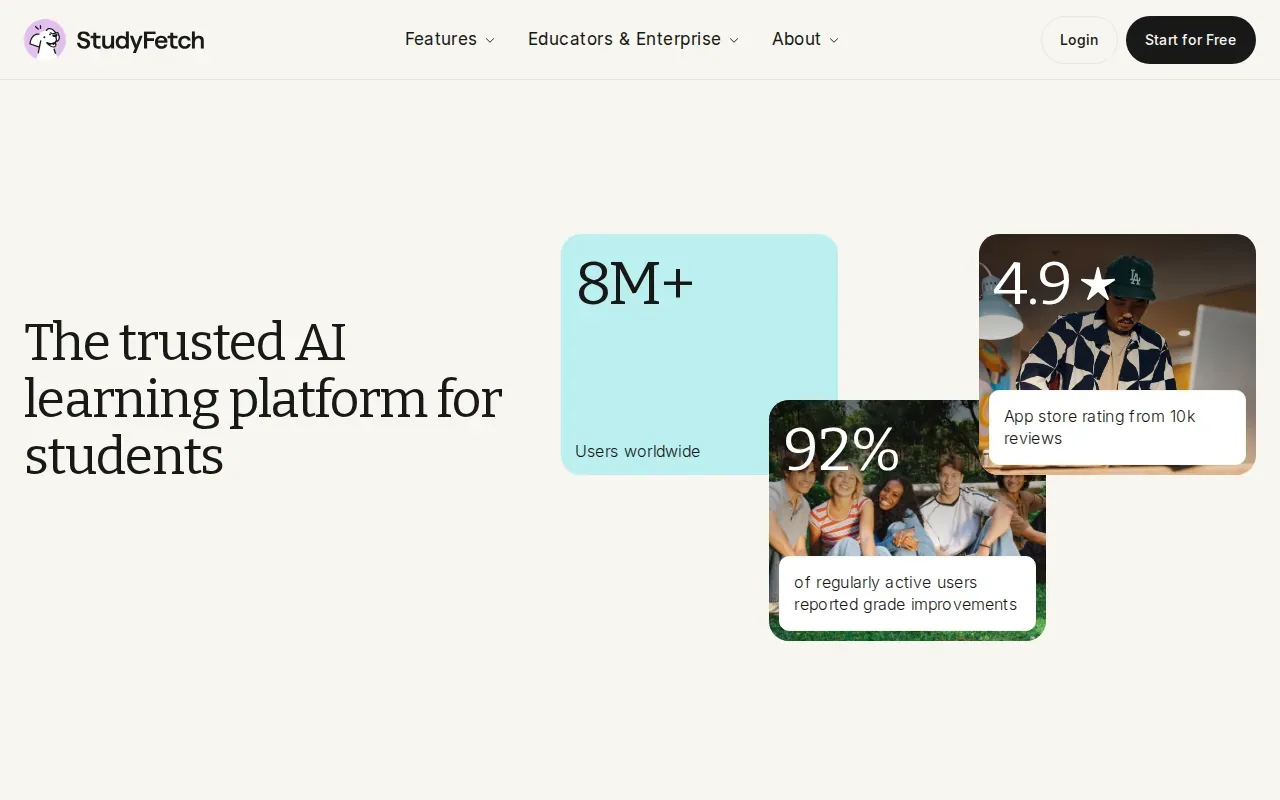
Upload course materials, then use Sparky to ask about a point that still feels unclear. StudyFetch also makes quizzes from class content and creates flashcards. Its study schedule can break study time into milestones based on your materials and deadlines.
This broader set of study features may suit someone who wants a tutor for follow-up questions as well as practice. For instance, after reviewing an accounting chapter, you could ask Sparky to explain a topic, then use a quiz to check what you remember. That differs from a focused MCQ routine built around your own files.
StudyFetch is free to start. Compare what the free access includes with the features you expect to use most. A wide study workflow only helps if its tools match your daily routine.
Students comparing more tools that work with lecture slides and PDFs can use this roundup of AI study tools for PDFs, notes, and exams. It helps frame the choice around the input you already have and the type of practice you need.
3. Brilliant: Interactive problems with responsive hints
Brilliant is an interactive learning platform for math, science, and computer science. It fits learners who want to build understanding through short problems, rather than generate a quiz from their own class documents.
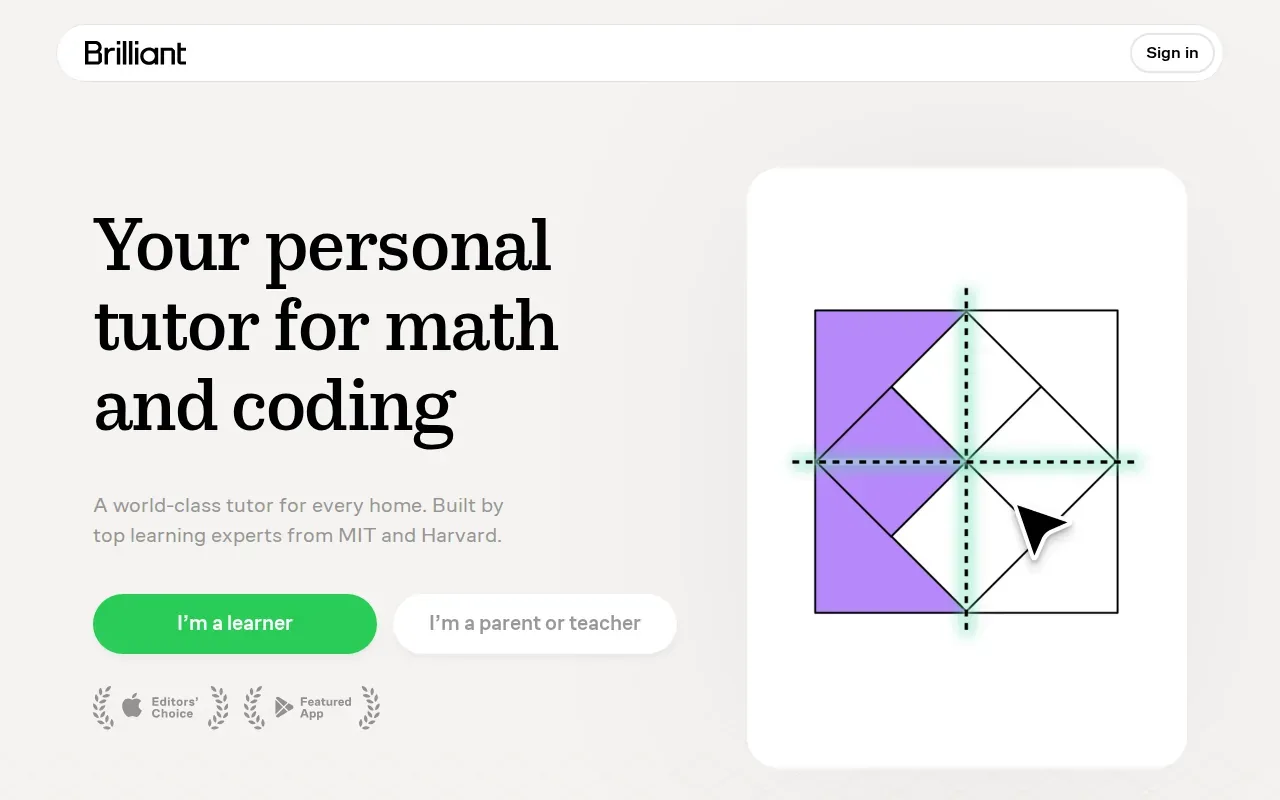
Its lessons use interactive problems with immediate feedback. Hints can respond to an incorrect attempt, and adaptive problem sequences guide progress through a topic. That can be helpful when you want to see where your reasoning went off track instead of only checking a final answer.
Think of it as guided practice for learning a concept. If you’re working through a math problem, a hint that reacts to your attempt can help you find the next step. That’s different from reviewing a professor’s specific slides or turning a course PDF into questions for an upcoming test.
Brilliant’s subject focus also makes it a more natural fit for STEM practice than for a course in contract law or U.S. history. It may suit a student who wants interactive practice alongside classwork. For exam prep tied to a particular syllabus, check that its lesson content matches what your course covers.
A useful distinction: choose this when you want guided problem solving on its subject areas. Choose a document-based tool when your immediate need is practice drawn from your own course files.
4. Duolingo: Adaptive review for language learning
Duolingo is a language-learning app with adaptive review. It suits learners who want practice within language lessons, especially when they need earlier material to come back as they study.
Turn your notes into a practice exam
Upload a document and StudyBuddy builds questions, flashcards and explanations in minutes.
Try it free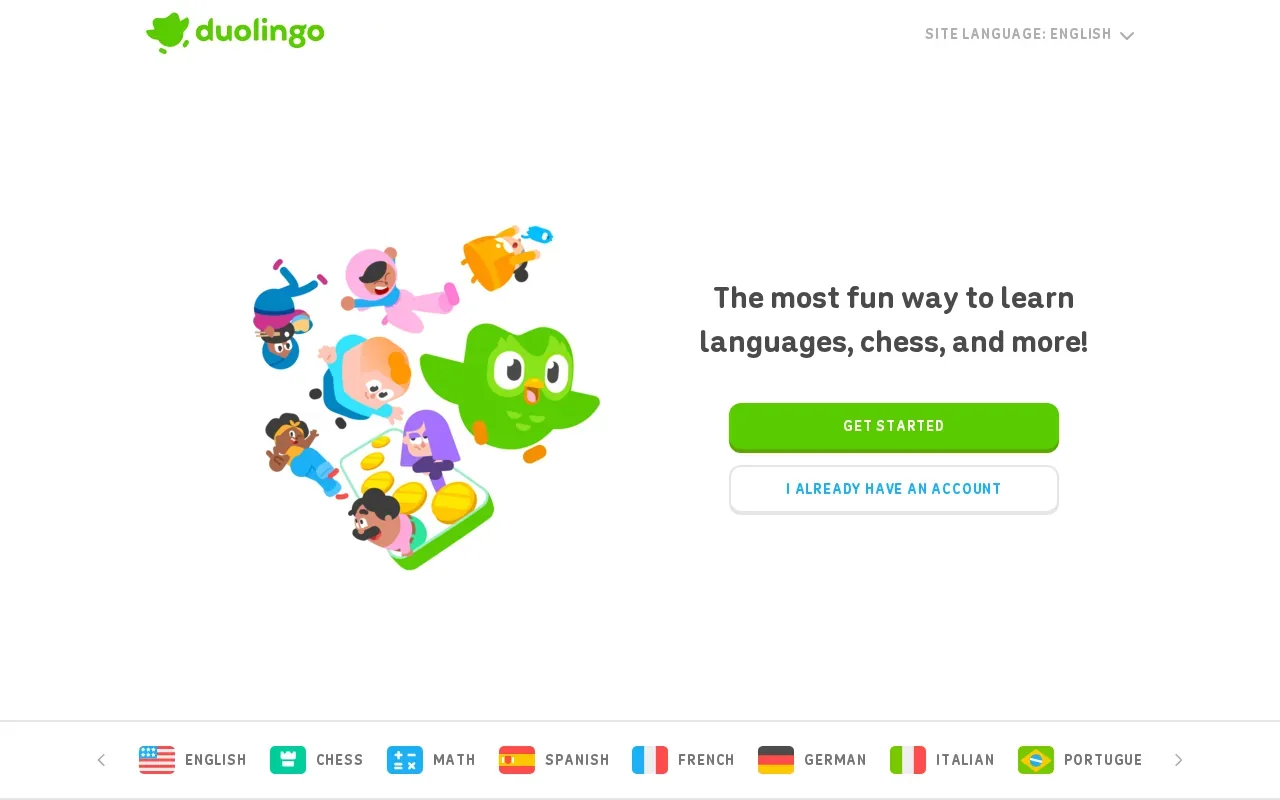
Its in-app review chooses exercises using recent accuracy and timing signals. It can schedule earlier lessons for another look, giving you a chance to revisit material that may need more practice. The adjustment happens within its language-learning flow, not from a PDF or lecture slide you upload.
That makes Duolingo a different kind of personalized learning app from a course-material quiz generator. Use it for language review. For a class exam that covers a set of readings or lecture notes, you’ll likely want a separate way to test yourself on those specific materials.
It can still fit a student’s wider study routine. A student learning another language for class could use adaptive review for regular language practice, then keep course documents and exam questions in a tool designed for those files.
For students who want review to bring back earlier material, look for an app built around spaced repetition. The key is matching the review method to what you’re learning.
5. Studley AI: A low-commitment way to try a study set
Studley AI turns uploaded study materials into study sets. It may suit students who want to try a generated set before paying for ongoing access. The Free plan lets you make one study set.
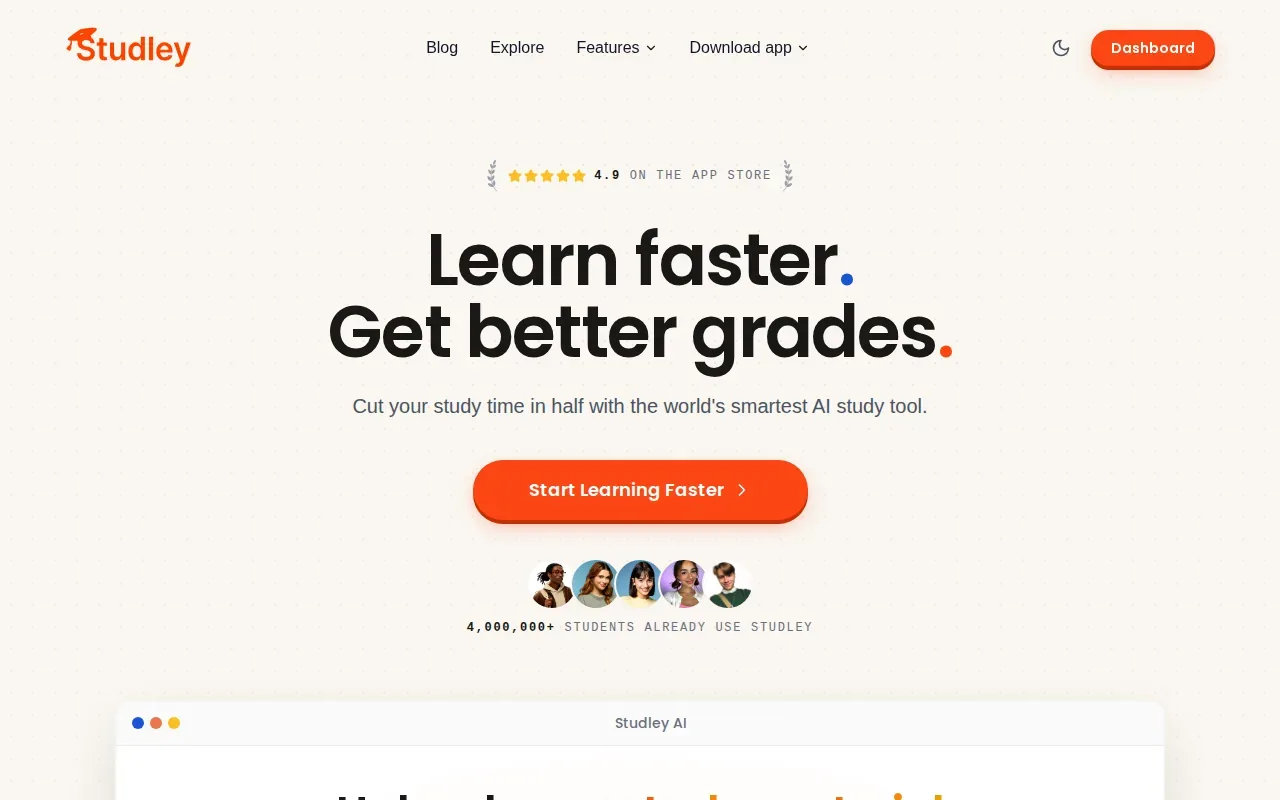
The app can make notes, flashcards, quizzes, and podcasts from content such as lecture materials. That gives you more than one way to revisit a class topic. For example, you could use a quiz to check recall, then review notes to return to the source material.
One study set is enough to see how a generated set fits your routine. Check current paid plans and consider how often you’ll use the features before choosing a paid plan.
Studley AI and StudyBuddy both work with student-provided materials, so the difference is worth weighing against your study task. StudyBuddy generates MCQs, flashcards, and explanations, then adapts practice to performance. Studley AI’s described study set includes formats such as notes and podcasts. Pick based on the output you’ll actually use.
Compare these personalized learning apps
The best fit depends on what you want the app to adapt: practice from your own files, a guided topic sequence, or language review. This table focuses on the study task each app supports, plus prices where we could confirm them.
| App | Best fit | How practice adapts | Access or price details |
|---|---|---|---|
| StudyBuddy | Course-specific test practice | Practice shifts with your performance; topic mastery and Readiness Score help you decide what to review | Free to try; Pro is $8.99 per month or $89.90 per year |
| StudyFetch | Students wanting a tutor and study workflow around uploaded materials | Sparky answers course questions and builds a personalized study schedule | Free to start; see website for paid plans |
| Brilliant | Interactive math, science, and computer science practice | Adaptive problem sequences and hints respond to attempts | See website |
| Duolingo | Language learners who want adaptive review | Exercise choices use recent accuracy and timing signals | See website |
| Studley AI | Students who want to try a generated study set | Study sets are made from uploaded materials | Free plan to try; see website for paid plans |
For exam candidates studying from official guides or course notes, StudyBuddy is the most direct match in this shortlist. It turns your material into practice and uses your results to point toward topics for another review. A language learner or a student looking for guided STEM lessons may get more value from a tool built for that subject.
Frequently asked questions
What is a personalized learning app?
A personalized learning app adjusts some part of study to your activity or learning needs. That might mean selecting a next exercise based on recent answers, bringing back earlier lessons, or changing practice based on your performance. The phrase covers different tools, so check what each app actually adapts and whether it uses your own course materials.
Which app makes quizzes from lecture slides or PDFs?
StudyBuddy and StudyFetch are options in this list for working with uploaded course material. StudyBuddy turns uploads into MCQs, flashcards, and answer explanations, then adapts practice to your results. StudyFetch builds a wider study workflow around uploaded materials, including quizzes and its Sparky tutor. Check the plan details to see which features you can use.
Can StudyBuddy guarantee I’ll pass an exam?
No. StudyBuddy can help you practice from your own materials and see which topics may need more review, but it can’t guarantee an exam result. Use topic mastery and the Readiness Score as study signals, not as a promise. Your outcome still depends on your preparation, the exam, and what you can recall and apply on test day.
How much does StudyBuddy Pro cost?
StudyBuddy Pro costs $8.99 per month or $89.90 per year. Both plans include 50 monthly credits and 30 active documents. You can try the browser guest session without signing up, but that doesn’t mean paid access is unlimited. Monthly credits cover new processing, while existing documents remain available.
Which app should I choose for language study?
Duolingo is the option in this list built for language learning. Its adaptive review selects exercises using recent accuracy and timing signals, and it can schedule earlier lessons for review. If your language course relies on your own lecture slides or assigned readings, consider pairing language practice with a document-based tool for course-specific test prep.
Conclusion
If you’re studying from your own course files, start with StudyBuddy: upload one set of notes or slides, then try the generated practice. Use your results to decide what to review next, and choose another app only when its subject focus or study workflow better fits your needs.
Turn your notes into a practice exam
Upload a document and StudyBuddy builds questions, flashcards and explanations in minutes.
Try it freeRelated articles
-
How to Do Spaced Repetition: A Step-by-Step Guide
Studying the same material for hours can feel productive, then leave you unsure what you can recall. Learning how to do spaced repetition gives each topic another chance to stick: review it after a...
-
Accounting Practice Questions and Study Resources
Accounting problems can feel tricky when you’re not sure which rule to use. These accounting practice questions cover core topics, show how to work through sample answers, and point you to ways to...
-
How to Study for a Final Exam: 5 Steps That Work
If you’re figuring out how to study for a final exam, a pile of slides and notes can make it hard to know where to begin. Start with the topics your instructor is likely to test, then spend most of...