Best Exam Preparation Apps for Students


Your course files can become more than a stack of PDFs. The right exam preparation apps turn lecture slides, notes, and videos into practice you can use to spot what needs work. Here are five options, starting with StudyBuddy, plus a quick way to choose between them.
An analysis of 47 comments and questions from YouTube, Reddit and Quora about exam preparation apps found that 21% mentioned social accountability features.
1. StudyBuddy
StudyBuddy is a web and iPhone study app that turns your course materials into multiple-choice questions, flashcards, and answer explanations. It suits university students first, along with high school students and people studying for professional exams. Upload a PDF, slides, notes, a photo, or a YouTube video, then practice from the material you already have.
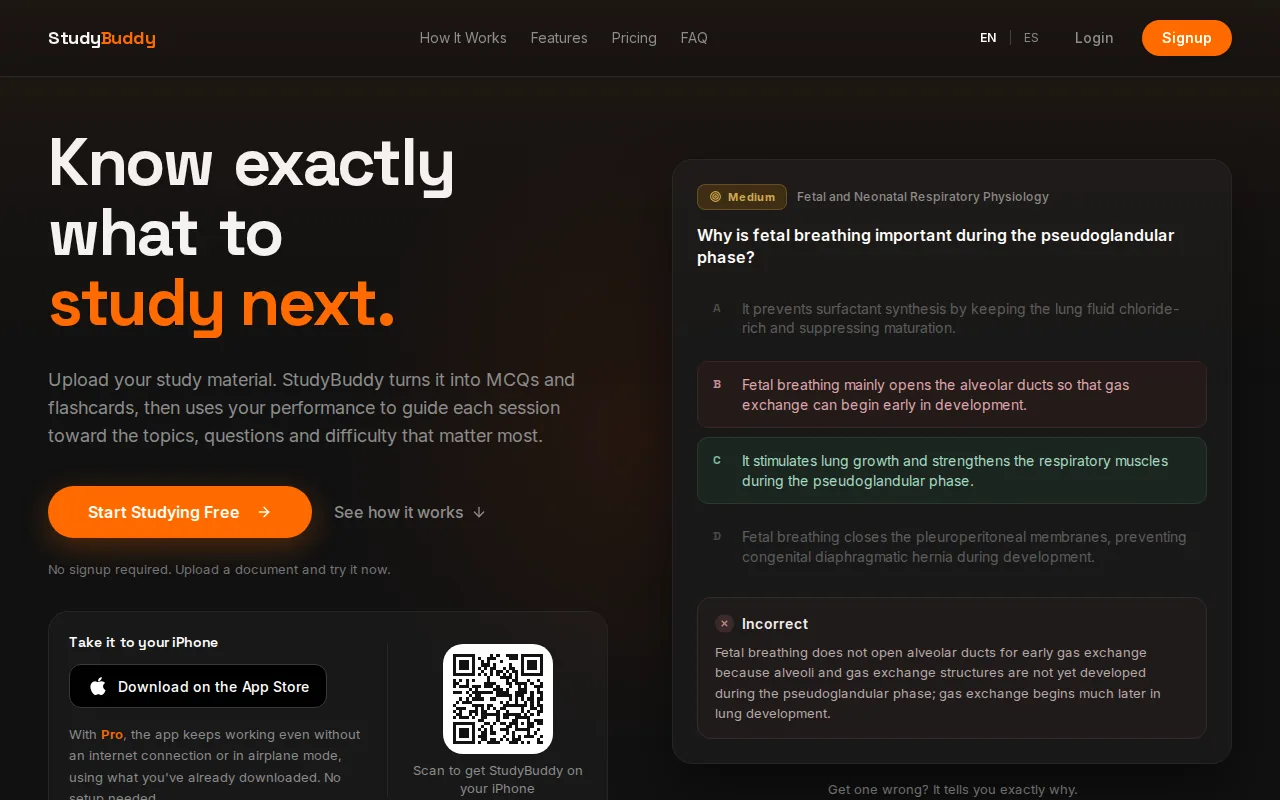
Practice adapts to your performance. If you miss questions about a topic, the app can bring that area back for more review. Topic mastery and the Readiness Score help you decide what to study next. They’re study signals, not guarantees of exam results, and you should check important answers against your course sources.
That flow can help when your class notes are long but your study time is short. For example, a statistics student could upload slides, answer MCQs, then focus the next session on missed concepts. A contract law student could use flashcards for terms and questions to test how well they apply course rules. If you want to compare other tools for making MCQs from class material, see these multiple-choice test maker tools.
StudyBuddy works in English and Spanish, and it’s free to try. Browser guest sessions don’t require signup. The free plan has five monthly processing credits and five active documents. Pro costs $8.99 per month or $89.90 per year, with 50 monthly credits and 30 active documents. That’s a useful distinction if you want to test the workflow before paying, but don’t treat the free plan as unlimited new uploads.
2. Knowt: Turn course files into flashcard sets
Knowt turns notes, PDFs, and PowerPoint slides into flashcard sets. It fits students who want to start with their own materials and review through cards, rather than build each card from scratch. Its Learn mode uses adaptive scheduling, so review can respond to how you’re doing.
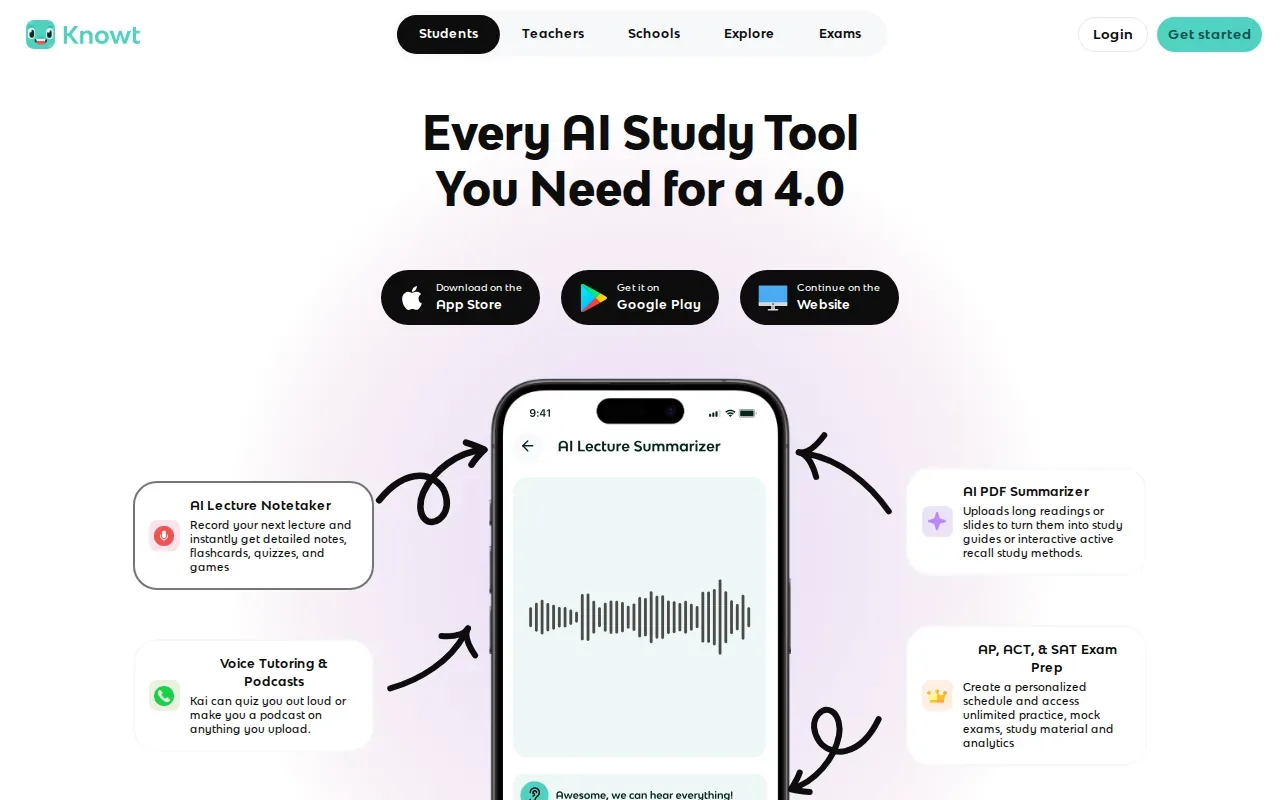
For a fast review session, import a lecture PDF and use the generated cards to test terms, definitions, dates, or short explanations. Cards work well when an answer can fit in a few words. If a course idea needs a longer explanation, return to the source file and make sure the prompt hasn’t cut out an important detail.
Knowt can also import Quizlet sets. That can help if you already have cards there and want to bring them into your study routine. Its main fit in this list is straightforward: course files in, flashcard sets out. If your priority is comparing different PDF-to-flashcard tools, focus on what each app generates and how you’ll review the result.
Knowt’s Learn mode adds a review schedule after card creation. That matters when you need to return to material across several sessions instead of flipping through every card once before an exam. Still, the usefulness of a set depends on the source material and the quality of its prompts. Scan a few cards before relying on the full deck.
Choose Knowt when flashcards are your main study format, especially if your notes or slides are already digital. For broader exam practice, check whether cards alone match the question style you’ll face.
3. StudyFetch: Study from PDFs, slides, and recorded lectures
StudyFetch turns PDFs, slides, videos, and recorded lectures into notes, flashcards, quizzes, and practice tests. It’s suited to students whose course content lives in several formats and who want an AI tutor chatbot, Spark.E, alongside their study materials.
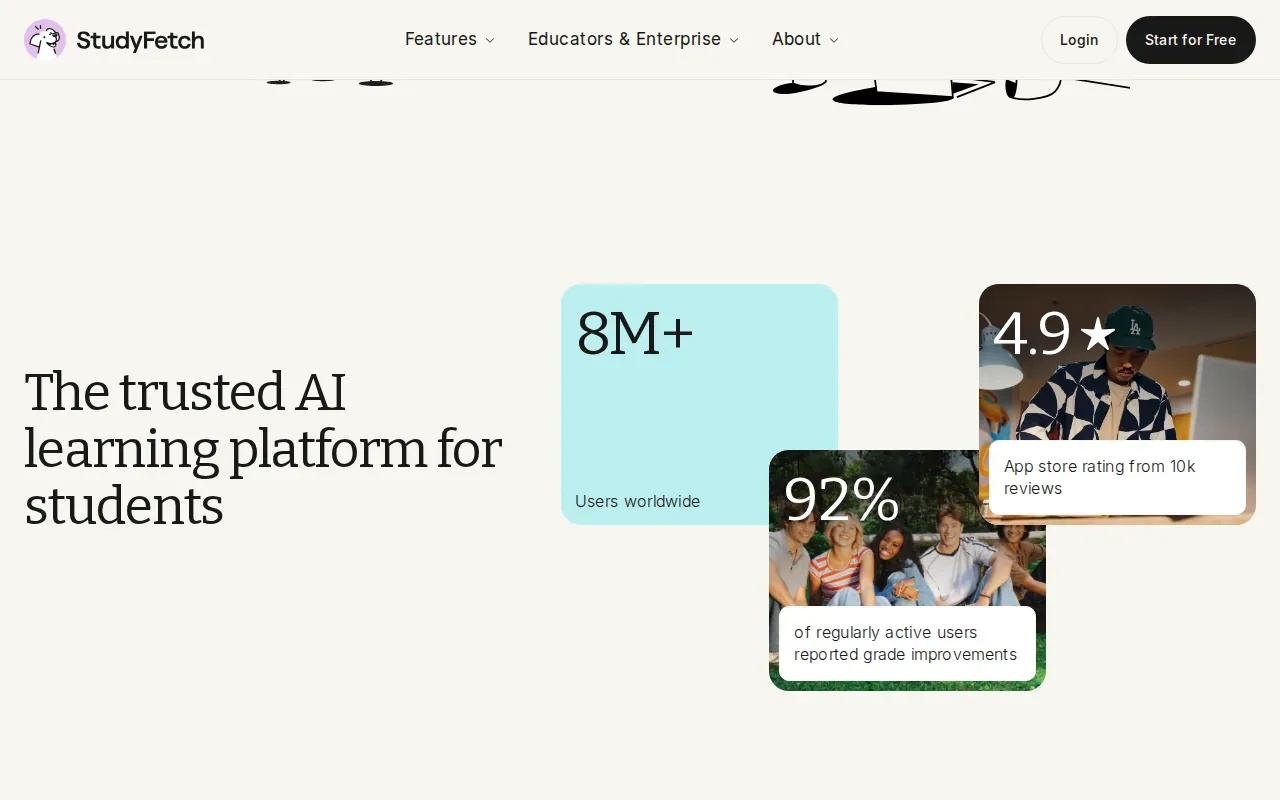
That range can suit a week with both lecture recordings and written readings. Add a recording for review, then work through questions from the material. StudyFetch also has spaced repetition and a study planner with a calendar, so you can set review sessions around an exam date instead of leaving all practice for the night before.
The app’s extra study features may help if your routine includes more than reading and card review. Its AI assistant can support questions about your uploaded material, while the exercise scanner and planner add other ways to work. The exact mix you need depends on your classes.
Turn your notes into a practice exam
Upload a document and StudyBuddy builds questions, flashcards and explanations in minutes.
Try it freeStudyFetch is one of the options here for students who want several study formats from lecture content. Try a short set first and check whether its notes and questions reflect what your instructor stresses. Generated study aids can help you review, but they shouldn’t replace required readings or official course guides.
Choose it if recorded lessons are a regular part of your course and you want to turn them into more than one review format. If your work is mostly from a single PDF, a simpler file-to-flashcard workflow may be enough.
4. Studley AI: Make quizzes from lecture materials
Studley AI turns PDFs, slides, videos, audio, photos, and YouTube videos into study materials. It can generate flashcards, quizzes, fill-in-the-blank questions, written tests, and audio podcasts. Students preparing for exams or homework can use it to make different forms of practice from course content.
The range of input types is useful if some class material is a recording while other parts are in a slide deck or photo. You can create a quiz from one source, then use another output format for a different kind of review. For example, a language student might use cards for vocabulary and fill-in-the-blank prompts to check recall in context.
Studley AI also has personalized question selection, progress tracking, AI explanations for wrong answers, and adaptive quiz generation. Those features give you a way to revisit errors instead of treating each quiz as a one-time score. Read explanations with care, then check any answer that seems at odds with your notes or instructor’s guidance.
Its output choices set it apart from apps centered mainly on flashcards. Consider which formats you’ll actually use, though. Generating several kinds of material only helps if you have time to work through them and check the key ideas against the original source.
Studley AI is worth considering when your study files include video or audio and you want multiple kinds of practice. Start with one topic and a short quiz to see whether the generated questions match your class.
5. Brainscape: Review with confidence-based repetition
Brainscape uses confidence-based repetition for flashcard review. After each card, you rate your confidence from 1 to 5. It suits students who want a hands-on card routine and are willing to create their own cards rather than have them generated automatically from course files.
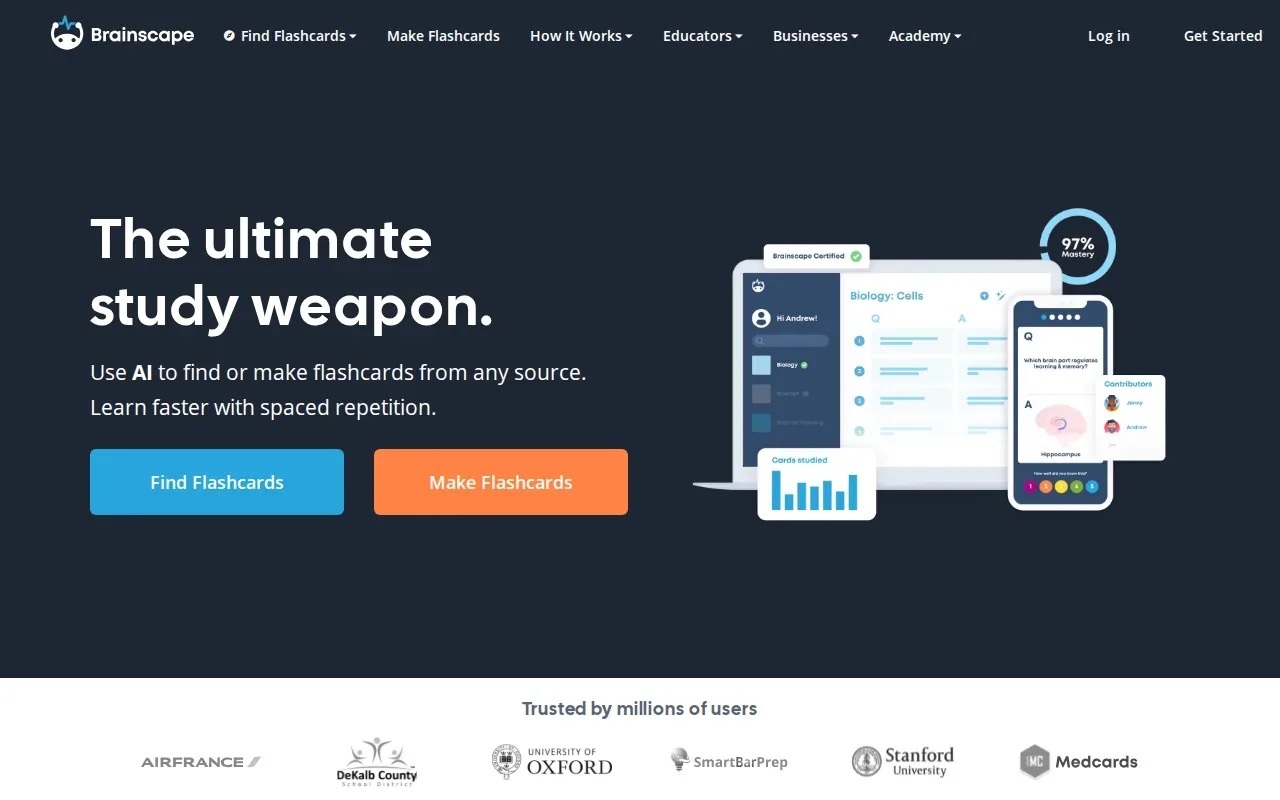
That confidence rating gives each review a small decision point. A card you know well can be treated differently from one that leaves you unsure. Over time, the method helps you direct attention to cards that need more work. Brainscape supports CSV import, which can help when your cards are already stored in a compatible file.
There’s a clear tradeoff. Brainscape’s content generation is manual, so you need to write or import the cards yourself. That gives you control over wording and detail, but it adds setup time when you’re starting with a large set of lecture slides. It may be a good fit for a smaller set of terms or facts that you want to shape carefully.
| What you need | How Brainscape fits | Consider another option if |
|---|---|---|
| Review based on your confidence | Rate each card from 1 to 5 | You want questions made from uploaded files |
| Cards you write yourself | Manual card creation | You need to turn a large PDF into study material quickly |
| Bring in existing cards | CSV import | Your material is in another format |
Brainscape is a sensible pick when you value control over each prompt and answer. If you’d rather spend less time building cards, look first at tools that generate study material from your files.
FAQ: Exam Preparation Apps
What are the best exam preparation apps for studying from PDFs?
StudyBuddy, Knowt, StudyFetch, and Studley AI can turn course files into study materials. StudyBuddy makes MCQs, flashcards, and answer explanations from PDFs and other course sources. Knowt focuses on flashcards from notes, PDFs, and slides. StudyFetch and Studley AI also work with other formats, including recorded or video content.
Can I make flashcards from lecture slides?
Yes, some apps can make flashcards from slides you upload. Knowt converts PowerPoint slides into flashcard sets, while StudyBuddy generates flashcards from slides alongside MCQs and answer explanations. Check a sample set against your lecture material before studying from it, since the source file still guides what the cards include.
Are exam prep apps free?
Some are free to try, but free access can have limits. StudyBuddy has a free plan with five monthly processing credits and five active documents. Its Pro plan costs $8.99 per month or $89.90 per year. Check the current terms in the app before planning a full term around a free tier.
Should I use more than one study app?
Use more than one only when each has a clear job. For instance, you might use one app to generate practice questions from course files and another for a separate review method you already prefer. Keep your core notes in a place you can find, and avoid spending study time copying the same material between tools.
Conclusion
If you want exam practice made from your own course materials, start with StudyBuddy: upload a file, try its MCQs and flashcards, then use topic mastery and Readiness Score to choose what to review. It’s free to try, so test one unit before deciding whether a paid plan fits your study routine.
Turn your notes into a practice exam
Upload a document and StudyBuddy builds questions, flashcards and explanations in minutes.
Try it freeRelated articles
-
How to Do Spaced Repetition: A Step-by-Step Guide
Studying the same material for hours can feel productive, then leave you unsure what you can recall. Learning how to do spaced repetition gives each topic another chance to stick: review it after a...
-
Accounting Practice Questions and Study Resources
Accounting problems can feel tricky when you’re not sure which rule to use. These accounting practice questions cover core topics, show how to work through sample answers, and point you to ways to...
-
How to Study for a Final Exam: 5 Steps That Work
If you’re figuring out how to study for a final exam, a pile of slides and notes can make it hard to know where to begin. Start with the topics your instructor is likely to test, then spend most of...