Best Multiple Choice Test Maker Tools for Students


Need practice questions from a course PDF or lecture slides? The right multiple choice test maker can turn your study material into a test you can work through, not another stack of notes to format. Here are ten tools, with StudyBuddy first for students who want practice that adapts to their results.
1. StudyBuddy
StudyBuddy is a web and iPhone study app that turns your course material into multiple-choice questions, flashcards, and answer explanations. It suits university students and exam candidates who want to study from their own files rather than start with a blank test.
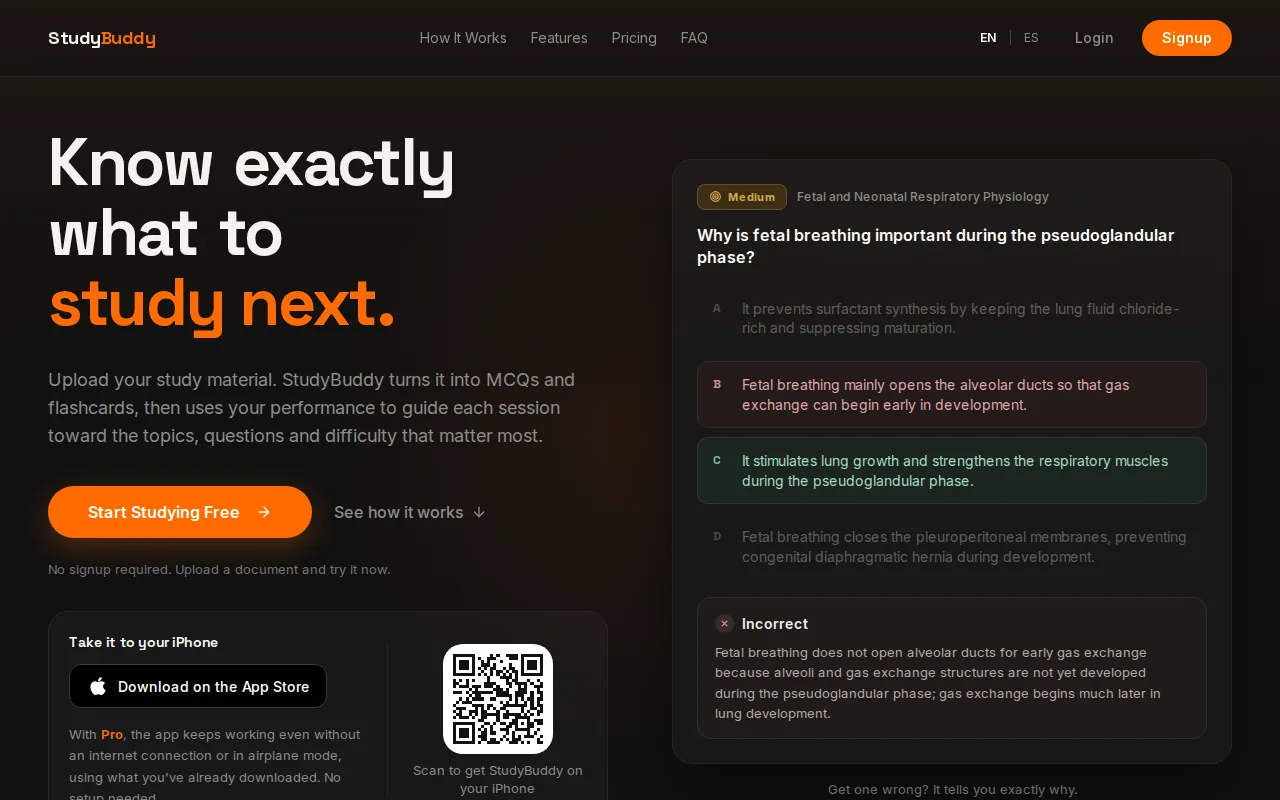
Upload a PDF, lecture slides, notes, or a photo of study material. You can also use YouTube videos. The app generates practice from what you provide, then adapts question practice to your performance. Get a question wrong? Use the explanation to review the idea, then let the app bring attention back to topics that need more work.
Topic mastery and Readiness Score give you a way to decide what to review next. They’re study signals, not a promise that you’ll pass an exam or that every explanation is error-free. Check generated questions against your course materials, especially when a detail or definition matters.
StudyBuddy works in English and Spanish and is free to try. Pro pricing is $8.99 per month or $89.90 per year. For MCQs drawn from course files, the multiple-choice question generator for uploaded study material explains the practice workflow.
It’s the strongest fit here when your main need is active practice from your own material. If you only need a basic quiz to distribute to a class, a teacher-focused test builder may be a better match.
2. Edcafe: quiz creation and grading for teachers
Edcafe is an AI toolkit for teachers that can generate quizzes. It suits instructors who want to prepare and organize teaching materials, rather than students looking only for a personal practice set.
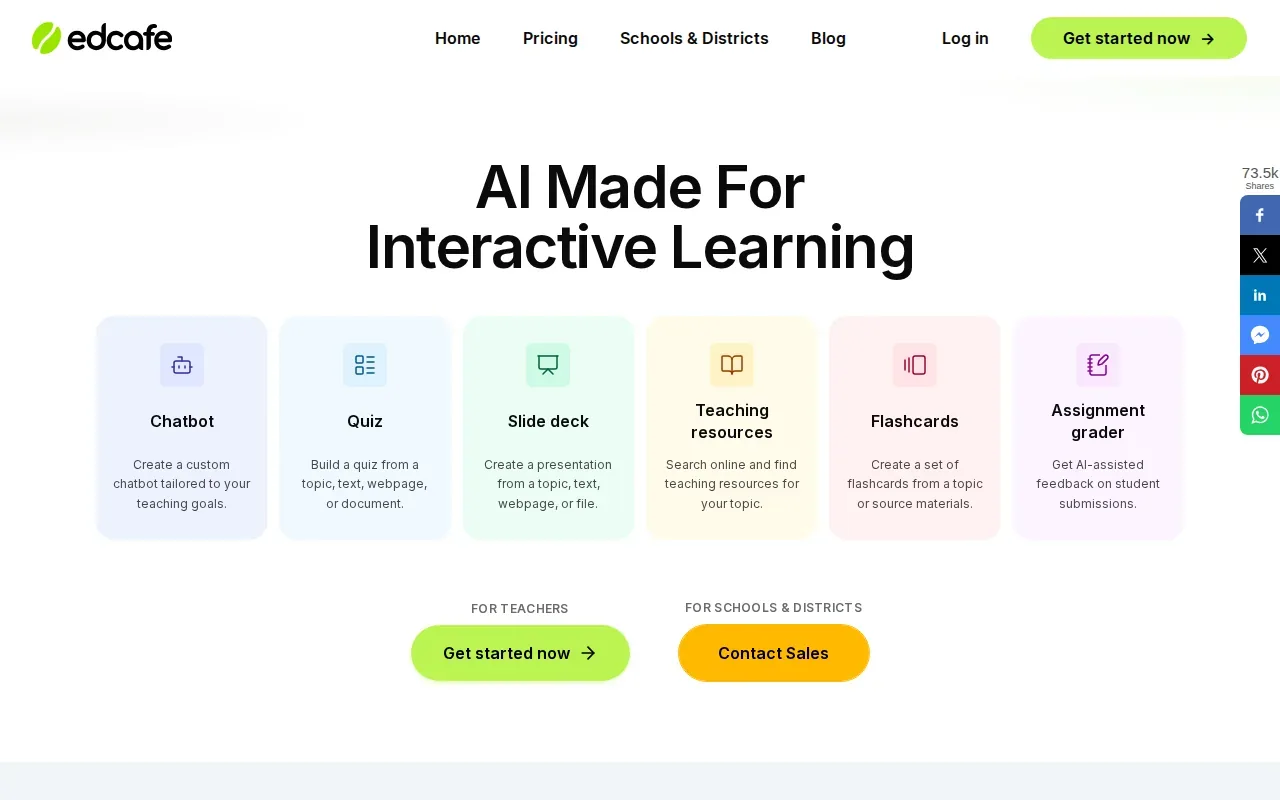
Its stated focus is broader than quiz writing: the tool is built for teachers who need to generate and share teaching materials. Quizzes are one of its outputs, but its site doesn’t highlight student-specific features such as spaced repetition or adaptive practice. So treat it as a possible teacher workflow, not as a replacement for a study system that tracks your weak topics.
For a student, the key question is who will use and manage the quiz. If your instructor is assigning quizzes, a teacher-oriented tool may suit that classroom process. If you’re studying alone from your own lecture slides, look for a tool that clearly supports your file types and shows how practice responds to your answers.
Edcafe is the more relevant pick for teacher-led quiz preparation. Check whether it offers automatic grading, reporting, or sharing options before building a class workflow around it.
3. NoteGPT: PDF-based quiz question generation
NoteGPT generates quiz questions from PDFs. It may suit students whose course content is already saved as PDF files and who want questions based on that source.
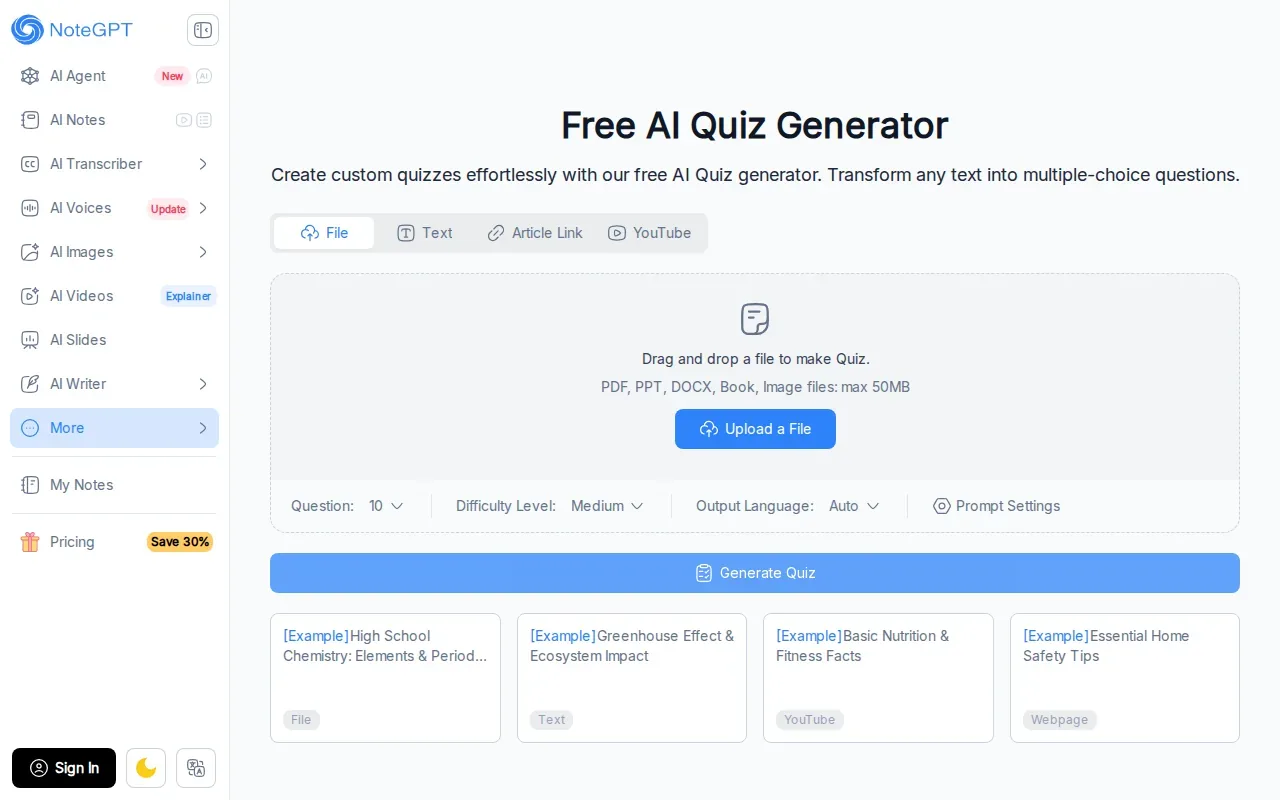
That PDF-first focus can be useful when a course reader or study guide is the main thing you need to review. You can start with the document rather than copy its content into a test by hand. Flashcards, performance tracking, automatic grading, and adaptive practice aren’t publicly listed, so check with the provider.
Language support is another point to check. NoteGPT doesn’t list multilingual support. That matters if your class material or preferred study language isn’t English. Don’t assume the generated quiz will handle a language need that the tool doesn’t state it supports.
Before relying on any generated set, compare its questions and answer choices with the source PDF. A question can sound plausible while missing a course-specific term or putting too much weight on a small detail. NoteGPT is a narrow option for PDF question generation; students who study from slides, photos, or notes should look for broader input support.
4. Knowt: quizzes paired with spaced repetition
Knowt pairs quizzes with flashcards and spaced repetition. It suits students who want to move between testing themselves and reviewing cards over time.
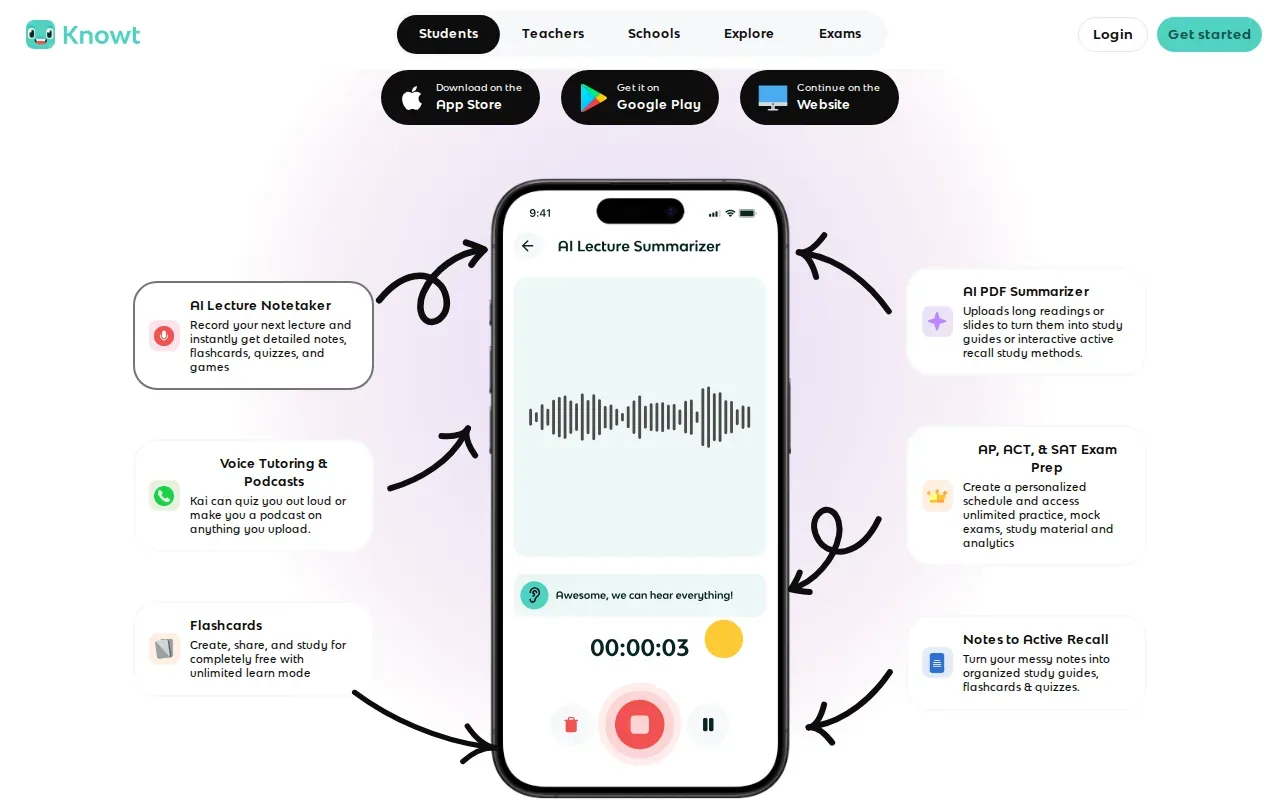
Spaced repetition brings back material for review instead of keeping every card in one long, unchanged run. That gives Knowt a study angle beyond generating a one-time quiz.
Its listed outputs are flashcards and quizzes. If your goal is to turn a particular set of lecture slides or course notes into a practice exam, check which input formats Knowt currently accepts.
For more on how a document-based workflow differs from card-focused study, StudyBuddy’s comparison of adaptive practice and flashcards can help you weigh the formats. Knowt is a reasonable fit if flashcards and spaced review are central to your routine. If you need a particular file type, verify that first.
5. TestPortal: quiz questions from text and PDFs
TestPortal is an online assessment tool that can generate questions from text, PDFs, and other files. It suits students or instructors who want to build a quiz from more than one kind of source material.
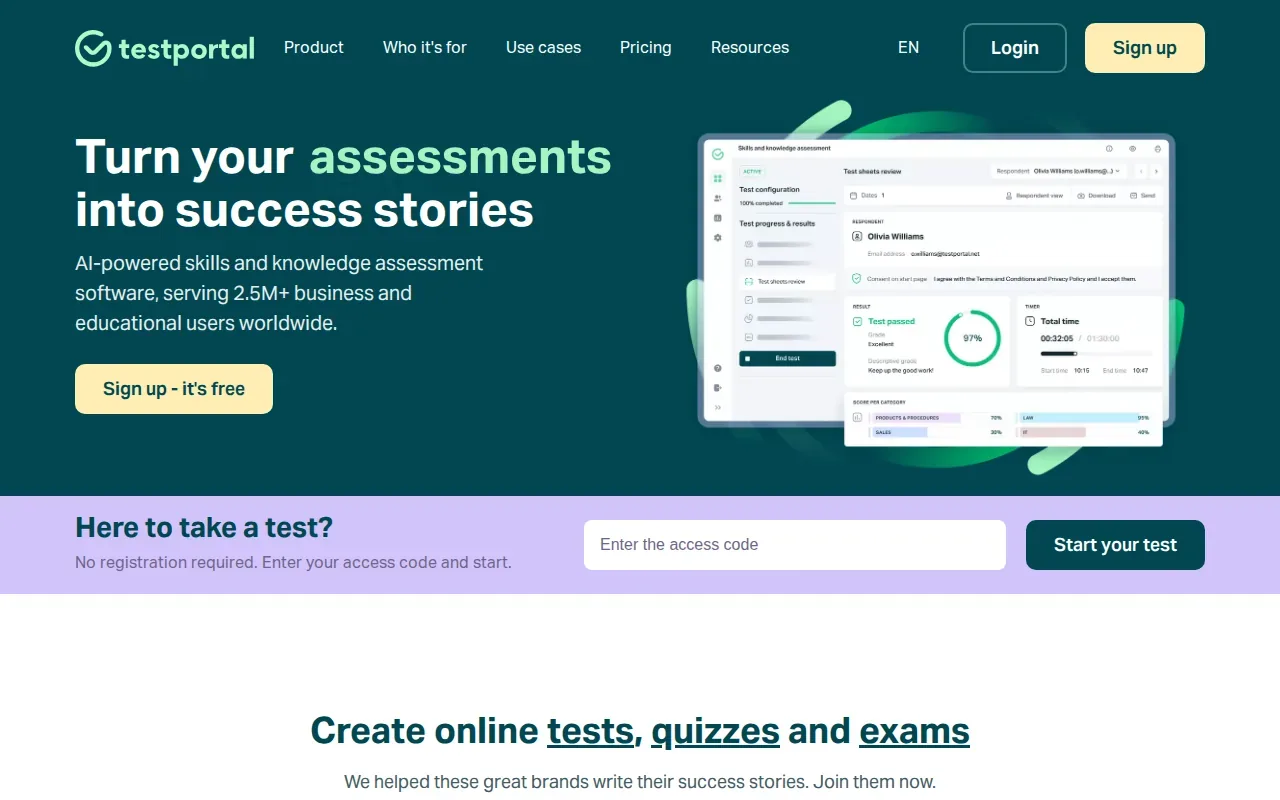
The stated question outputs include multiple-choice questions, single-choice questions, and quizzes. That gives you options when a course question needs one correct response or a set of choices. Its site doesn’t say that it generates flashcards or adjusts future questions based on your results, so think of it first as a question and assessment builder.
For a useful practice test, review the generated wording and choices before you take it. Check that each item tests a course idea and that the correct answer matches your notes. If you’re making an exam for others, make sure the instructions tell test takers what to expect. A quiz link alone doesn’t explain grading rules or how results will be used.
TestPortal’s stated support for text and files may help when your material isn’t kept in one PDF. Exact sharing, reporting, and grading features aren’t publicly listed. Confirm those needs directly before using it for a class assessment.
6. QuizWhiz: a freemium quiz maker from PDFs
QuizWhiz is a freemium quiz maker that generates multiple-choice questions from PDFs. It suits students who want to try PDF-based question generation before choosing a paid option.
Turn your notes into a practice exam
Upload a document and StudyBuddy builds questions, flashcards and explanations in minutes.
Try it free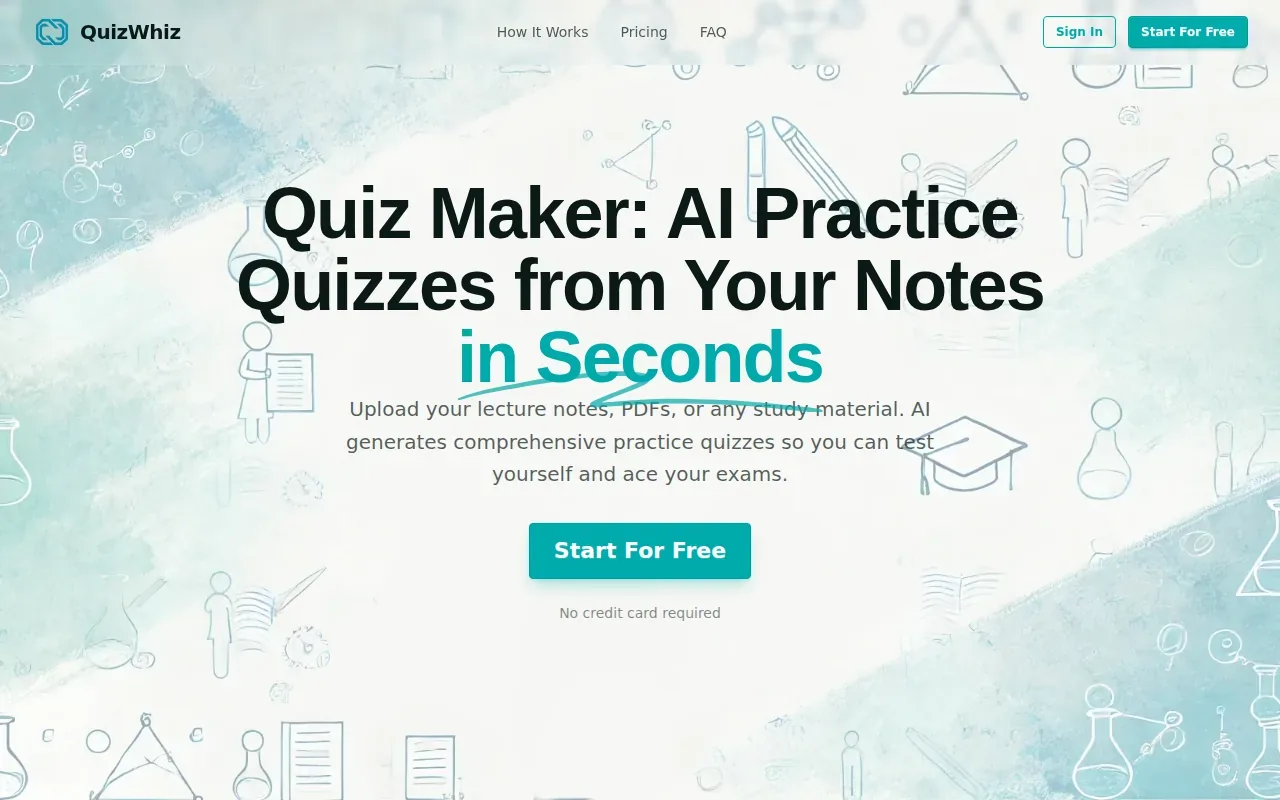
QuizWhiz lists a limit of 20 runs. Each 400 words in a PDF counts as a run, and a request can process 2,000 words. Those limits make document length worth checking before you upload a large course reading. A long textbook chapter could use more of your available runs than a short handout.
QuizWhiz can output questions as JSON or a text file. That may help if you need to keep a copy of generated questions outside the quiz tool. QuizWhiz doesn’t say that you can choose the number of questions, and they identify multiple-choice as its question type. If you need short-answer questions or flashcards, this may not cover the whole study task.
Review each question against the source before you use it for exam prep. The run limit is a reason to test a short, focused excerpt first, then decide whether the generated format works for your material. Don’t upload a long file until you understand how the tool counts its use.
7. Coursebox: AI quiz generation for course content
Coursebox has an AI Quiz Generator.
That lack of detail matters if your goal is specifically PDF to quiz or questions from lecture slides. Before you commit to a workflow, check whether your own file type can be used as input and whether the output includes multiple-choice questions. A tool described as an AI quiz generator may not match every format or use case you have in mind.
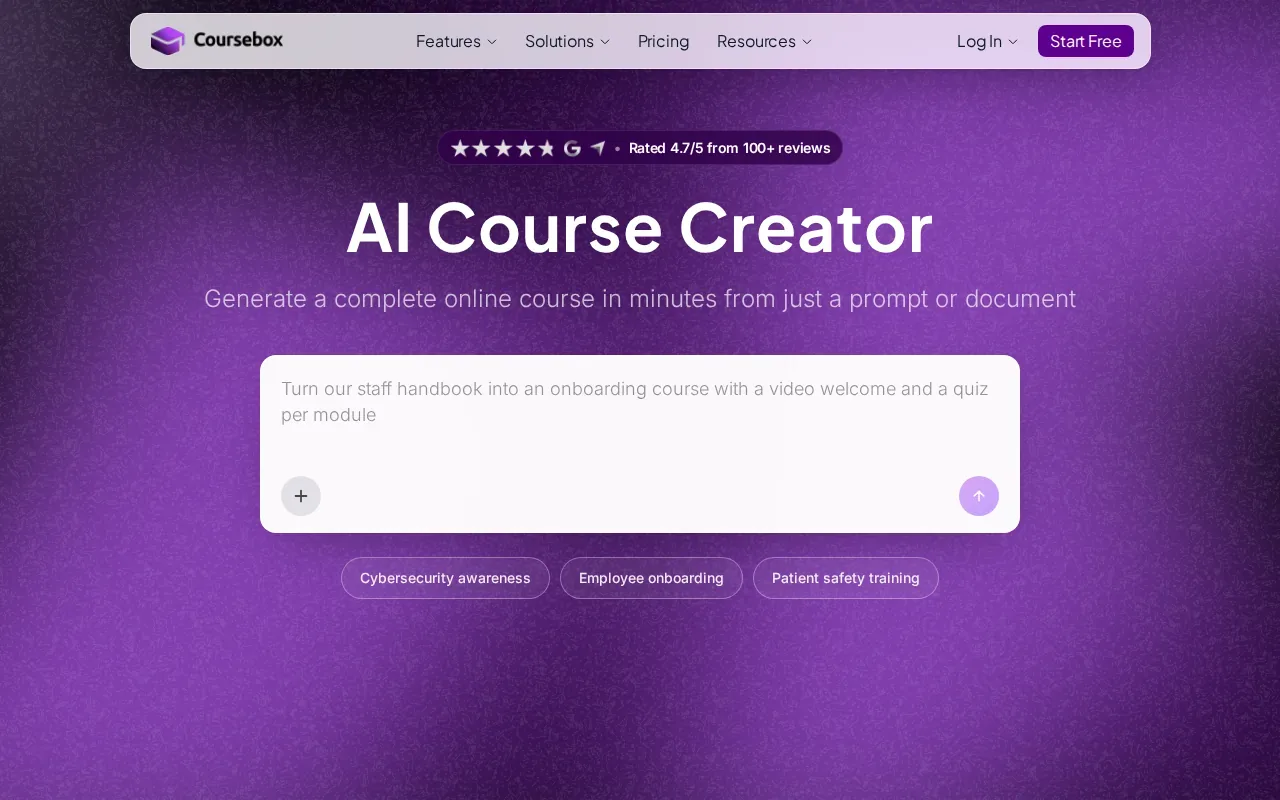
Also check what happens after a quiz is made. If you want to study alone, the ability to make a quiz may not be enough; you may also want feedback that helps you see what to review next.
Coursebox belongs on a shortlist if you’re investigating AI quiz generation for course content. Treat the missing feature details as questions to verify, not as capabilities to assume.
8. Flippity: a free option for basic quiz activities
Flippity is a free option for creating quiz activities. It suits students or instructors who need a no-cost starting point for a basic quiz and don’t need confirmed adaptive study features.
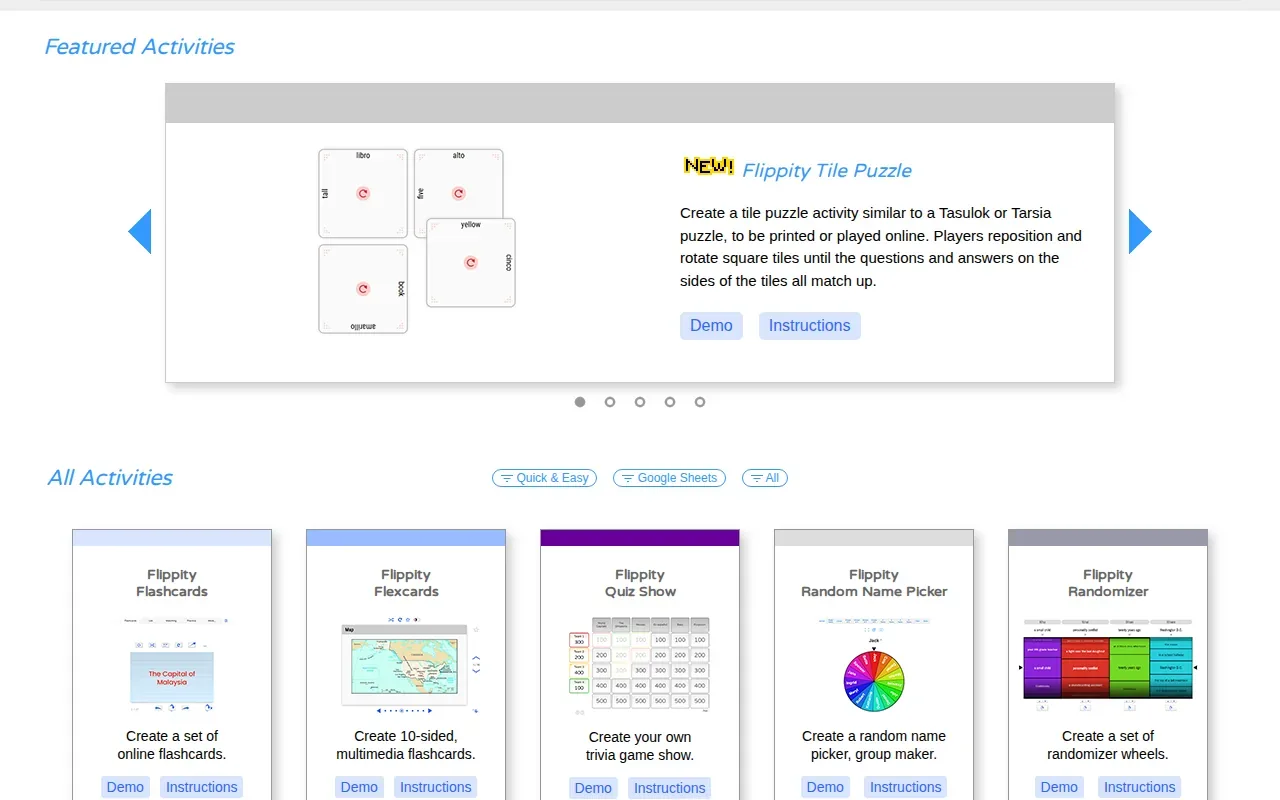
Flippity lists quizzes as its output and is free to use. It doesn’t say that it can generate questions directly from PDFs, lecture slides, or notes. If you already have a set of questions, a basic quiz activity may still be useful. If you want AI to turn your course file into new MCQs, check that this workflow is supported before you begin.
Free access can be a good fit for a quick self-check, but price isn’t the only decision. Consider how you’ll enter questions, whether you need explanations, and how you’ll review mistakes later.
Choose it for a simple, free quiz activity. If your study plan depends on questions drawn from a specific source document, prioritize a tool that clearly names that input format.
9. EasyTestMaker: multiple question formats for test builders
EasyTestMaker is an online test builder with several question formats. It suits students or instructors who want to assemble a test by hand and may need more than multiple choice.
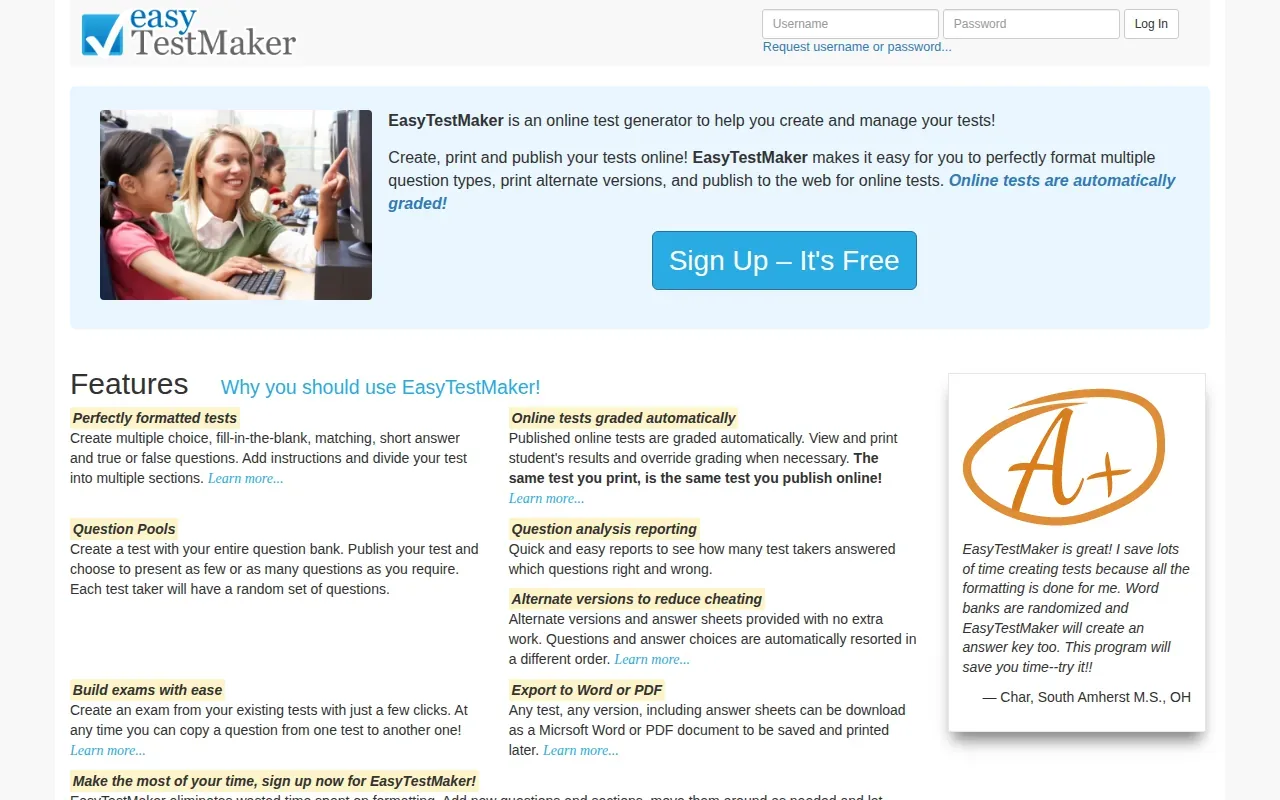
Its listed formats include multiple choice, fill-in-the-blank, matching, short answer, and true or false. Online tests are automatically graded, and the tool can show or print student results. It also supports reports on which questions test takers answered correctly or incorrectly. These features make it a fit for a prepared test bank, rather than a tool whose main stated job is to generate questions from a PDF.
EasyTestMaker also describes alternate test versions and answer sheets. It can present a random set of questions from a larger question bank, and it can export tests or answer sheets as Word or PDF files. Those options may help when you need both online and printed versions.
10. Wondershare PDFelement: quiz prompts while working with PDFs
Wondershare PDFelement is a PDF editor with a Chat with PDF feature that can be prompted to create a quiz. It suits students who already work with PDF files and want to ask an AI assistant for questions while reading.
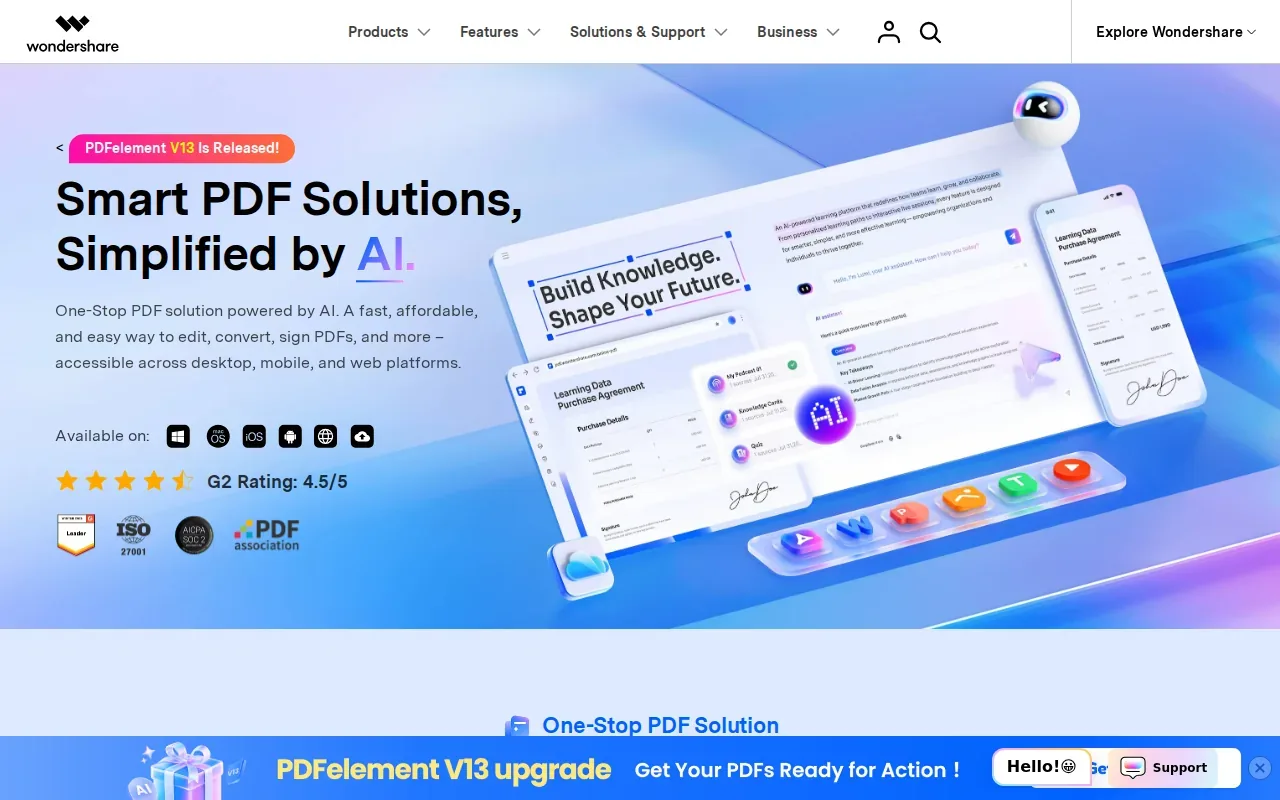
PDFelement doesn’t list a full student study loop with performance-based practice, topic mastery, or exam readiness tracking. Think of it as a way to request quiz prompts from a PDF, not a confirmed adaptive test-prep system.
| Tool | Best fit | Check before relying on it |
|---|---|---|
| StudyBuddy | Practice from personal course materials with adaptive question practice | Generated answers still need a source check |
| Edcafe | Teacher-focused quiz preparation | Confirm grading and sharing features |
| NoteGPT | Question generation from PDFs | Language needs and study modes |
| Knowt | Quiz and flashcard review with spaced repetition | Supported input file types |
| TestPortal | Questions from text, PDFs, or other files | Reporting and grading details |
| QuizWhiz | Freemium PDF-based MCQs | Run limits and question count control |
| Coursebox | AI quiz generation for course content | File types and available outputs |
| Flippity | Free quiz activities | Question entry and feedback options |
| EasyTestMaker | Test building with multiple question formats | Free plan limits and online test needs |
| Wondershare PDFelement | Quiz prompts while working with PDFs | Whether generated questions fit your study workflow |
If you’re choosing between document-based questions and a general PDF assistant, ask whether you want the quiz to end after generation or guide your next review session. That distinction shapes what you should test first.
FAQ
What is the best multiple choice test maker for students?
StudyBuddy is a strong choice for students who want MCQs based on their own course materials. It turns PDFs, slides, notes, and photos into questions, flashcards, and answer explanations, then adapts practice to performance. If you need a teacher-led quiz or a manual test builder, compare the other tools by their stated use and confirm features before choosing.
Can I make multiple-choice questions from a PDF?
Yes, several tools in this shortlist state that they can generate questions from PDFs. StudyBuddy, NoteGPT, QuizWhiz, TestPortal, and Wondershare PDFelement are among them. Their outputs and study features differ, so check whether you also need explanations, flashcards, or practice that responds to your answers.
Are there free multiple choice test makers?
Yes, free or freemium options are available, including Flippity and EasyTestMaker. QuizWhiz is freemium and has stated run limits. StudyBuddy is free to try. Check each tool’s current limits before building a full study routine around it.
Can a quiz maker grade answers automatically?
Some quiz makers can grade responses automatically, but don’t assume every tool does. EasyTestMaker states that its published online tests are automatically graded. If instant scoring matters, verify how answers are graded and when students can see results.
How can I check AI-generated quiz questions?
Compare each question and answer with the course PDF, lecture slides, or official study guide it came from. Check that the wording tests the intended idea and that the marked answer is supported by your materials. Treat answer explanations and topic scores as study aids, not as a guarantee of correctness or exam results.
Conclusion
For study questions based on your own course material, start with StudyBuddy: upload a file, try a short practice session, and see whether its feedback helps you choose what to review. If you’re ready to turn your notes into a broader quiz routine, explore the AI quiz generator for practice from notes and PDFs.
Turn your notes into a practice exam
Upload a document and StudyBuddy builds questions, flashcards and explanations in minutes.
Try it freeRelated articles
-
Create Study Cards With an Online Flashcard Maker
Got lecture slides piling up and no time to turn them into cards? An online flashcard maker can turn your course files into a first draft, so you can spend more time testing what you know. Here’s a...
-
Free Flashcard Maker: Turn Notes Into Study Cards
Lecture slides pile up fast. A free flashcard maker can turn your course material into cards and practice questions, so you spend less time typing and more time testing what you know. Choose a tool...
-
How to Make Effective Flashcards
Effective flashcards make you recall an answer before you see it. A card that only asks you to pick from choices can feel easy without testing what you know. Use this six-step process to turn course...