Best Free PDF-to-Flashcard Tools for Students


Turning a course PDF into flashcards can save you from typing every question by hand. The catch is that free access, exports, and study features vary. Here are ten named options, starting with StudyBuddy, and what each is suited to.
1. StudyBuddy
StudyBuddy turns your course PDFs, slides, notes, photos, or YouTube videos into MCQs, flashcards, and answer explanations. It’s best for students who want to turn their own class material into more than a deck of cards.
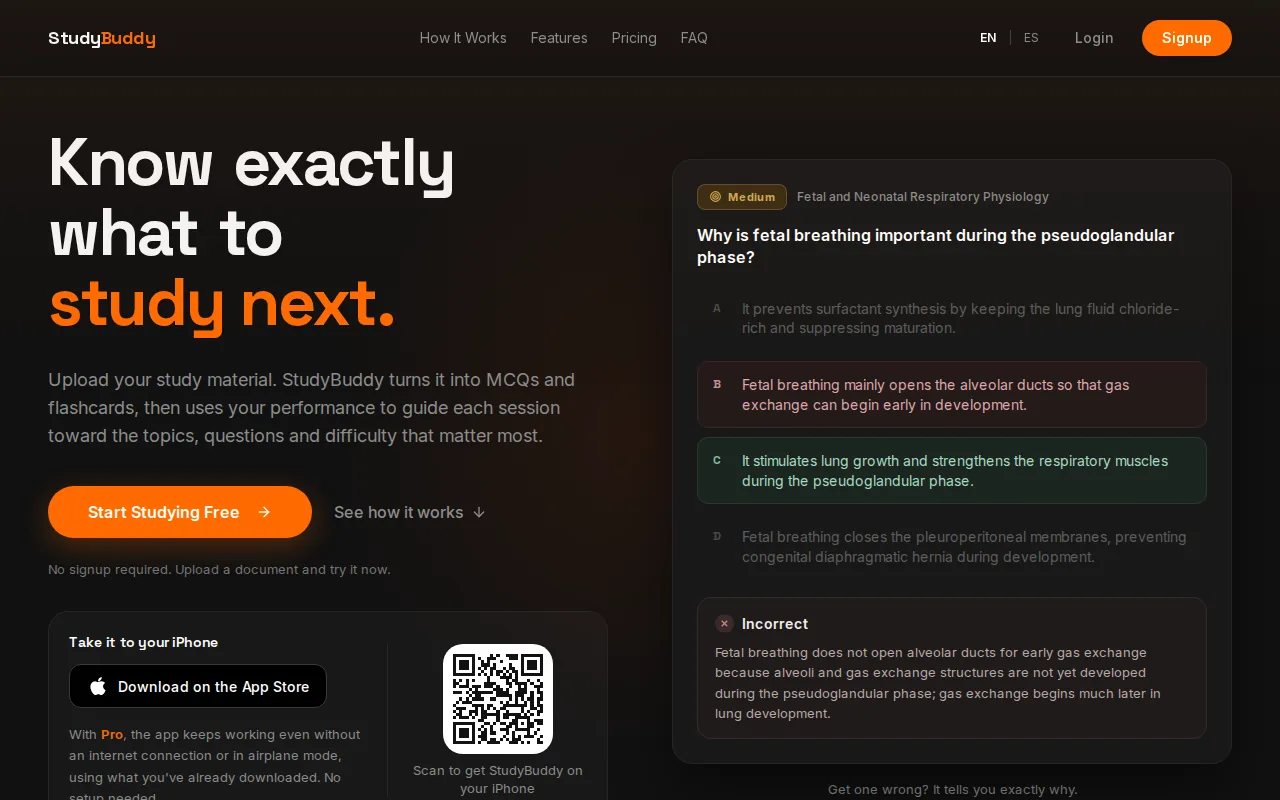
After you practice, the app adapts later questions to your performance and tracks topic mastery and exam readiness. Those signals can help you decide what to review next; they don’t promise an exam result. You can try StudyBuddy without signup in a browser guest session. Free access is limited, while Pro costs $8.99 per month or $89.90 per year.
If your main task is converting a course PDF, the PDF-to-flashcards tool explains how one uploaded document can support both flashcards and quiz practice. StudyBuddy also works in English and Spanish, which can help if you study in either language.
Generated cards are a first draft, not a reason to skip checking the source. For cards that test one clear idea at a time, use these flashcard design tips as you review the deck.
2. Recall Genie: Anki-focused card generation
Recall Genie generates Anki flashcards from notes. It may suit you if your study routine already centers on Anki and you want help drafting cards from course notes.
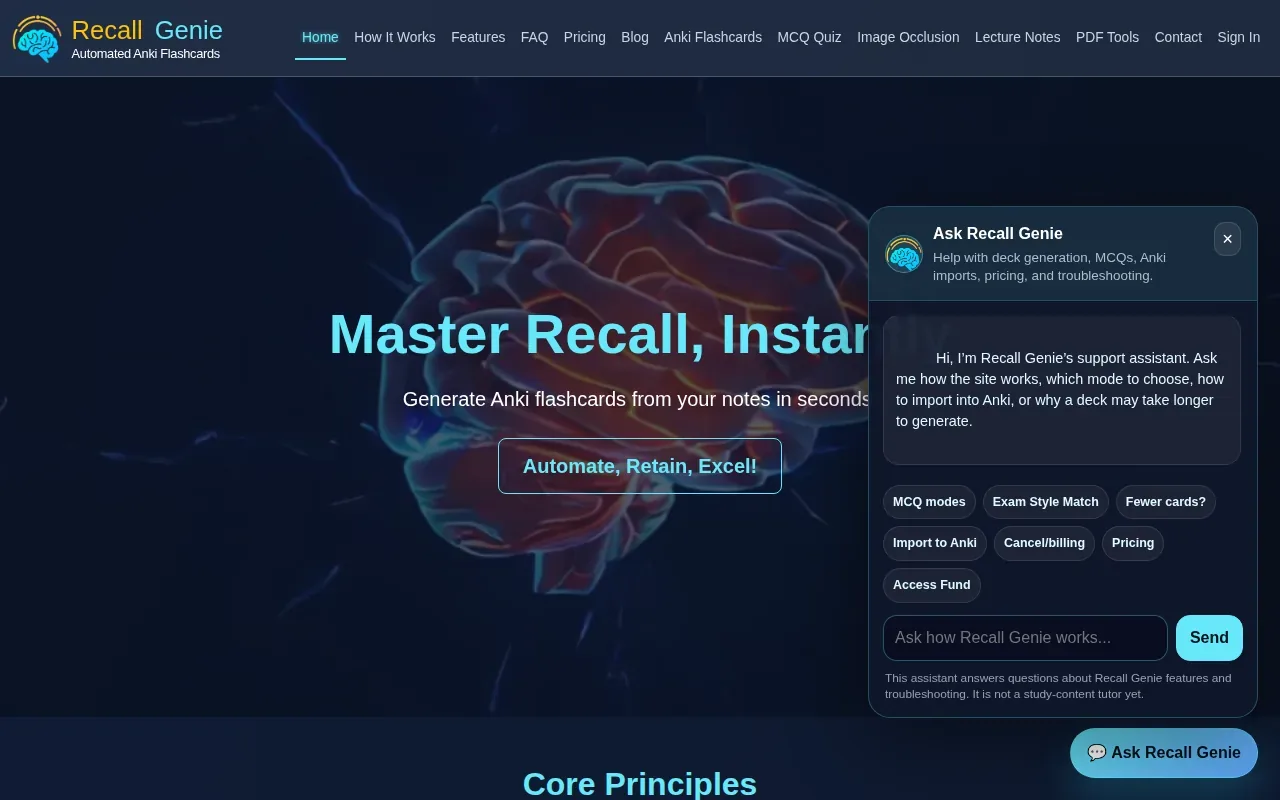
Check PDF upload, export steps, editing controls, and how much free use is available before you rely on it for a large reading list.
For a lecture PDF, confirm that the tool can read your file type and that its output fits the Anki format you use. A card that needs heavy rewriting may save less prep time than it seems.
3. RemNote: Flashcards within a note-based study system
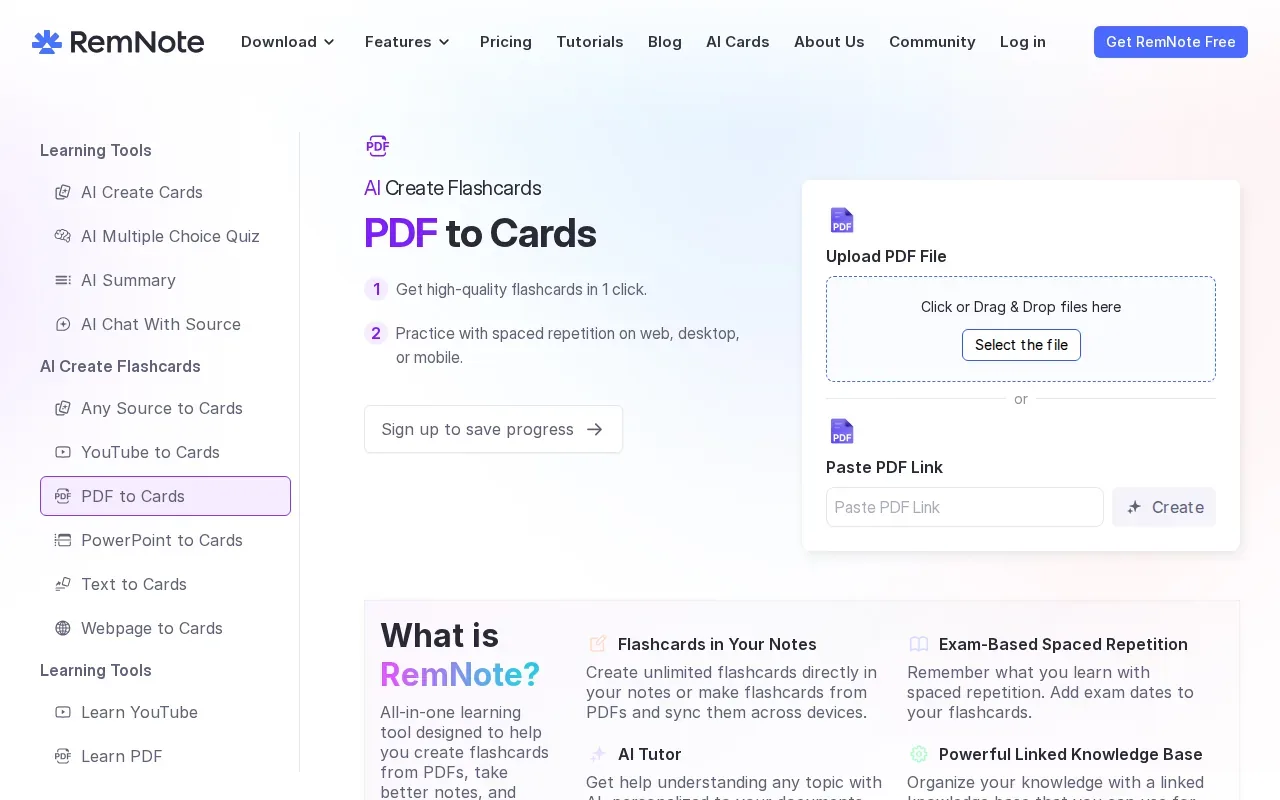
RemNote makes flashcards within a note-based study system. Check its free limits before moving a full course into it. If your priority is only a quick deck, compare how much setup it asks of you.
Good cards still need a clear prompt and a short answer. That matters when a lecture slide packs several definitions into one paragraph. Keep the source open as you check the generated deck.
4. ChatPDF: Ask questions about a PDF before making cards
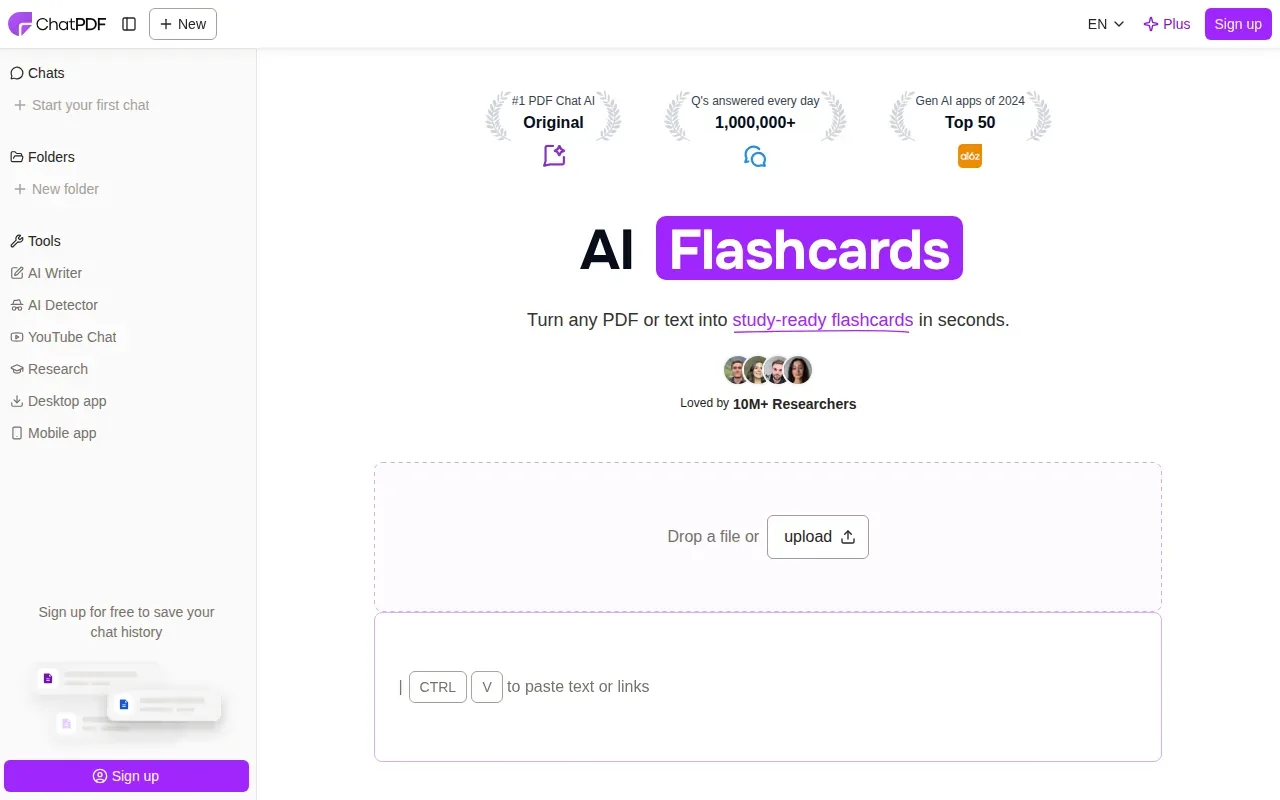
ChatPDF lets you ask questions about a PDF before you make cards. For example, ask about a term in a statistics handout, then use the explanation to draft a question-and-answer card. Check free-use limits, export options, and editing controls before planning a full deck around it.
Review each answer against the PDF, especially when the file has tables, formulas, or scanned pages. A fluent answer can still miss a detail in your instructor’s wording.
5. QuizRise: Quiz and flashcard creation to check
QuizRise has a PDF-to-flashcards option and may suit students who want generated study questions alongside cards.
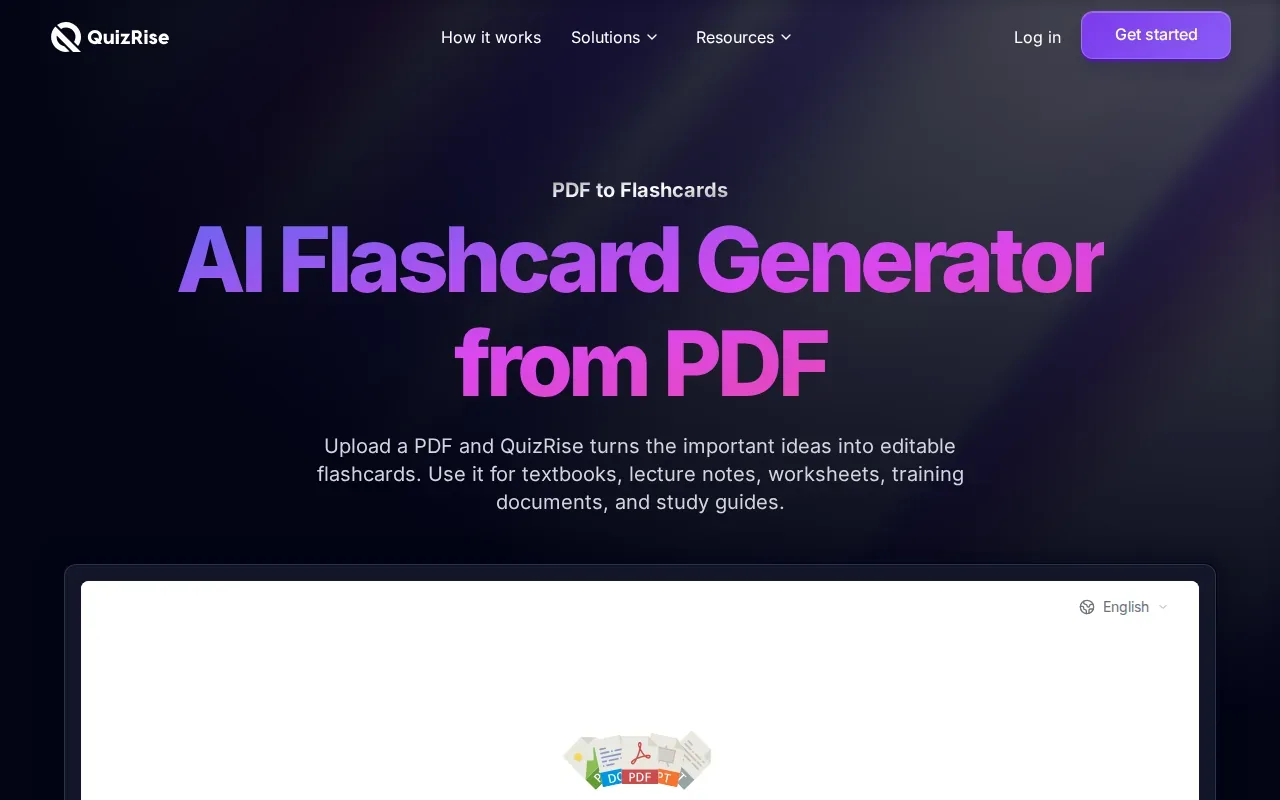
Before uploading a full set of readings, check whether the free tier covers the file size or number of cards you need. Also confirm its free allowance, export formats, and editing controls rather than assuming they’re included.
When you get a draft, test it against your course goals. For an accounting PDF, a useful card might ask you to name the step in a process, not merely recognize a term.
6. Scholarly: Check its PDF study-material options
Scholarly has a PDF-to-flashcards tool.
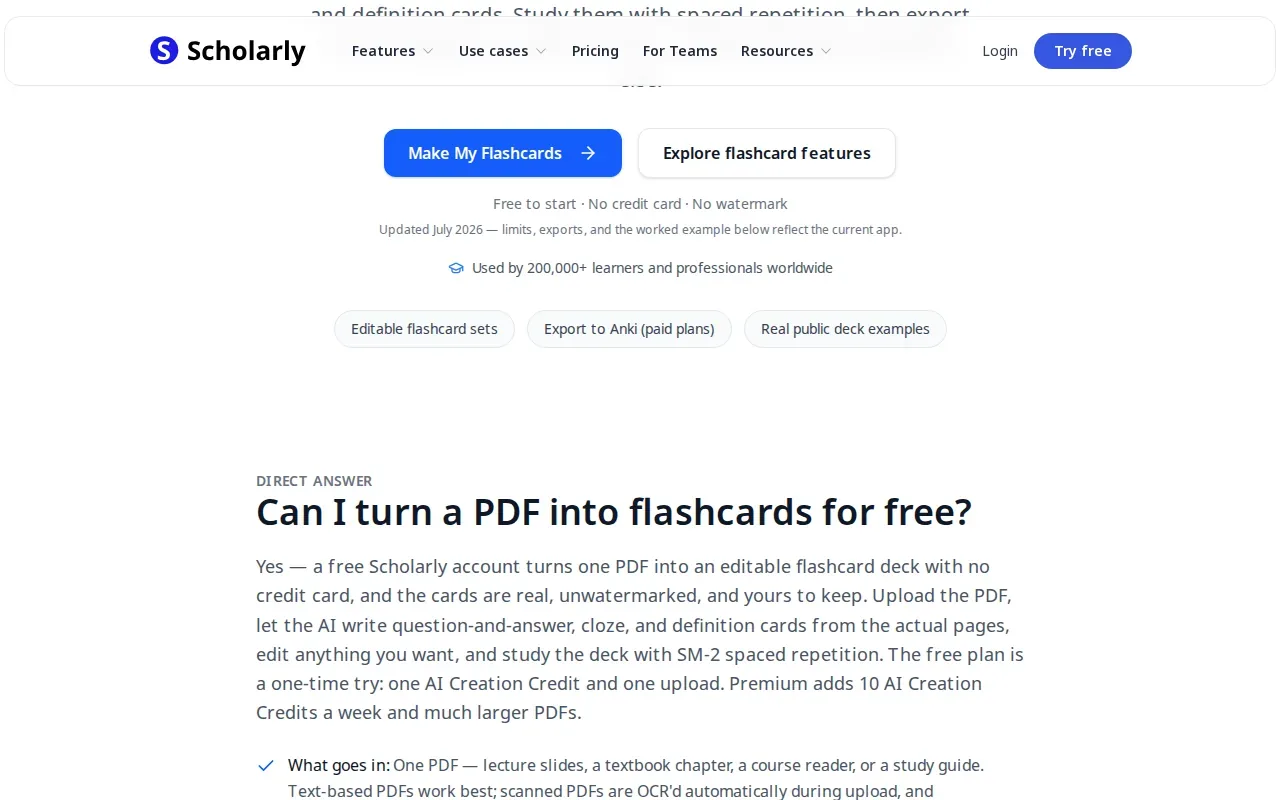
Check its free limits, exports, card editing, and scanned-PDF support before you spend time preparing files. In particular, ask whether cards can be edited before review and whether you can keep a copy outside the service.
Turn your notes into a practice exam
Upload a document and StudyBuddy builds questions, flashcards and explanations in minutes.
Try it freeFor dense reading, use the generated deck to find gaps, then return to the original text. Don’t treat a generated set as a full replacement for your instructor’s study guide.
7. KardsAI: Flashcards from PDFs, text, or prompts
KardsAI generates flashcards from PDFs, text, or prompts. Its study features include quizzes, spaced repetition, and an AI tutor, so it may suit students who want several ways to review a deck.
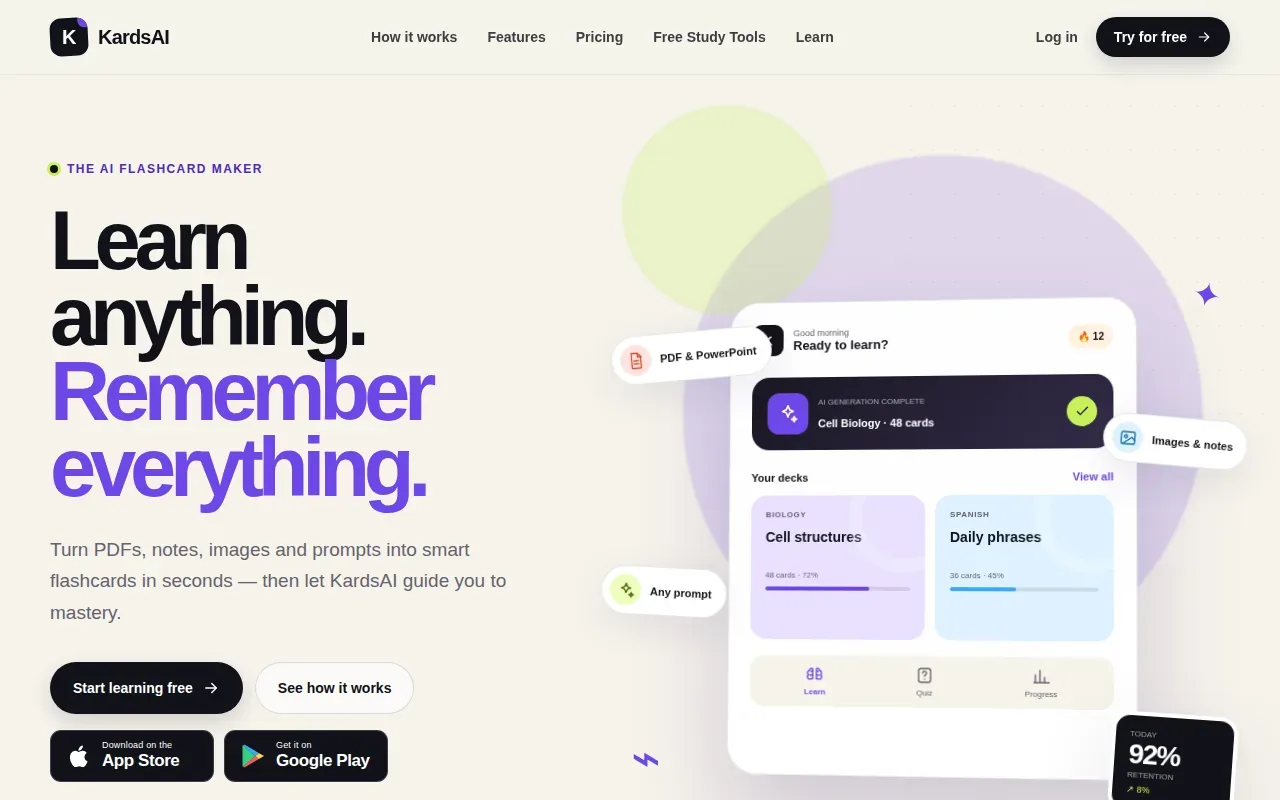
Check its current free-plan allowance, export options, and editing controls before you choose it for a long course file.
Spaced repetition schedules reviews over time rather than leaving every card for one long session. The basic idea of spaced repetition is useful when you want to revisit facts after gaps, though the right review plan still depends on your course and schedule.
8. StudyFetch: Study tools built from class materials
StudyFetch turns course materials, including PDFs, lecture slides, notes, and study guides, into study tools such as flashcards, quizzes, and tests. Its features also include an AI tutor and spaced repetition.
It may suit you if you want more than cards from your uploaded class files. Users can adjust flashcard settings and edit cards within the platform.
StudyBuddy is another fit when you want practice that adapts to your answers and tracks topic mastery.
9. Studley AI: Multiple study formats from course content
Studley AI turns content into notes, flashcards, quizzes, and podcasts. It may suit students who want several study formats from course material rather than only PDF-based cards.
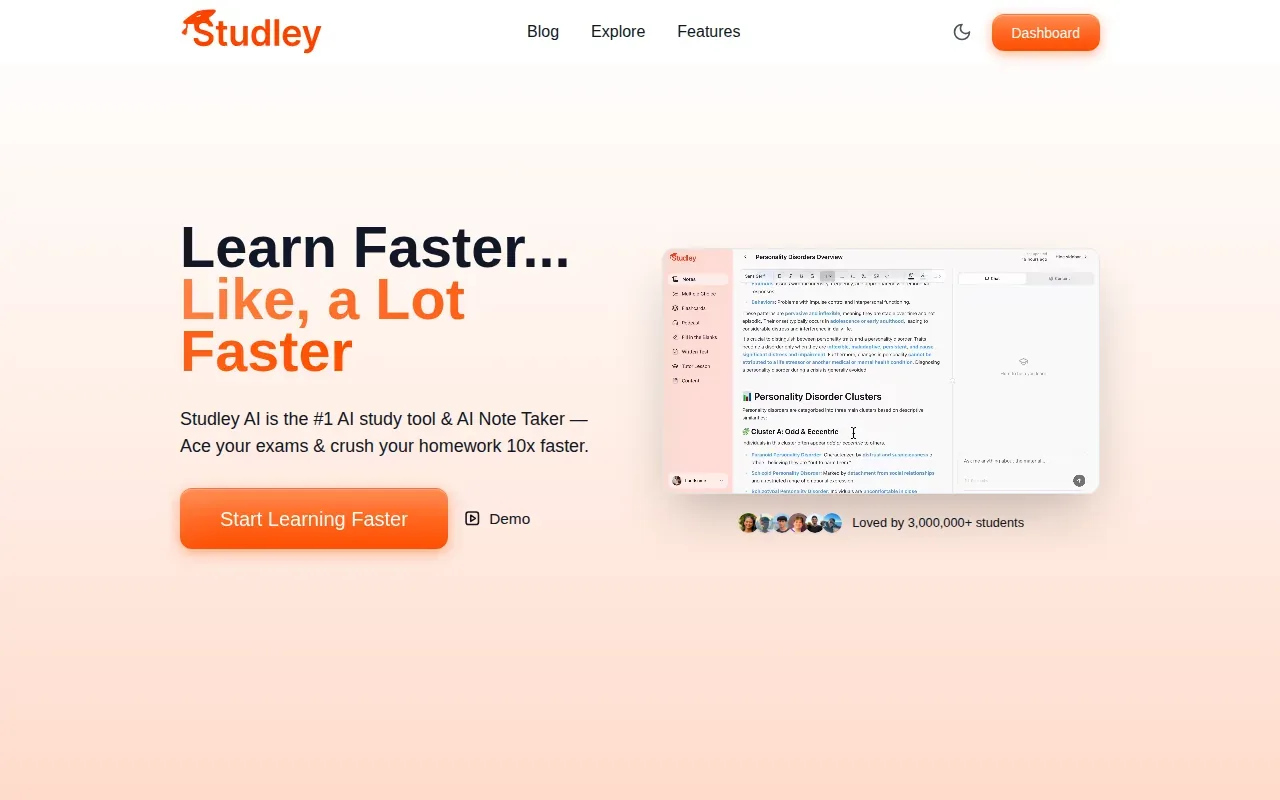
Check whether the file types you use are supported and whether you can adjust the generated cards. Those details matter if you plan to build a deck from a set of lecture slides.
Don’t choose by the number of formats alone. Pick the ones you’ll actually use, then check that the questions stay close to the material your class covers.
10. Gizmo: Gamified flashcard review
Gizmo uses AI to make flashcards from what you’re learning, then lets you quiz yourself with gamified review. Its approach includes spaced repetition and active recall, so it may suit students who prefer a more game-like review session.
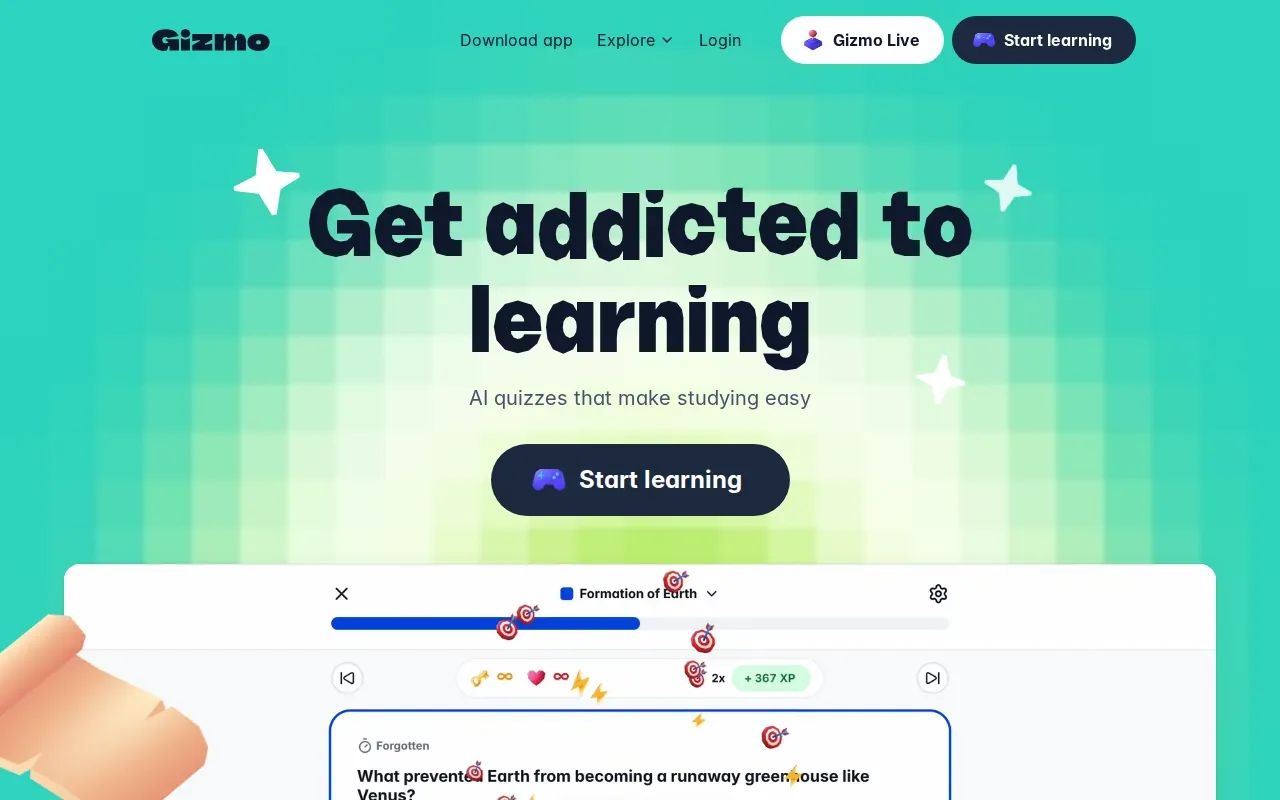
If your goal is specifically to turn a course PDF into cards, check its PDF support and free limits before signing up. Here’s how the options differ at a glance:
| Tool | Best fit | Study features | Free access details |
|---|---|---|---|
| StudyBuddy | Your own course files | MCQs, flashcards, explanations, adaptive practice | Free to try; Pro is $8.99 per month or $89.90 per year |
| Recall Genie | Anki-focused generation from notes | Generated Anki flashcards | See website |
| KardsAI | Cards from PDFs, text, or prompts | Quizzes, spaced repetition, AI tutor | See website |
| StudyFetch | Study tools from class materials | Flashcards, quizzes, tests, AI tutor | See website |
| Gizmo | Gamified review | AI cards, active recall, spaced repetition | See website |
Active recall means trying to bring an answer to mind before you look at it. The testing effect refers to the learning benefit linked to recalling information through tests. Whichever tool you choose, pause on each card and attempt an answer before revealing it.
FAQ
Can I turn a PDF into flashcards for free?
StudyBuddy is free to try, with limited access; its Pro plan is paid. Check file caps, monthly use, and export access before building a whole deck.
Can I export PDF flashcards to Anki or Quizlet?
Recall Genie generates Anki flashcards from notes. Before you start, check whether the tool exports a deck or lets you copy cards into your preferred app.
Can AI make accurate flashcards from lecture slides?
AI can draft flashcards from lecture material, but you should check each card against the source. Slides may rely on diagrams or shorthand that a tool can misread. Read the question and answer together, fix vague wording, and add missing points your instructor stressed in class.
What makes a good flashcard from a PDF?
A good flashcard tests one clear idea with a question on the front and a short answer on the back. Split a long sentence that asks about several facts into separate cards. Then try to answer from memory before you reveal the back. That gives you a better check than rereading the same paragraph.
Which PDF-to-flashcard tool should I try first?
If you want course-file flashcards plus MCQs and adaptive practice, start with StudyBuddy. If you already study in Anki, compare Recall Genie’s note-based card generation and confirm its PDF support.
Conclusion
For students who want flashcards and exam-style practice from their own materials, StudyBuddy is the strongest first option in this shortlist. Upload one lecture PDF, review the generated cards and explanations, then practice the MCQs to see which topics need more work. Start with a browser guest session, or check StudyBuddy’s Pro plan if you need paid access.
Turn your notes into a practice exam
Upload a document and StudyBuddy builds questions, flashcards and explanations in minutes.
Try it freeRelated articles
-
How to Do Spaced Repetition: A Step-by-Step Guide
Studying the same material for hours can feel productive, then leave you unsure what you can recall. Learning how to do spaced repetition gives each topic another chance to stick: review it after a...
-
Accounting Practice Questions and Study Resources
Accounting problems can feel tricky when you’re not sure which rule to use. These accounting practice questions cover core topics, show how to work through sample answers, and point you to ways to...
-
How to Study for a Final Exam: 5 Steps That Work
If you’re figuring out how to study for a final exam, a pile of slides and notes can make it hard to know where to begin. Start with the topics your instructor is likely to test, then spend most of...