Best AI Study Tools for PDFs, Notes, and Exams


Making study cards by hand takes time, and a pile of summaries won’t tell you what you can recall. The best AI study tools turn your own class materials into practice you can use. Here are five options, starting with StudyBuddy, plus what each is good at and where it may fall short.
1. StudyBuddy
StudyBuddy is a web and iPhone study app that turns your course materials into multiple-choice questions, flashcards, and answer explanations. It’s a strong fit if you want practice based on your own lecture slides, PDFs, notes, photos, or videos, rather than generic questions.
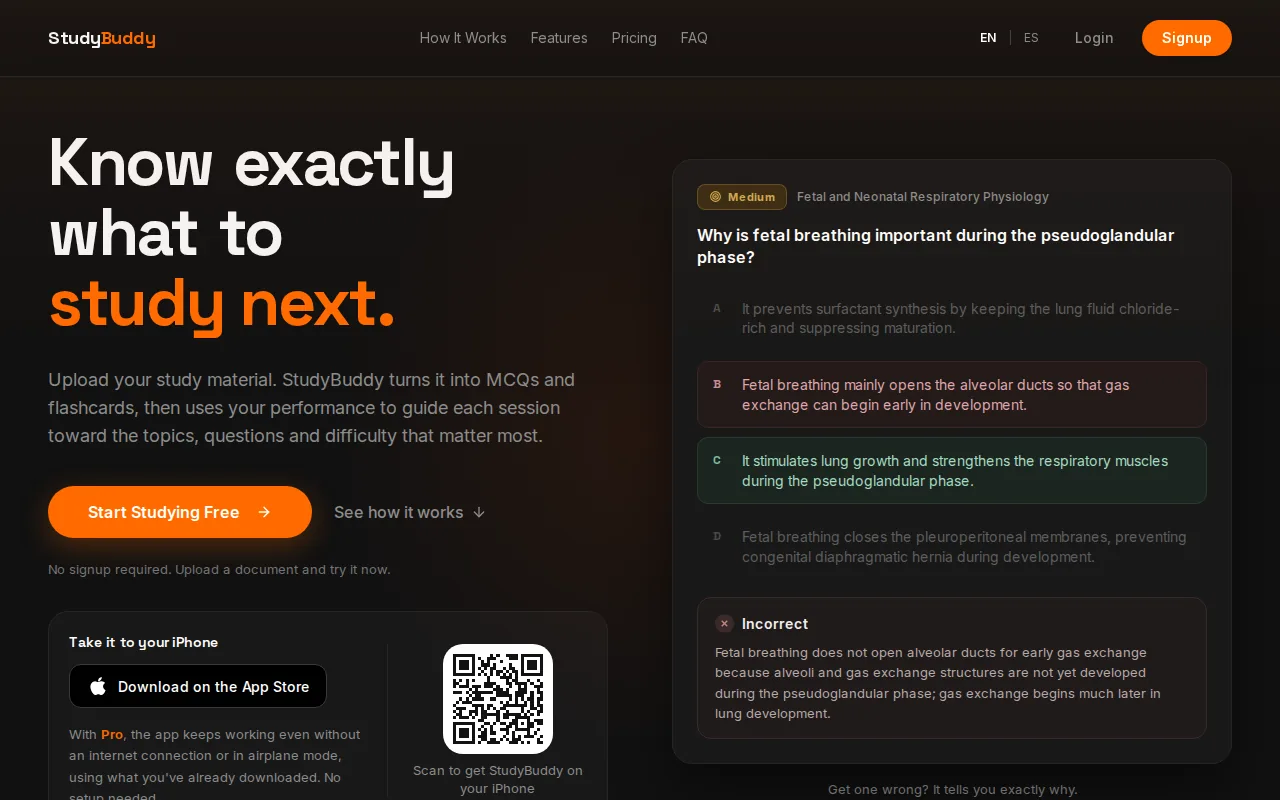
Upload your material, then practice with questions built from it. When you miss a question, StudyBuddy shows the correct answer and explains it. Adaptive Study adjusts practice to your performance, while topic mastery and Readiness Score help you decide what to review next. They’re study signals, not promises about your exam result.
That workflow can help when a course has a lot of material and you’re unsure where to begin. For instance, upload accounting lecture slides, answer a set of MCQs, then use the results to spot topics that need more review. You can also make flashcards from the same material instead of typing each card yourself. The AI quiz generator comparison looks at other ways students can turn class files into practice.
StudyBuddy is free to try in browser guest sessions, with no signup required for those sessions. Pro access costs $8.99 per month or $89.90 per year. Free access doesn’t mean unlimited use, so check what access you need before relying on it for a full term. The app works in English and Spanish, which can help if you study in either language.
StudyBuddy offers quiz generation and performance tracking. The key choice is whether you want a tool that only makes study content or one that also adapts practice based on your results. If the adaptive practice matters, StudyBuddy is the clearest fit in this shortlist.
2. StudyFetch: AI support for long lecture PDFs
StudyFetch is an AI study tool for students who want help working through long lecture PDFs and other course materials. It lets you upload lecture slides and notes to generate flashcards, practice tests, and study guides.
Its AI tutor is a useful point of difference for students who need explanations as well as a quiz. If a dense reading leaves you unsure how a topic connects to class, tutoring can give you another way to work through the material. The tool also supports turning long lecture PDFs into quizzes and tutor-based study.
StudyFetch also builds a personalized study plan from your materials. If your main aim is to have the next session shift toward the questions you miss, run a few practice rounds and see how the plan responds before you commit a whole course to it.
Try it when a lecture file is long and you want several study formats from that source. For example, upload a set of business slides, make a practice test, then use the tutor to clarify a concept you missed. Check the generated answers against your course notes, especially when a question depends on how your instructor defined a term.
If you want the tutor to explain rather than simply give an answer, ask about one idea at a time. Then check that explanation against the relevant slide or reading. That small habit helps keep your revision tied to the course material.
3. Quizlet: familiar flashcards with spaced repetition
Quizlet is a familiar flashcard tool with AI card creation from user-provided content. It’s a reasonable pick if flashcards are already part of your routine and you want spaced repetition to bring cards back for review.
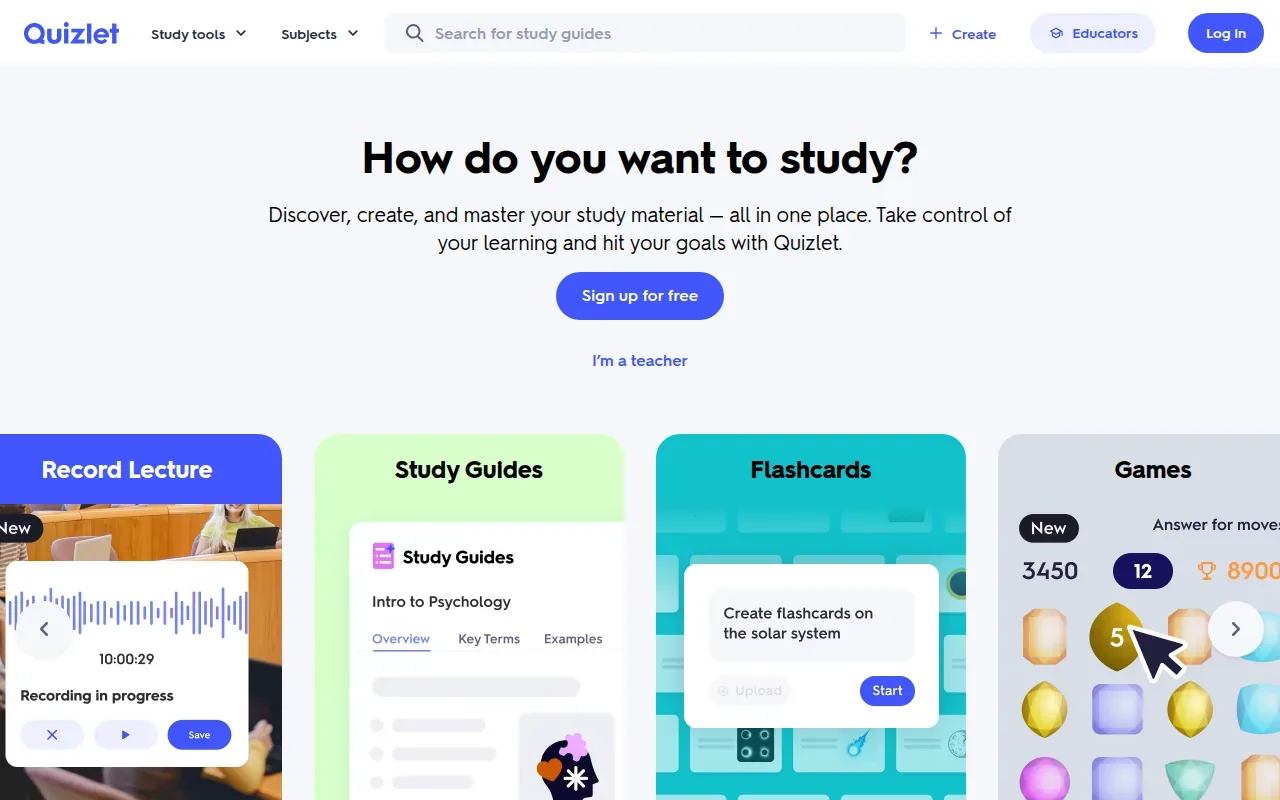
Its spaced-repetition feature helps schedule card reviews over time. That can make a difference when a deck is too large to review from the first card to the last every day. Still, flashcards work best when each prompt tests one clear idea. If a generated card crams a whole lecture into one answer, edit it or split it before studying.
Quizlet’s AI features can feel less integrated than a workflow that starts with a document and adapts practice to your results. It creates AI flashcards, with spaced repetition also available. If you’re mainly searching for a PDF-to-flashcard tool, compare how each option handles your own source file before committing to a study routine.
Quizlet may suit you if familiar flashcards and repeated review matter more than tracking mastery across course topics. For exam prep, check each card against your notes. A polished card can still contain a vague prompt or an incomplete answer.
4. Gizmo: gamified adaptive flashcard practice
Gizmo generates gamified flashcards with adaptive learning. It’s best for students who find game-style review more inviting than a plain stack of cards and want practice difficulty to respond to how they’re doing.
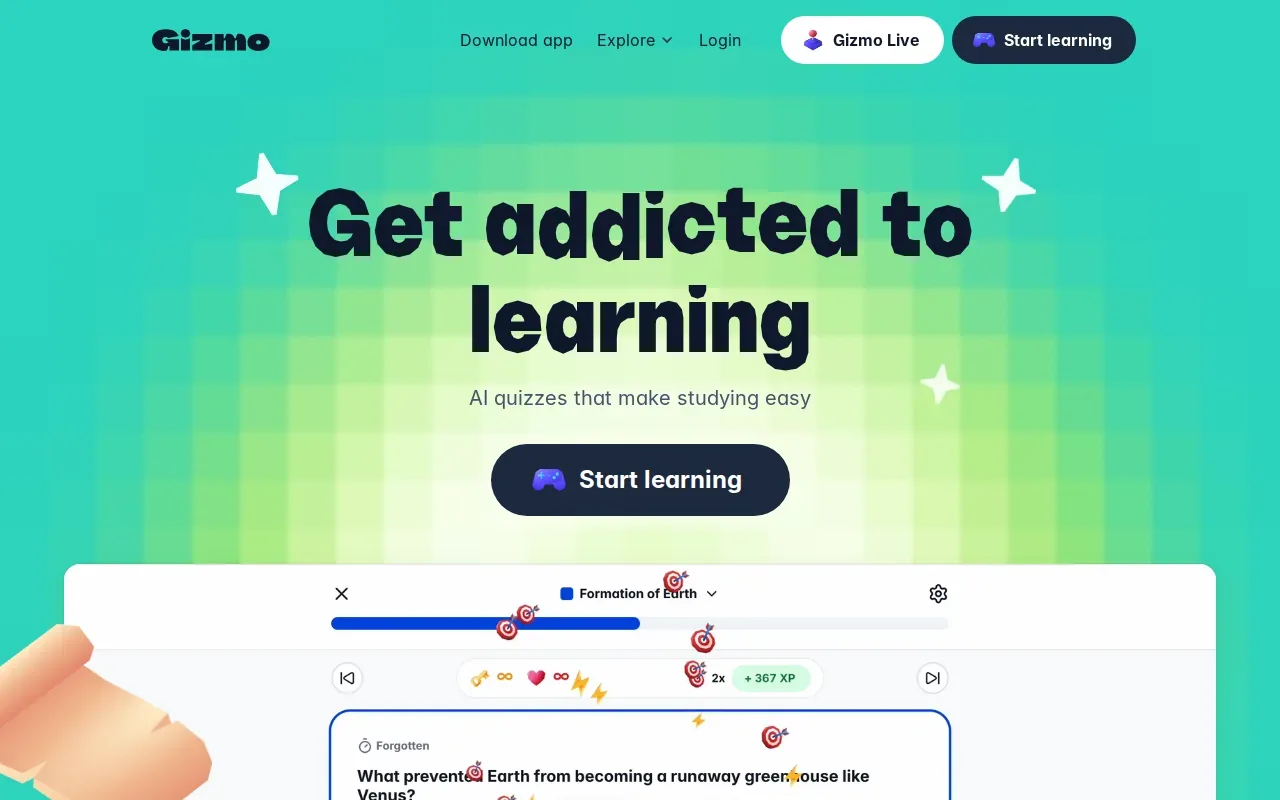
The game-based approach gives review a different feel from reading a deck in order. Adaptive practice can also help shift attention toward material that needs work. That’s useful when you’re revising facts or terms and want a more active session than rereading notes.
Turn your notes into a practice exam
Upload a document and StudyBuddy builds questions, flashcards and explanations in minutes.
Try it freeGizmo can make flashcards from PDFs, PowerPoint slides, notes and YouTube videos. If your main need is a practice exam built from one particular PDF or slide deck, try that file first and see how the cards come out before moving a course workflow over.
Keep the game element in its place. A streak or a quick round may help you start, but it doesn’t show on its own whether you can explain a topic without prompts. After a session, close the cards and try to describe the main idea from memory. Then return to the source for any gaps.
Choose Gizmo when you’re likely to stick with a more game-like flashcard session. For a high-stakes exam, pair that review with practice questions that test whether you can apply the material, not only recognize a term.
5. Revisely: quick document-to-quiz and flashcard generation
Revisely makes flashcards and quizzes from documents quickly, without adding much complexity to the process. Its site also hosts revision material for UK GCSE and A-Level exams, so US students should check whether its study materials match their course and exam needs.
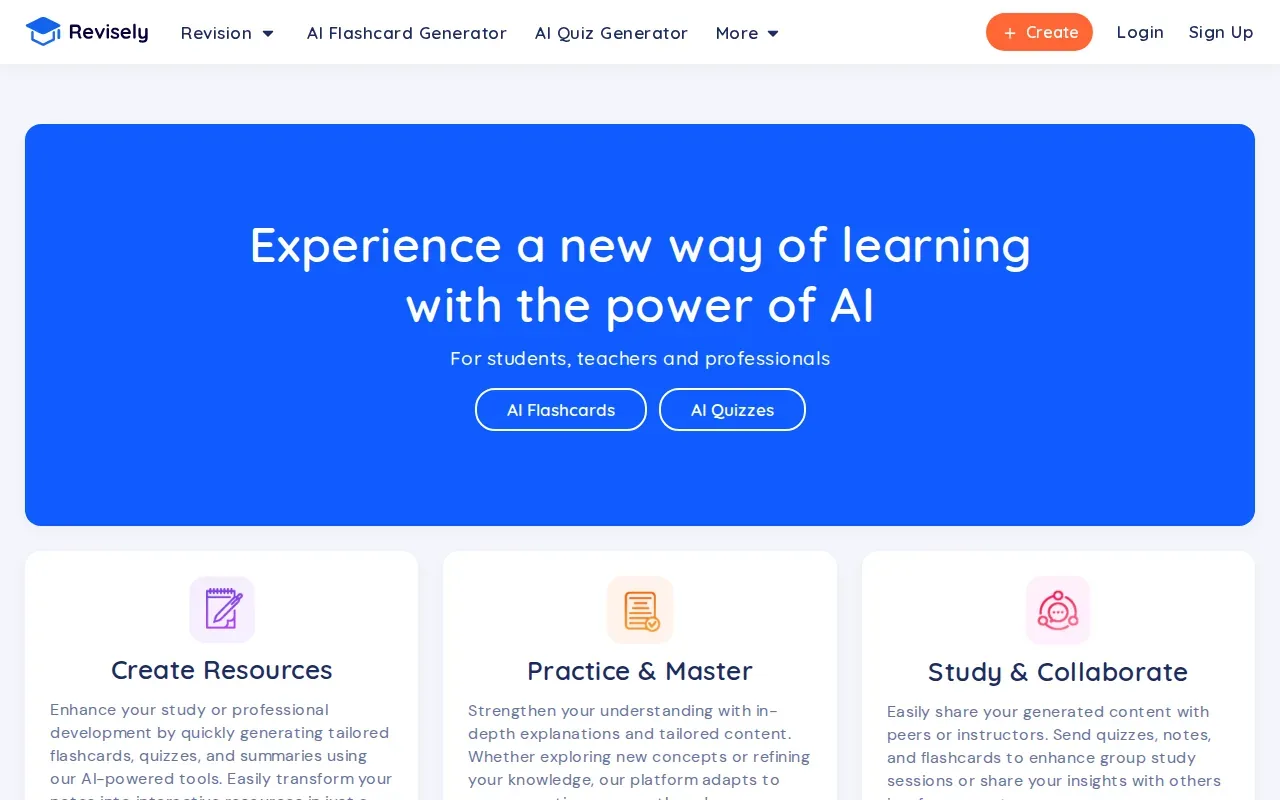
The main draw is speed: use a document to generate a set of cards or questions without building each item by hand. That can help when you already have course notes and want to turn them into a first draft of a revision set.
It may fit a student who wants a quick document-to-practice step.
Generated questions are a starting point, not a checked answer key. Compare them with the original material, especially if a document has a chart, a formula, or a term your instructor uses in a specific way. That quick check can catch a question that misses an important condition.
Its ready-made revision content leans toward UK exams. Before uploading a large set of notes, try one short document and see whether the questions reflect what your class is expected to know.
Compare the best AI study tools at a glance
For the best AI study tools for your own course files, compare what happens after upload. A generator may save time making cards, while an adaptive tool can also help choose what to review next. The table below focuses on those differences, rather than on prices or free-plan limits.
| Tool | Best fit | From your material | Practice adapts? | Check before choosing |
|---|---|---|---|---|
| StudyBuddy | Course-based exam practice | MCQs, flashcards, answer explanations | Yes, based on performance | Guest sessions are not unlimited free access |
| StudyFetch | Long lecture PDFs and tutor support | Quizzes, tutoring, flashcards, study guides | Personalized study plan | Review generated answers against your notes |
| Quizlet | Flashcards and spaced review | AI flashcards from supplied content | Spaced repetition is available | Check cards for accuracy and clear wording |
| Gizmo | Game-style flashcard practice | Gamified AI flashcards | Yes | Confirm your file type and study workflow fit |
| Revisely | Quick document-to-quiz creation | Flashcards and quizzes from documents | Says it adapts to your progress | Ready-made revision content leans toward UK GCSE and A-Level exams |
Cost matters, but so does the time you spend checking a tool’s output. StudyBuddy Pro is $8.99 per month or $89.90 per year, and browser guest sessions let you try it without signup. Compare those terms with the file formats and review features you’ll use most. Don’t assume a free tier includes unlimited document generation.
For writing, citation work, or detailed math and coding help, these five options aren’t a full replacement for dedicated tools or your instructor’s guidance. Use AI explanations to learn a step, then solve a fresh problem yourself. For essays, keep the argument and final wording yours, and check any citations against the source material.
Frequently asked questions
What is the best AI study tool for PDFs?
StudyBuddy is a strong choice for turning your own PDFs into MCQs, flashcards, and answer explanations, then adapting practice to your performance. StudyFetch is another option if you want AI tutoring and study materials from long lecture PDFs. Try a short file first, then check that the questions match what your course expects.
Can AI make flashcards from lecture slides?
Yes, some AI study tools can generate flashcards from course materials, including lecture slides or notes. StudyBuddy supports slides and other student materials, while Quizlet creates AI flashcards from user-provided content. Review a sample deck before studying it, since unclear prompts or missing context can make a card hard to use.
Are AI-generated quiz answers always correct?
No, AI-generated quiz answers aren’t guaranteed to be correct. Treat them as practice, then check doubtful answers against your lecture slides, textbook, or official study guide. This matters most for formulas, exceptions, and terms your instructor defines in a specific way. A clear explanation is useful, but it still needs a source check.
Which AI study tools adapt to how you perform?
StudyBuddy adapts practice to student performance, and Gizmo also offers adaptive learning. Quizlet has spaced repetition, which schedules flashcard reviews, but that isn’t the same as adapting practice across a course’s topics. If adaptive review is important, check what the tool changes after you answer questions.
Can I use AI study tools without cheating?
Yes, you can use AI study tools to test yourself, review course notes, or ask for an explanation without submitting AI-written work as your own. Follow your instructor’s rules for each assignment. A useful test is whether the tool helps you learn the material and produce your own answer, rather than doing assessed work for you.
Conclusion
If you want practice built from your own course files, start with StudyBuddy. Upload one PDF or slide deck, try a short practice session, then use your results to choose what to review next. That gives you a clear first step without treating a readiness score as a promise about exam day.
Turn your notes into a practice exam
Upload a document and StudyBuddy builds questions, flashcards and explanations in minutes.
Try it freeRelated articles
-
How to Do Spaced Repetition: A Step-by-Step Guide
Studying the same material for hours can feel productive, then leave you unsure what you can recall. Learning how to do spaced repetition gives each topic another chance to stick: review it after a...
-
Accounting Practice Questions and Study Resources
Accounting problems can feel tricky when you’re not sure which rule to use. These accounting practice questions cover core topics, show how to work through sample answers, and point you to ways to...
-
How to Study for a Final Exam: 5 Steps That Work
If you’re figuring out how to study for a final exam, a pile of slides and notes can make it hard to know where to begin. Start with the topics your instructor is likely to test, then spend most of...