Best Free AI Quiz Generators for Students


Have lecture slides or a course PDF you wish you could turn into practice questions? These AI quiz generators can help, though their supported materials and free limits differ. StudyBuddy comes first here for students who want practice based on their own course content.
1. StudyBuddy
StudyBuddy is a web and iPhone study app that turns your course materials into MCQs, flashcards, and answer explanations. It’s the best fit if you’re studying from your own lecture slides, PDFs, notes, photos, or YouTube videos.
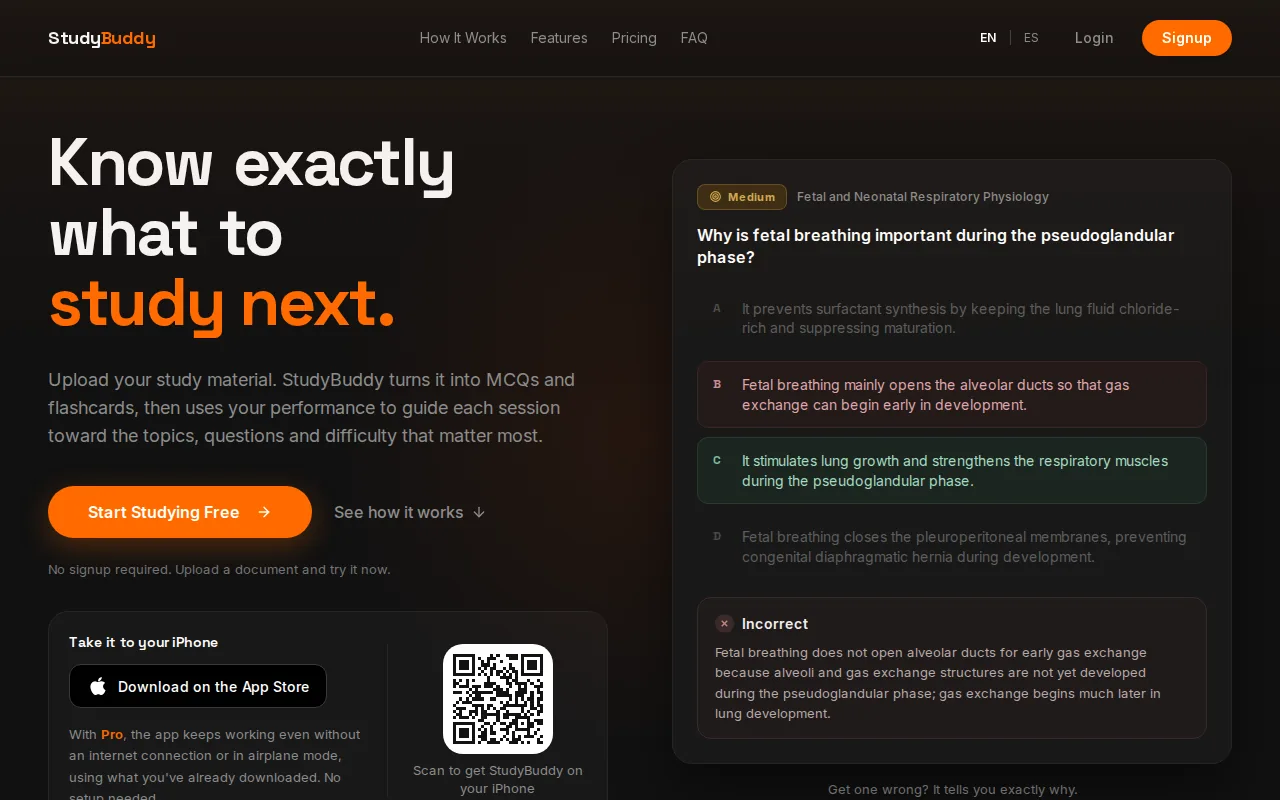
Upload your material, then practice. The app adapts later questions to your performance and tracks topic mastery and exam readiness. Those views can help you decide what to review next, but they don’t guarantee an exam result or make every AI explanation error-free. Check answers against your course source.
StudyBuddy is free to try, including browser guest sessions without signup. Guest access is a way to test the workflow, not a promise of unlimited free use. Pro costs $8.99 per month or $89.90 per year. For a closer look at its AI quiz generator for notes and PDFs, see how one upload can become several study formats.
Quizzes give you a chance to recall information before checking an answer, helping you notice what you remember and what may need more review.
2. Quizlet: familiar flashcards with AI-assisted practice
Quizlet is a familiar flashcard tool with an AI practice test feature. It may suit you if you already keep class material in flashcard sets and want to turn that study work into test questions.
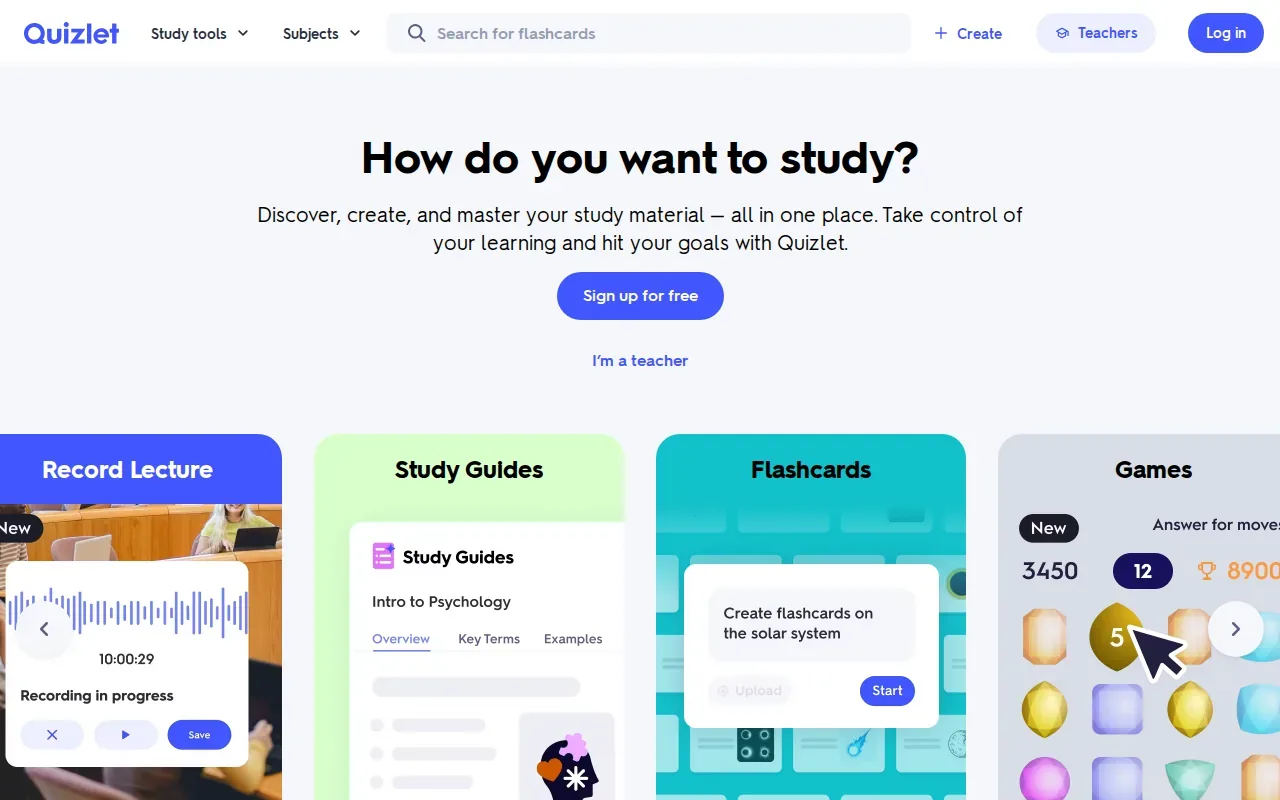
Quizlet’s generator accepts uploaded files, pasted text, or flashcard sets. Supported file types include DOCX, PDF, and PPTX. Its practice tests and quizzes draw on uploaded notes and documents, and Quizlet offers personalized practice that can help you see strengths and gaps.
Quizlet also has spaced repetition for flashcard review. That makes it a natural fit for terms and facts you need to revisit over time. The AI quiz features sit alongside its established flashcard workflow, so students looking for one adaptive system built around performance may want to compare how each tool guides the next study session.
For a course that already has a strong set of flashcards, start there. If your source is a pile of unprocessed slides and PDFs, check the upload flow and free access before committing.
3. StudyFetch: quizzes from class materials and study guides
StudyFetch makes quizzes and tests from class materials, so it may suit students who want a wider set of AI study aids built around their course files.
It accepts PDFs, DOCX, PPTX, TXT, images, handwritten note photos, YouTube videos, audio, and video files. Question formats include multiple choice, true or false, fill-in-the-blank, short answer, and free response. You can choose question types and adjust difficulty or topic focus.
When you take a practice test, StudyFetch grades it at the end and gives a score with a topic breakdown. An AI tutor is available while you review.
That range can help when your study plan includes more than multiple-choice review. For a closer look at how question practice fits into a study routine, the practice question generator comparison covers tools for students using their own course material.
4. Quiz Generator by Brisk Teaching: quiz creation for classroom use
Quiz Generator by Brisk Teaching works in a browser and can turn an open webpage, PDF, or video into a quiz. It’s aimed at teachers who want to make a classroom resource from material they already have.
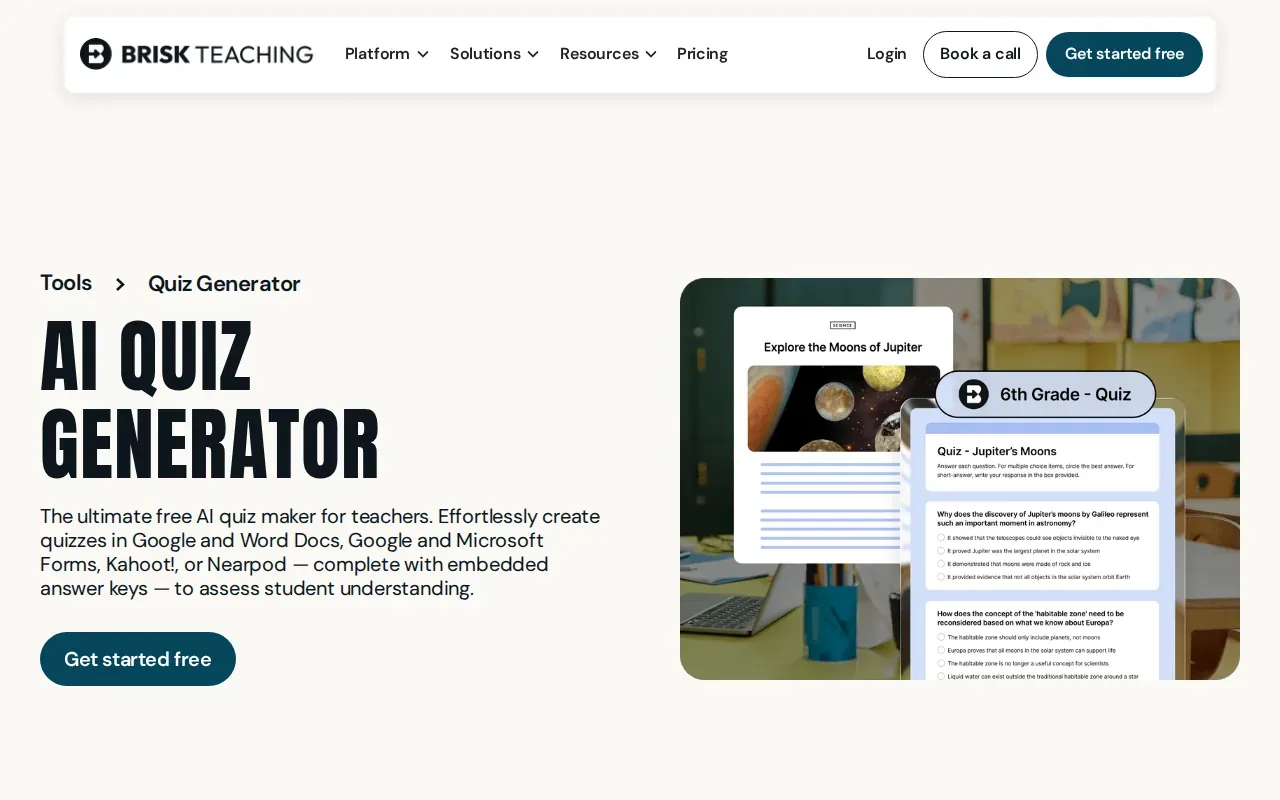
You can set grade level, question type, question count, and delivery format. You can export to Word. Brisk supports multiple-choice, short-answer, and open-ended questions. It also lets you refine a draft by chatting with the tool.
Brisk says its Educator Free plan includes the quiz generator, with up to 20 questions per generation. It also offers output in more than 50 languages and support for aligning questions to standards. That makes it a stronger match for classroom delivery than for a student seeking a personal study tracker.
5. Instant AI Quiz Generator From PDF by Cogniguide: PDF-based quiz creation
Instant AI Quiz Generator From PDF by Cogniguide turns PDFs, Word files, PowerPoint slides, and images into multiple-choice quizzes. It may be worth checking if your main source is a course PDF and you want questions drawn from that file.
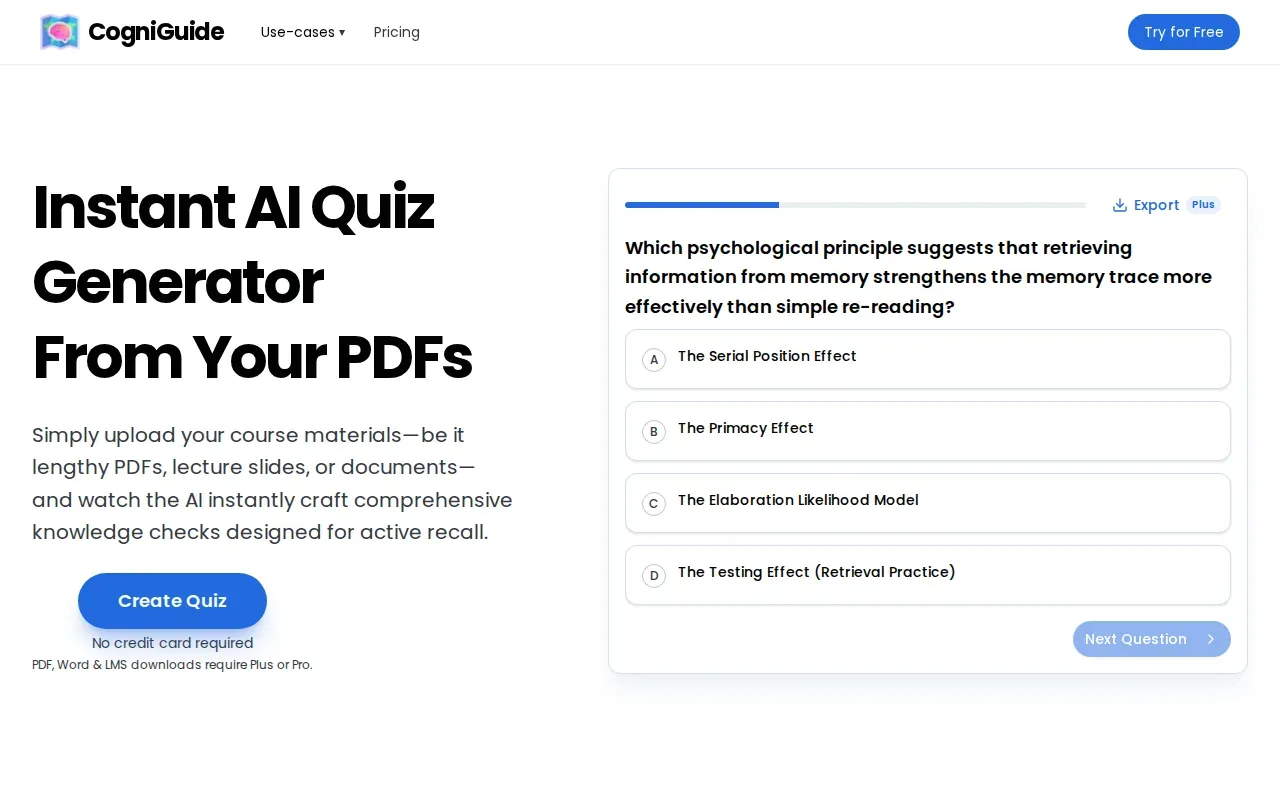
Each question comes with an explanation for every answer option, and you can practice in an interactive mode. You can start without a credit card, but PDF, Word and LMS downloads need a paid Plus or Pro plan, so check what the free version covers before uploading a large reading.
For a focused test, compare a few generated questions with the source PDF. A question should reflect the course content, not simply sound plausible. Use the explanations to check your reasoning, but keep the source PDF as the final answer key.
6. AI Quiz Generator by VEGA AI: a straightforward quiz-generation option
AI Quiz Generator by VEGA AI builds quizzes from uploaded PDFs, Word documents, and images, or from a typed topic. It is aimed at teachers and coaching institutes that assign quizzes to students.
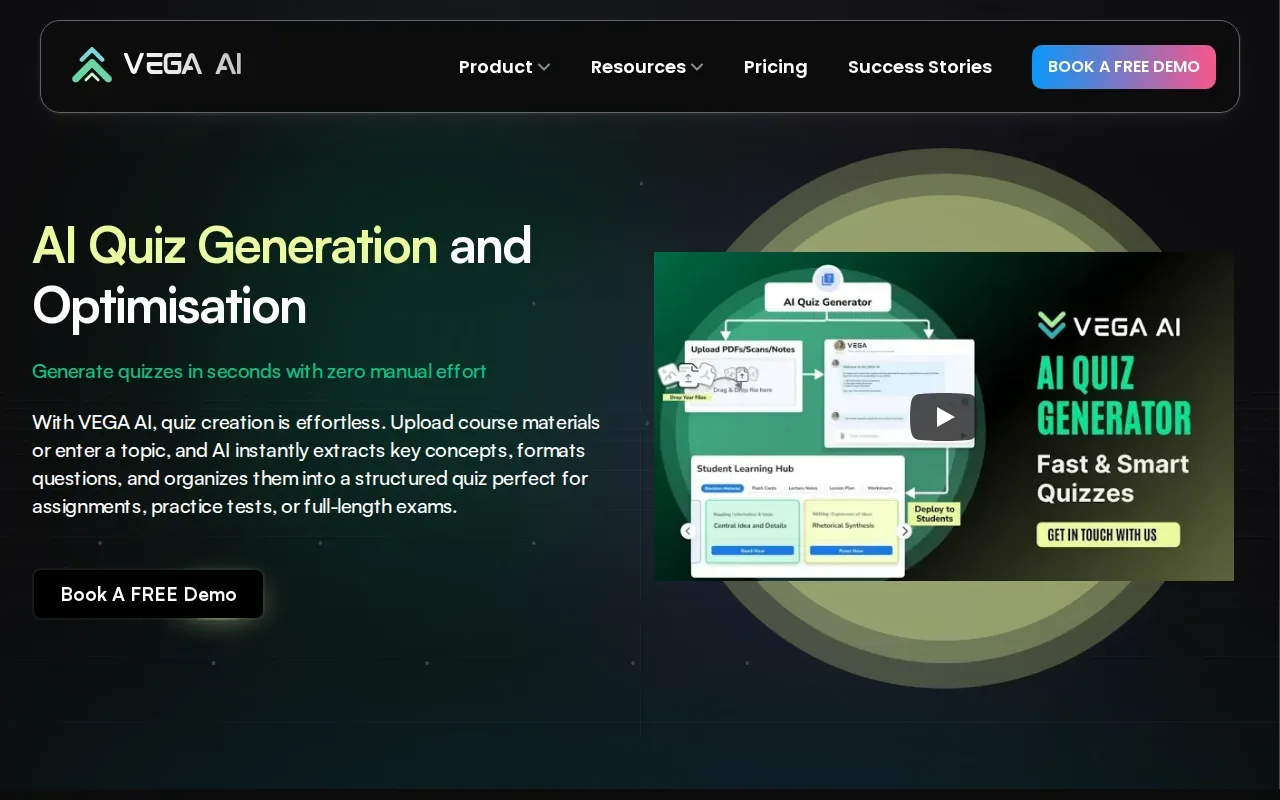
You can choose MCQs, open-ended, numerical, or passage-based questions, set the question count, and edit the quiz before saving it. Access starts with a demo booking, so it suits an instructor more than a student who wants a quick free quiz. Review the answer key against class notes or an official study guide.
Turn your notes into a practice exam
Upload a document and StudyBuddy builds questions, flashcards and explanations in minutes.
Try it freeFor any free tool, test the exact task you have in mind. A generator that works for a broad topic might not accept the PDF or lecture material you need to study.
7. ProProfs Quiz Maker: templates and quiz-building features
ProProfs Quiz Maker combines quiz templates with AI-assisted quiz building. It’s a possible fit for students who want to start from a template or build a scored quiz, and it also supports teacher and training use.
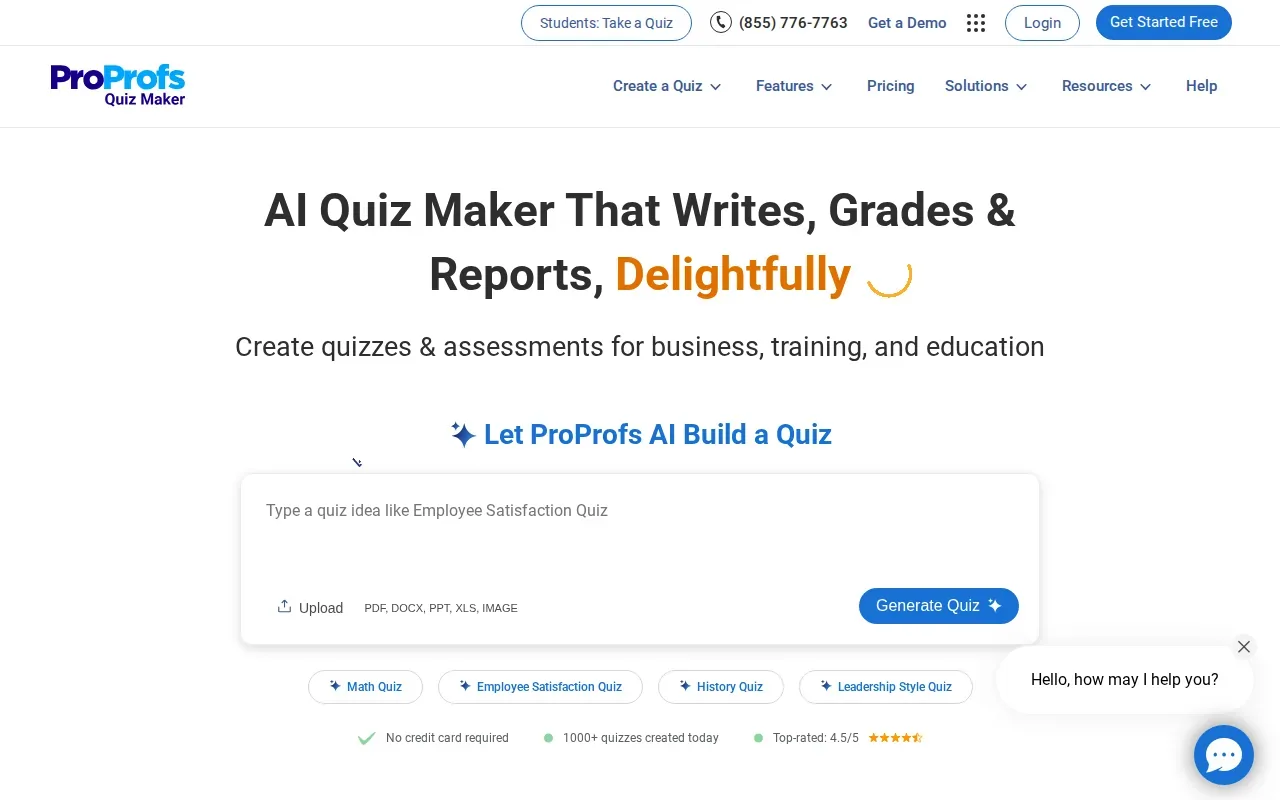
ProProfs offers a library of more than one million ready questions, templates, and AI question generation.
After a quiz, ProProfs can show results and explanations. Confirm which features are included before relying on it for a whole course.
If you’re making a quiz for yourself, focus on source-based questions and clear feedback. A long menu of quiz features won’t help if the generated set doesn’t match the unit you’re reviewing.
8. AI Quiz Generator by Coursebox: quizzes from a topic, URL, or document
AI Quiz Generator by Coursebox can make a quiz from a topic, a URL, or an uploaded document. It may fit students who want to start from different kinds of source material, or instructors building questions for a course.
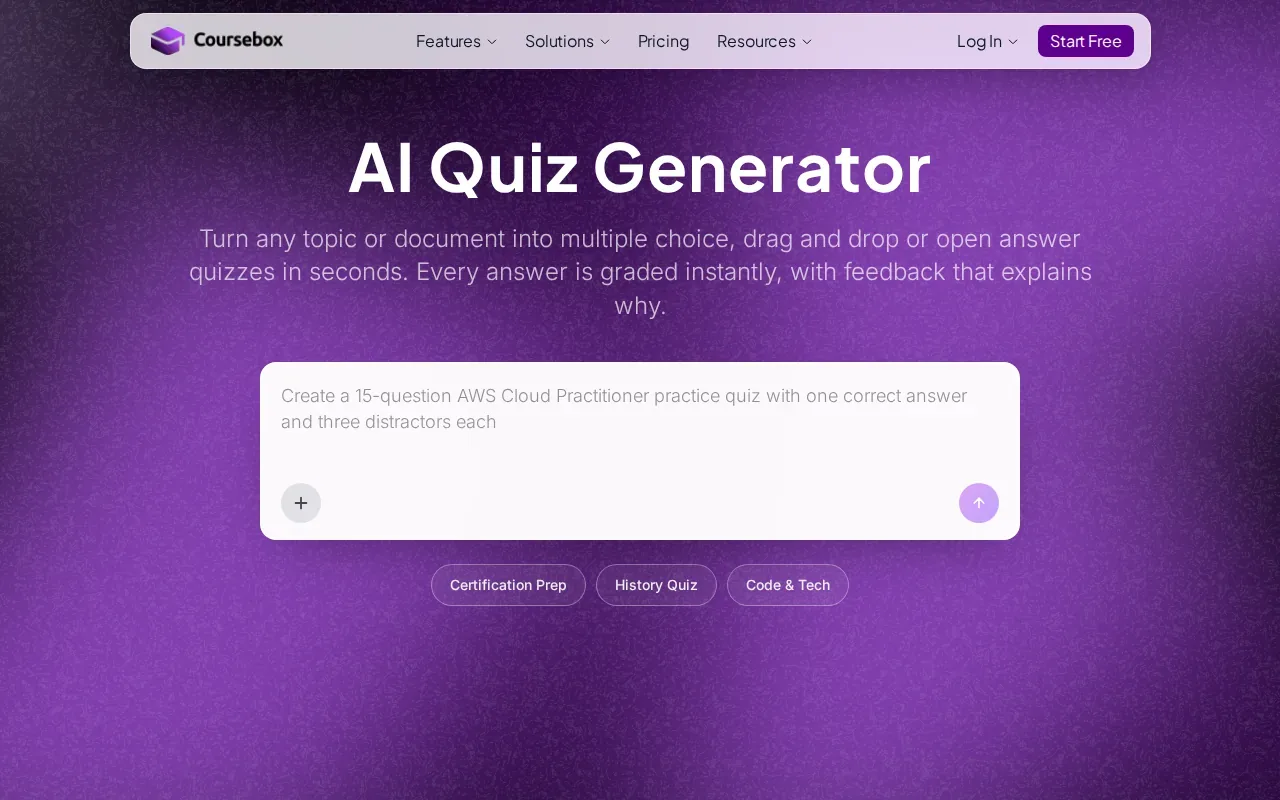
Each question is editable before publishing. That gives you a chance to fix unclear wording or remove an item that doesn’t match your class.
For self-study, look at how the quiz gives feedback after you answer. Editing questions matters, but so does understanding why a choice is right or wrong.
9. SimpleQuizMaker: a defined monthly free-generation allowance
SimpleQuizMaker is a good fit if you want a clear monthly AI quiz allowance and several ways to provide study material. Its free plan includes five quiz generations per month, with up to 10 questions in each quiz.
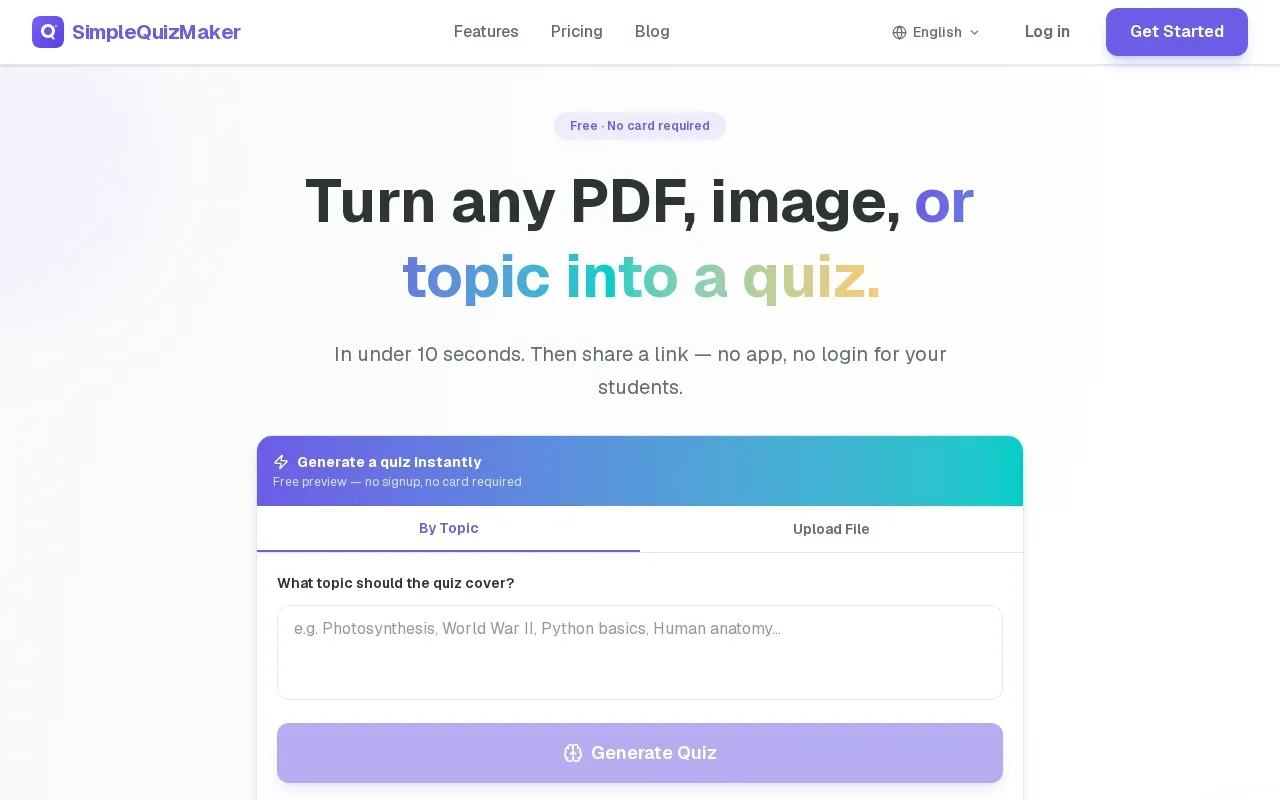
Supported sources include PDF, image, YouTube, text, a website URL, or a topic. It makes multiple-choice, true-or-false, short-answer, and fill-in-the-blank questions. You can set the number of questions and difficulty, then edit or delete questions before sharing.
Some inputs require an account. The five-generation limit makes it easier to plan than a free tier with no fixed allowance, but it may feel tight if you want a fresh set for each unit.
Review the answer key before you rely on a generated quiz. The tool itself advises users to check answers, especially for questions with negative wording.
10. PowerPoint Quiz Maker by Twistly: quizzes from PowerPoint files
PowerPoint Quiz Maker by Twistly turns a PPTX or PDF into multiple-choice questions. It’s aimed at teachers and lecturers, though a student can use its single-player mode to test lecture slides.
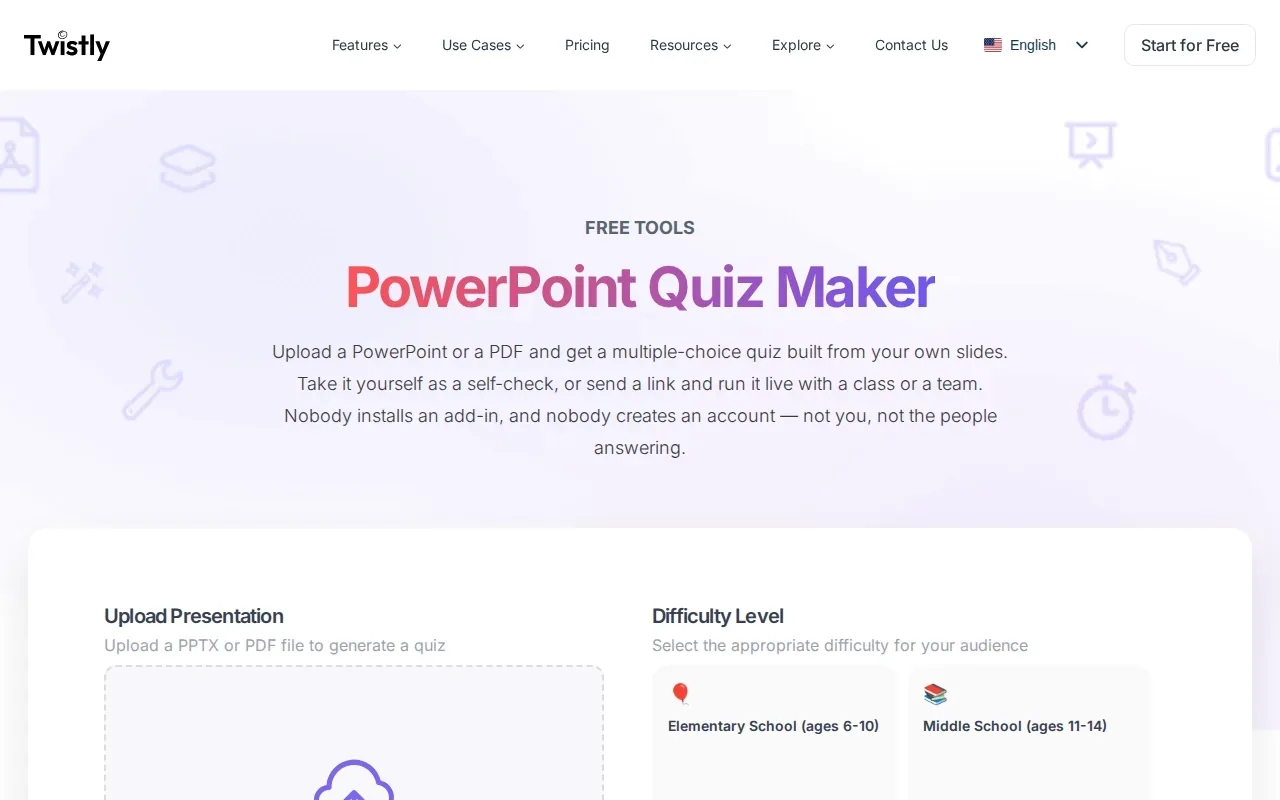
The tool lets you choose question count and difficulty. It supports self-check or group mode, and no signup is required for the host or quiz takers. Files can be up to 100 MB. Questions include written explanations, and the self-check mode shows a score with a question-by-question breakdown.
Group mode requires the host tab to stay open during the session.
The table below compares the free access each tool offers.
| Tool | Best source to try | Free access | Good fit when |
|---|---|---|---|
| StudyBuddy | PDFs, slides, notes, photos, YouTube | Free to try; Pro is $8.99 monthly or $89.90 yearly | You want MCQs, flashcards, explanations, and practice that adapts to your answers |
| Quizlet | Files, text, cloud material, flashcard sets | Free plan; full AI tools on paid plans | You already use flashcards and want practice tests from class material |
| StudyFetch | Documents, notes, videos, audio, course materials | Free plan has limited features | You want varied question types and a topic breakdown |
| Brisk Teaching | Webpages, PDFs, videos | Free Educator plan; up to 20 questions at a time | You’re making a classroom quiz for students |
| SimpleQuizMaker | PDF, image, YouTube, text, URL, topic | Five generations per month, up to 10 questions each | You want a clear monthly allowance and editable questions |
| Twistly | PPTX or PDF | No signup; file limit up to 100 MB | You want a quick slide-based self-check or group quiz |
How to pick a free AI quiz generator
Start with the file you actually need to study. If your material is a PDF, check PDF support. If it’s a lecture video, confirm that the tool accepts a video or its URL.
- Check the free limit. Look for a monthly generation count, question cap, or signup requirement.
- Match the question type to your goal. MCQs are useful for exam-style recall. Short-answer formats ask you to produce the answer yourself.
- Look for feedback. A score tells you how you did. An explanation helps you spot why an answer was wrong.
- Review a sample set. Confirm that questions stick to your course source before building a long study plan around them.
FAQ
What is the best free AI quiz generator for students?
StudyBuddy is the strongest fit if you want practice from your own course material. It turns uploaded PDFs, slides, notes, photos, or YouTube videos into MCQs, flashcards, and answer explanations, then adapts practice to your performance. It’s free to try, and Pro costs $8.99 per month or $89.90 per year. Check its guest access and account options before planning repeated use.
Can AI make a quiz from lecture slides or a PDF?
Yes, several tools in this shortlist can use PDFs or slides, but supported formats vary. StudyBuddy accepts both, while Quizlet supports PDF and PPTX files. Twistly accepts PPTX or PDF for its quiz maker. Check the current upload limit and preview a few questions to see whether they match the material you need to review.
Which free quiz generator has the clearest limits?
SimpleQuizMaker’s free plan allows five generations per month, with up to 10 questions per quiz. Brisk Teaching allows up to 20 questions per generation on its free Educator plan. Twistly needs no signup and accepts files up to 100 MB. Other tools may require you to check their current plan details.
Can AI quiz generators make flashcards too?
Some can. StudyBuddy turns uploaded material into both MCQs and flashcards, then adapts later practice to your performance. Quizlet is centered on flashcards and can generate practice tests from class notes or documents. StudyFetch also makes flashcards with built-in spaced repetition. Check whether the flashcards come from your own course source or a general topic.
Should I trust every answer in an AI-generated quiz?
No. Treat generated questions and answer keys as drafts, then compare uncertain items with your lecture slides or official study guide. This matters most when a question uses tricky wording or when two answer choices seem plausible. A score can show where you struggled, but it can’t prove that the source or explanation is correct.
Conclusion
For study practice based on your own course files, start with StudyBuddy: it combines MCQs, flashcards, answer explanations, and practice that responds to your performance. Upload one lecture PDF or slide deck and check whether the questions match your class.
Turn your notes into a practice exam
Upload a document and StudyBuddy builds questions, flashcards and explanations in minutes.
Try it freeRelated articles
-
How to Do Spaced Repetition: A Step-by-Step Guide
Studying the same material for hours can feel productive, then leave you unsure what you can recall. Learning how to do spaced repetition gives each topic another chance to stick: review it after a...
-
Accounting Practice Questions and Study Resources
Accounting problems can feel tricky when you’re not sure which rule to use. These accounting practice questions cover core topics, show how to work through sample answers, and point you to ways to...
-
How to Study for a Final Exam: 5 Steps That Work
If you’re figuring out how to study for a final exam, a pile of slides and notes can make it hard to know where to begin. Start with the topics your instructor is likely to test, then spend most of...