Best Practice Question Generator Tools for Students


Finding good questions for your own course material can take longer than studying it. A practice question generator can turn slides, PDFs, or notes into a first set of questions, but tools differ in what they accept and how they help you review. Here are eight options, starting with StudyBuddy, and who each fits best.
1. StudyBuddy
StudyBuddy is a web and iPhone study app that turns your course materials into multiple-choice questions, flashcards, and answer explanations. It suits university students and exam candidates who want to study from their own files, whether those cover accounting, contract law, statistics, history, or anatomy.
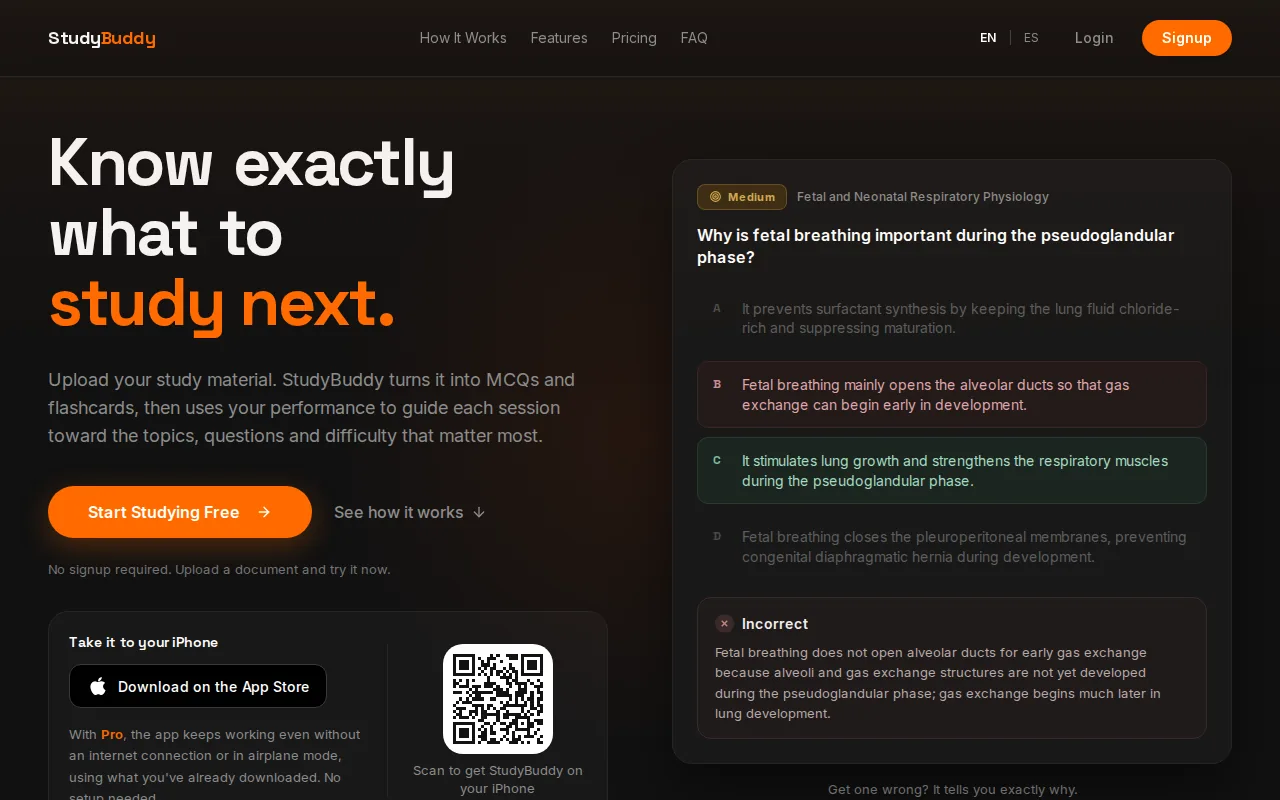
Upload PDFs, slides, notes, photos, or YouTube videos. The app generates practice, then adapts later questions to how you perform. Topic mastery and the Readiness Score help you decide what to review next. They’re study guides, not guarantees of exam results or proof that every generated answer is error-free.
For a document-based quiz workflow, the AI quiz generator from notes and PDFs explains how uploaded material becomes MCQs with answer feedback. StudyBuddy works in English and Spanish and is free to try. Browser guest sessions don’t require signup, but that doesn’t mean unlimited free use.
Pro pricing is $8.99 per month or $89.90 per year. Choose StudyBuddy when you want questions grounded in your own course files and practice that responds to your results.
2. Jotform AI Quiz Generator
Jotform AI Quiz Generator turns a prompt or supported document into quiz questions. It’s aimed more at teachers, trainers, HR teams, and businesses than at an individual student’s daily study routine.
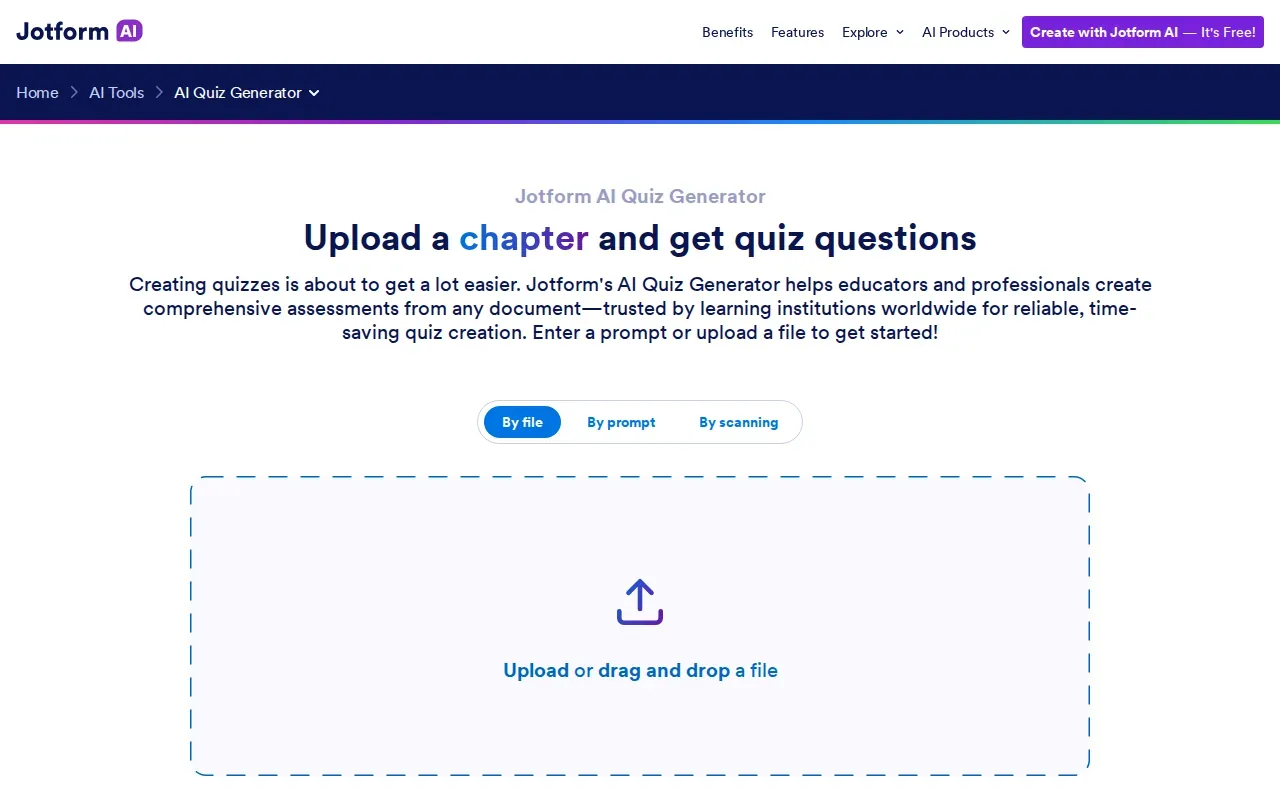
Supported uploads include PDFs, PowerPoint files, Word documents, and text files. You can set the number of questions, language, and question type. The generator can make multiple-choice, single-choice, and yes-or-no questions. After generation, you can edit questions and appearance, then share or embed the quiz.
The free Starter plan has a limit of five quizzes, so check the plan limits before building a large question bank. This is a better fit when you need to distribute a quiz to a group than when you want adaptive practice focused on your personal weak topics.
3. Questgen
Questgen is an assessment-content tool for educators, assessment designers, publishers, HR teams, and training organizations. It may suit you if your goal is to build structured assessments or question banks in larger volumes.
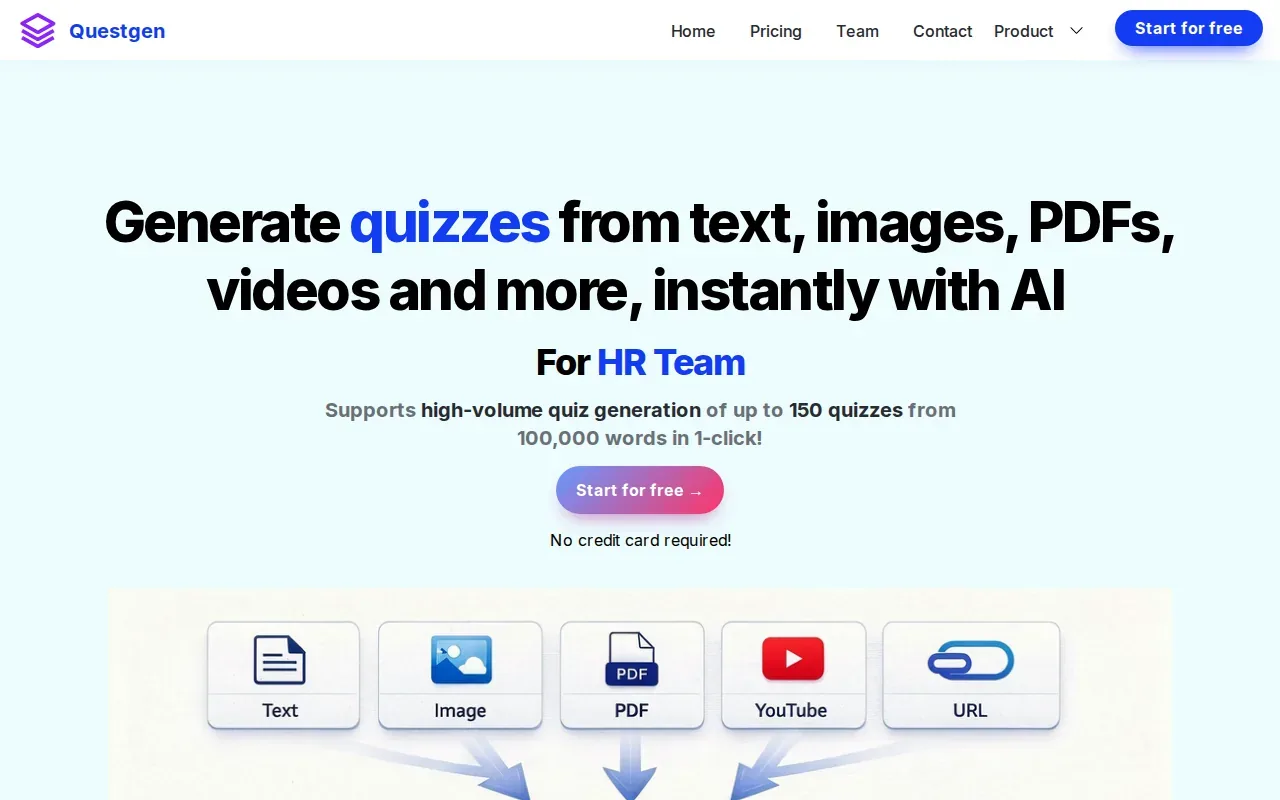
It builds structured assessments and question banks, which gives it a different focus from tools centered on personal flashcard review. That makes it worth comparing if you need assessment content at scale, rather than a single study set for an upcoming class exam.
You can start from text, a URL, a PDF, images or a video, in any language, and choose MCQ, true or false, fill-in-the-blank, short-answer or higher-order questions. It is free to start.
4. Knowt
Knowt generates quizzes, flashcards, and games from study materials. It’s a student-focused option if you want more than one way to review a course topic.
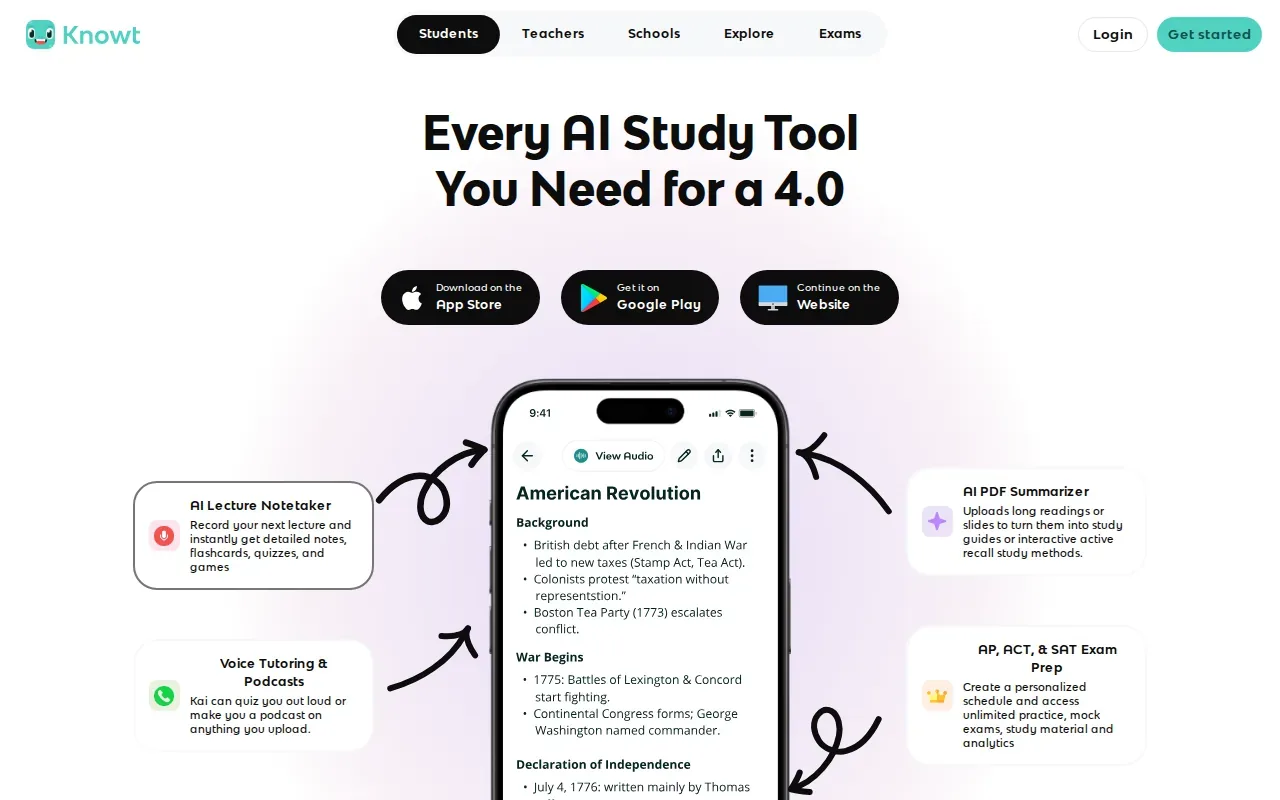
It accepts PDFs, slides, video, and lecture audio. That can help when your notes are spread across class files and recordings. You could use a quiz to test recall, then switch to flashcards for terms you still mix up.
Check how it handles adaptive practice, question customization, and free-plan limits if you need a tool to adjust question difficulty based on your results or need to plan regular use without paying.
5. Revisely
Revisely focuses on turning study materials into practice questions. It’s built for students, tutors, and educators who want to make questions from existing course content.
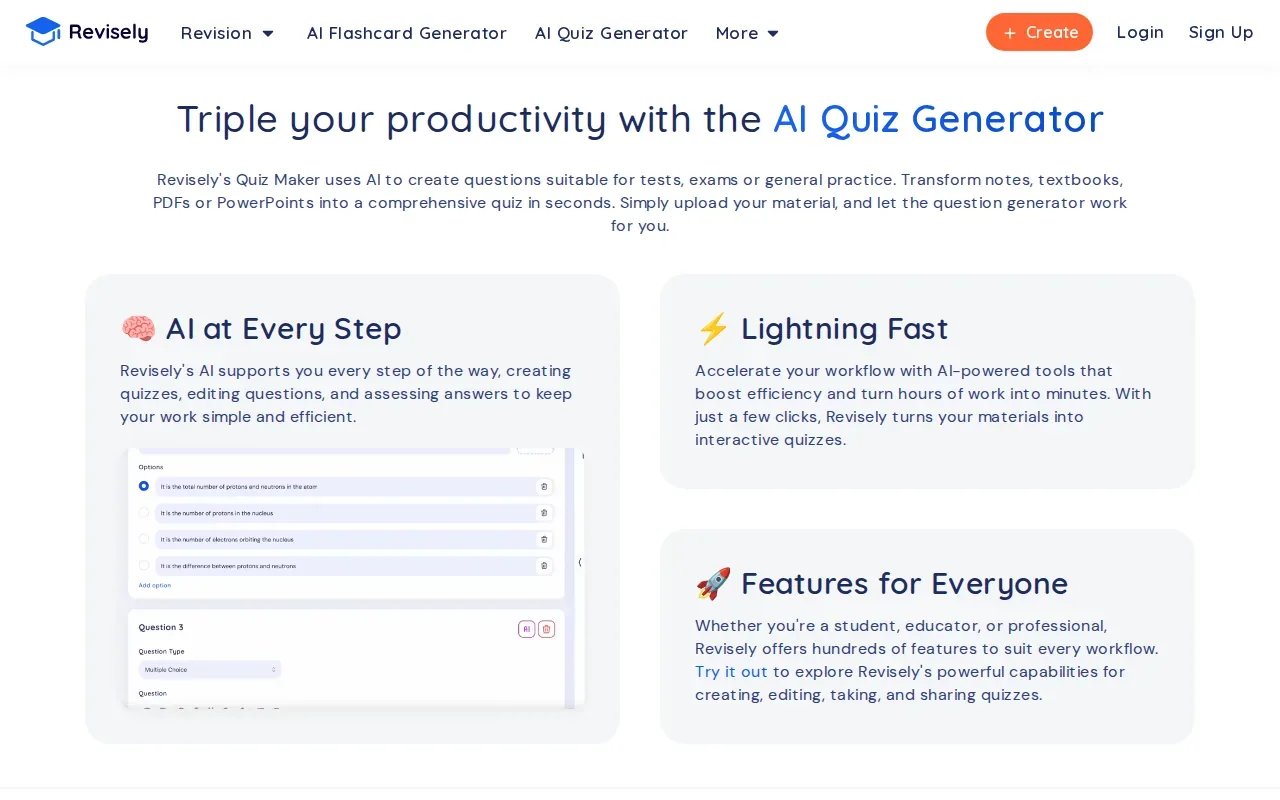
It accepts notes, textbooks, PDFs, PowerPoints, images, and videos. That range may be useful if a class shares material in mixed formats rather than as one clean PDF. For example, you might have a chapter, a slide deck, and a photo of a whiteboard from the same unit.
Its main output is practice questions. If you also need flashcards, answer explanations, adaptive review, or a clear free tier, compare those directly before choosing it as your main study app.
6. StudyFetch
StudyFetch turns PowerPoints, lectures, class notes, and study guides into study tools. It’s a fit for students who want materials drawn from class content, with an AI tutor included.
It makes flashcards, quizzes, and tests, and its flashcards come with spaced repetition built in. That gives you a few formats for review from the same kinds of course sources. A student could use quiz questions to check recall after class, then revisit the source material when an answer needs a closer look.
Turn your notes into a practice exam
Upload a document and StudyBuddy builds questions, flashcards and explanations in minutes.
Try it freeCheck pricing and free-plan limits before moving a whole course workflow into the app.
7. Gizmo
Gizmo turns PDFs, notes, YouTube videos and audio into AI flashcards and quizzes, then schedules review with spaced repetition in a game-like format. It suits students who want a free, light daily review habit on web or iPhone.
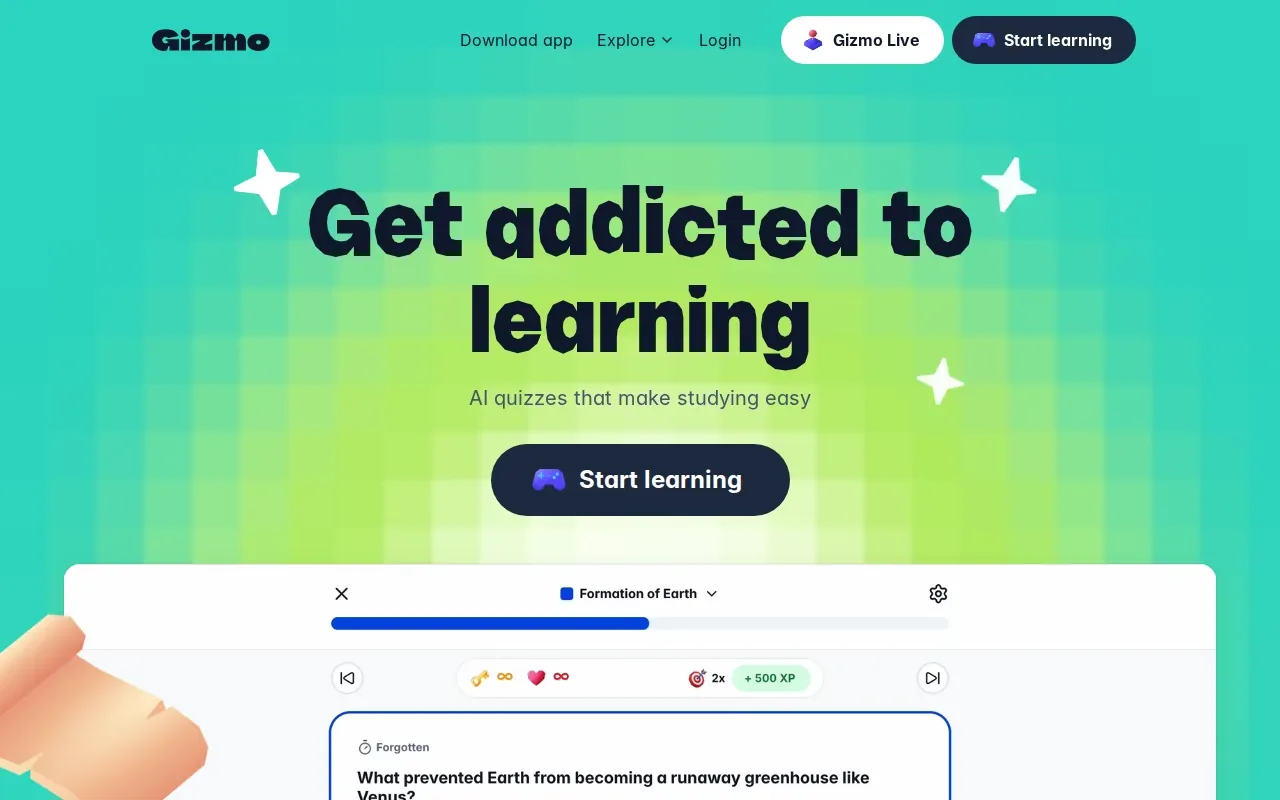
The free version limits how many quizzes you can take each day, so check whether that fits a heavy exam week. If you need detailed answer explanations or topic-level progress, compare the full workflow rather than choosing on price alone.
8. AI Question Generator by NoteGPT
AI Question Generator by NoteGPT is a focused question-generation option for learners who want quiz-style practice. It may suit you if your goal is to turn lesson content into a set of questions.
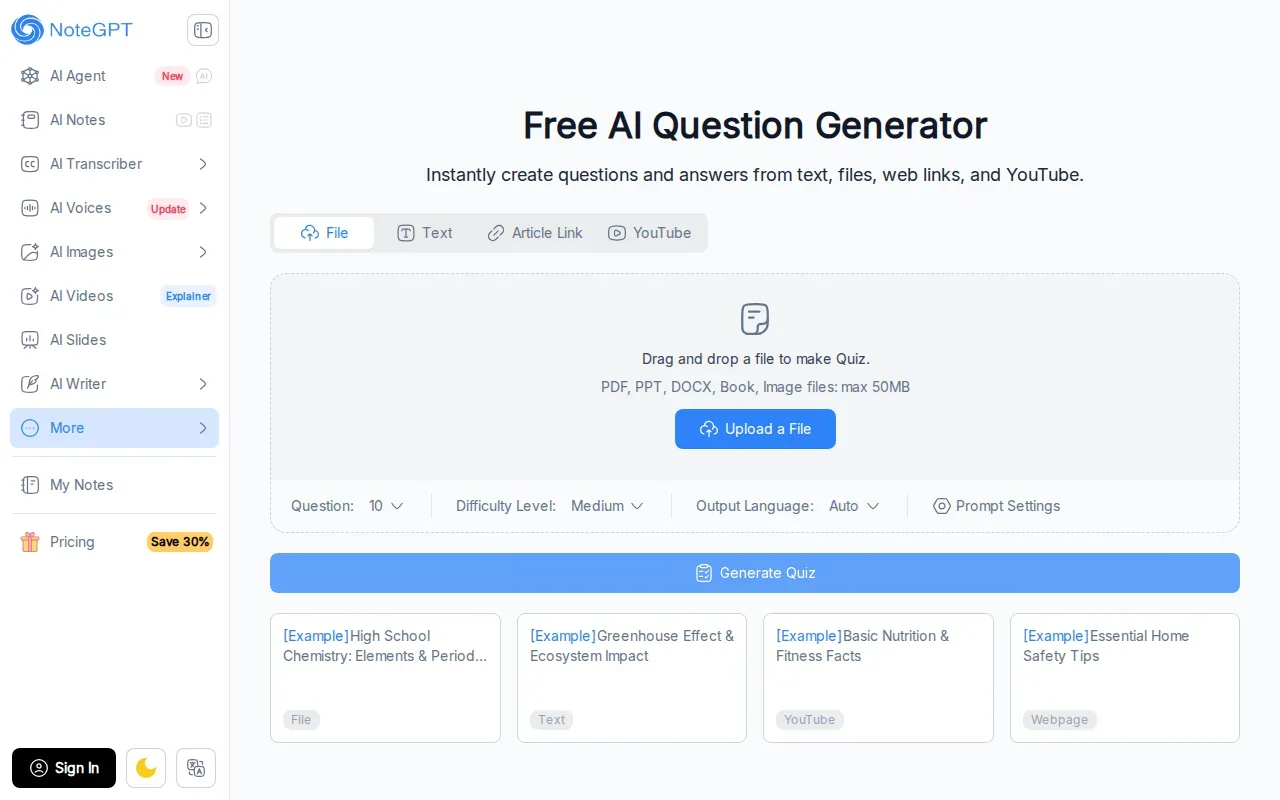
It also accepts web links and YouTube videos as sources, and you can use it without signing up.
Before using it for a full course, test a short piece of material and review whether the questions reflect what your instructor expects you to know. That check matters with any AI-generated set.
Quick comparison: which practice question generator fits your study workflow?
Use this table to narrow the shortlist by source material and study goal.
| Tool | Inputs | What it makes | Best fit |
|---|---|---|---|
| StudyBuddy | PDFs, slides, notes, photos, YouTube videos | MCQs, flashcards, answer explanations | Personal practice that adapts to performance |
| Jotform AI Quiz Generator | PDF, PowerPoint, Word, text, or prompt | Quiz questions | Shared quizzes for classes or teams |
| Questgen | Text, URLs, PDFs, images, videos | Structured assessments, question banks | Assessment content at scale |
| Knowt | PDFs, slides, video, lecture audio | Quizzes, flashcards, games | Students seeking varied review formats |
| Revisely | Notes, textbooks, PDFs, PowerPoints, images, videos | Practice questions | Mixed-format study material |
| StudyFetch | PowerPoints, lectures, class notes, study guides | Flashcards, quizzes, tests, AI tutor | Study tools made from class content |
| Gizmo | PDFs, notes, YouTube videos, audio | Flashcards, quizzes | Free quiz practice |
| AI Question Generator by NoteGPT | Text, PDF, PowerPoint, Word, images | Questions | Focused question generation |
When the problem is a pile of course files and uncertainty about what to review, StudyBuddy is the strongest match in this shortlist: it accepts several source types and adapts practice to your performance. Its multiple-choice question generator is a useful place to start when MCQs are the format you need.
For a team that needs to share an assessment, Jotform’s quiz-building controls may be more relevant. For question banks at scale, compare Questgen’s assessment focus. If free access is your main filter, Gizmo’s free version stands out, while StudyBuddy lets you try browser guest sessions without signup.
FAQ
What is the best practice question generator for students?
StudyBuddy is a strong fit if you want questions based on your own course material and practice that changes with your performance. It turns uploaded files into MCQs, flashcards, and answer explanations, then tracks topic mastery and exam readiness to help guide review. Those measures can help you choose what to study, but they don’t guarantee an exam result.
Can I turn a PDF into practice questions?
Yes, several tools on this list accept PDFs as a source. StudyBuddy uses uploaded PDFs to make MCQs, flashcards, and explanations. Jotform AI Quiz Generator, Knowt, Revisely, Questgen, and NoteGPT also accept PDFs. Check the output and review important answers against your course material before studying from them.
Can a practice question generator make flashcards from lecture slides?
Some can. StudyBuddy makes flashcards from uploaded slides, and Knowt can make flashcards from slides. StudyFetch also turns PowerPoints into flashcards. If you need a specific file type, confirm it’s supported before uploading a full set of class materials.
Are AI-generated practice questions always accurate?
No. Treat generated questions and explanations as study aids, not as a replacement for your course source. Review questions that seem unclear or conflict with a lecture slide, textbook, or official study guide. Topic mastery and readiness indicators can help direct your review, but they can’t confirm every answer or predict your exam score.
Is there a free practice question generator with no signup?
NoteGPT’s AI Question Generator is free and works without signup, and StudyBuddy offers browser guest sessions with no signup. Free access can have limits, so check what’s included before building a long-term study plan. For StudyBuddy, guest access doesn’t mean unlimited free use; Pro pricing is $8.99 monthly or $89.90 yearly.
Conclusion
If you want practice based on your own lecture slides, PDFs, or notes, start with StudyBuddy. Upload one course unit, review the first questions, and see which topics need more work. You can try a browser guest session without signup.
Turn your notes into a practice exam
Upload a document and StudyBuddy builds questions, flashcards and explanations in minutes.
Try it freeRelated articles
-
How to Do Spaced Repetition: A Step-by-Step Guide
Studying the same material for hours can feel productive, then leave you unsure what you can recall. Learning how to do spaced repetition gives each topic another chance to stick: review it after a...
-
Accounting Practice Questions and Study Resources
Accounting problems can feel tricky when you’re not sure which rule to use. These accounting practice questions cover core topics, show how to work through sample answers, and point you to ways to...
-
How to Study for a Final Exam: 5 Steps That Work
If you’re figuring out how to study for a final exam, a pile of slides and notes can make it hard to know where to begin. Start with the topics your instructor is likely to test, then spend most of...