Best Spaced Repetition Apps for Students


Flashcards work best when you have time to review them and a clear way to make them. A spaced repetition app schedules reviews over time, while some study tools also turn your course files into practice. Here are 10 picks, starting with StudyBuddy for students who want to study from their own material.
1. StudyBuddy
StudyBuddy is a web and iPhone study app that turns your course files into MCQs, flashcards, and answer explanations. It suits students who have lecture slides or PDFs but don’t want to build every card by hand.
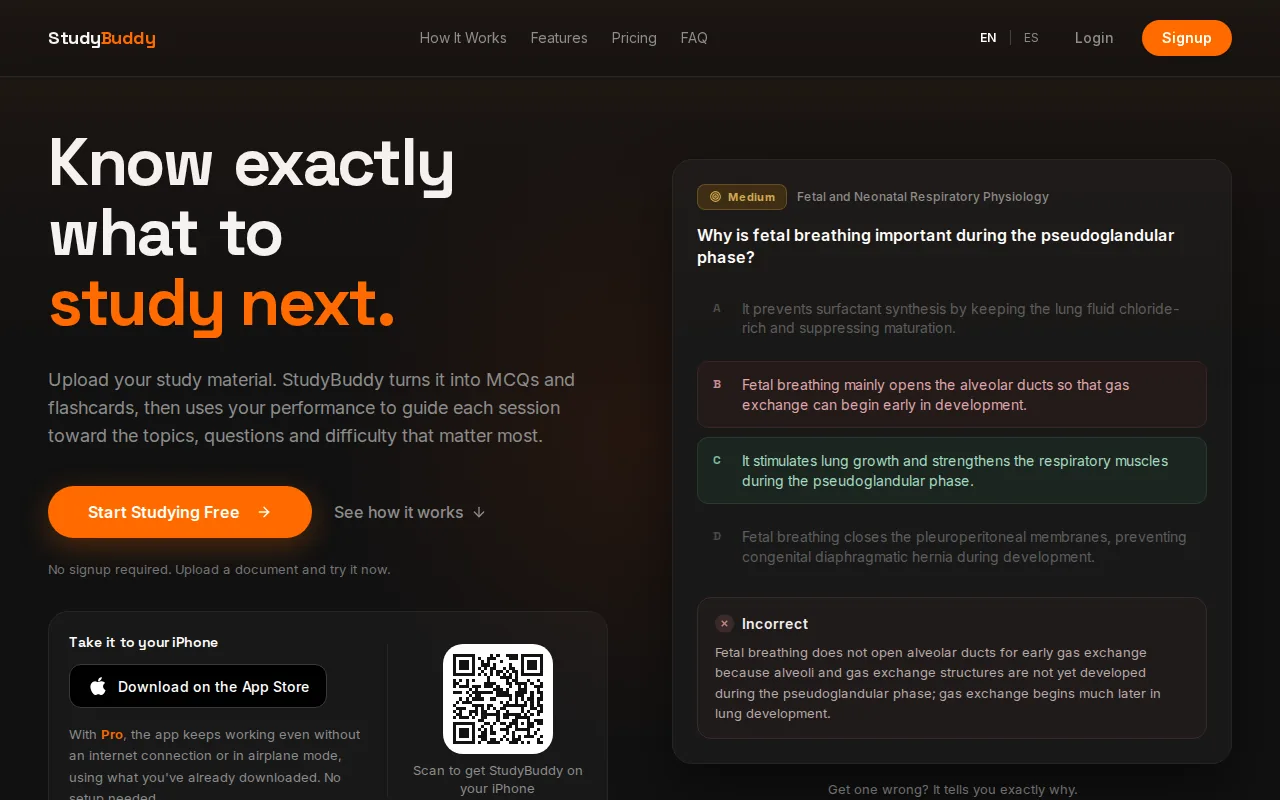
Upload course material, then practice with questions drawn from it. The app adjusts later practice to your performance and tracks topic mastery and exam readiness. Those signals can help you decide what to review next. They aren’t a promise of an exam result, and you should check explanations against your course materials.
Students can try a guest session without signup. Pro costs $8.99 per month or $89.90 per year. The app works in English and Spanish, which can help if you study in either language. If you want to improve the cards you review, this guide to making effective flashcards covers focused prompts and recall.
Pick StudyBuddy when you want practice built from your own material, not only a blank card editor. Upload once, then use more than one study format.
2. Anki: Flexible, highly customizable flashcard reviews
Anki is a flashcard app with spaced review scheduling. It fits students who want to build their own decks and control how cards are studied.
You make cards, review them, and rate how well you recalled each answer. Hard cards can return sooner, while cards you know well can wait longer. Anki gives users a choice of scheduling systems: an algorithm based on SM-2 and FSRS.
Anki is free on desktop and Android. The iOS app has a one-time starting price of $24.99. It can suit language study as well as courses with lots of facts to recall, but making a large deck takes time. Anki is flexible, though some learners may need time to get comfortable with its settings and card options.
For a language deck, you might write a word or phrase on one side and its meaning on the other. For a course, keep each prompt narrow enough to answer from memory.
Anki is a strong fit if you’re willing to shape the workflow yourself. If you’d rather start from course files, compare it with document-based study tools below.
3. StudyFetch: AI-generated cards from study materials
StudyFetch makes flashcards from uploaded study materials and schedules them with spaced repetition. It suits students who want to turn source files into study cards without writing each one from scratch.
It also offers PDF-to-flashcards and AI quizzes. Its flashcards are generated from your materials, then scheduled for review. That gives you a path from a course file to retrieval practice, rather than a deck that starts empty.
StudyFetch has a free tier with a small number of AI tutor conversations and limited study sets. Check current paid pricing before choosing it, and check the cards against your notes. Auto-made prompts can save setup time, but the source material remains the best reference when a detail looks unclear.
Choose StudyFetch if flashcards and AI-assisted study from your files are the main needs. If your priority is adaptive exam practice with MCQs and answer explanations, StudyBuddy combines those formats in one study workflow.
4. Noji: AI cards and PDF import in one workflow
Noji combines AI card generation with PDF import. It may suit students who want to start building a deck from a document rather than copy each question by hand.
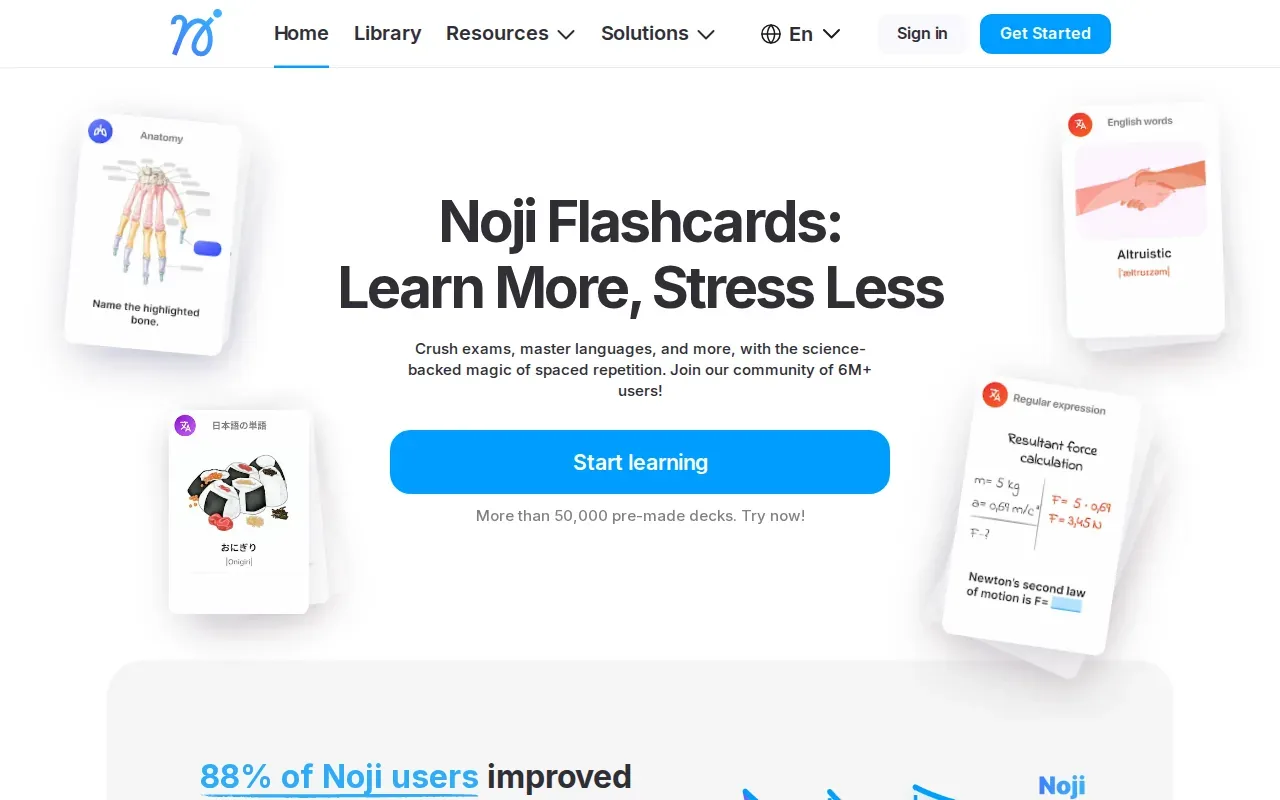
Its AI flashcard generator accepts uploaded documents, text and images. That makes it a document-to-cards choice for a student with a chapter or review file ready to use. As with any generated study set, check key terms, formulas, and dates against the original PDF before you start relying on the deck.
Noji schedules reviews with spaced repetition, and its premium plan adds custom spaced repetition presets and unlimited daily learning, so compare the current plan details before you commit. Noji may fit if you want AI-generated cards from a PDF. If topic-level progress and exam readiness are key to your decision, check whether its current version shows the signals you need.
For a language learner, a PDF might contain vocabulary or grammar notes. For an accounting student, it could be a chapter with terms and rules. The useful test is whether the generated cards ask one clear question at a time.
5. RemNote: Notes and flashcards linked together
RemNote brings note-taking and flashcards into one study system. It suits students who want cards connected to their notes instead of split across separate tools.
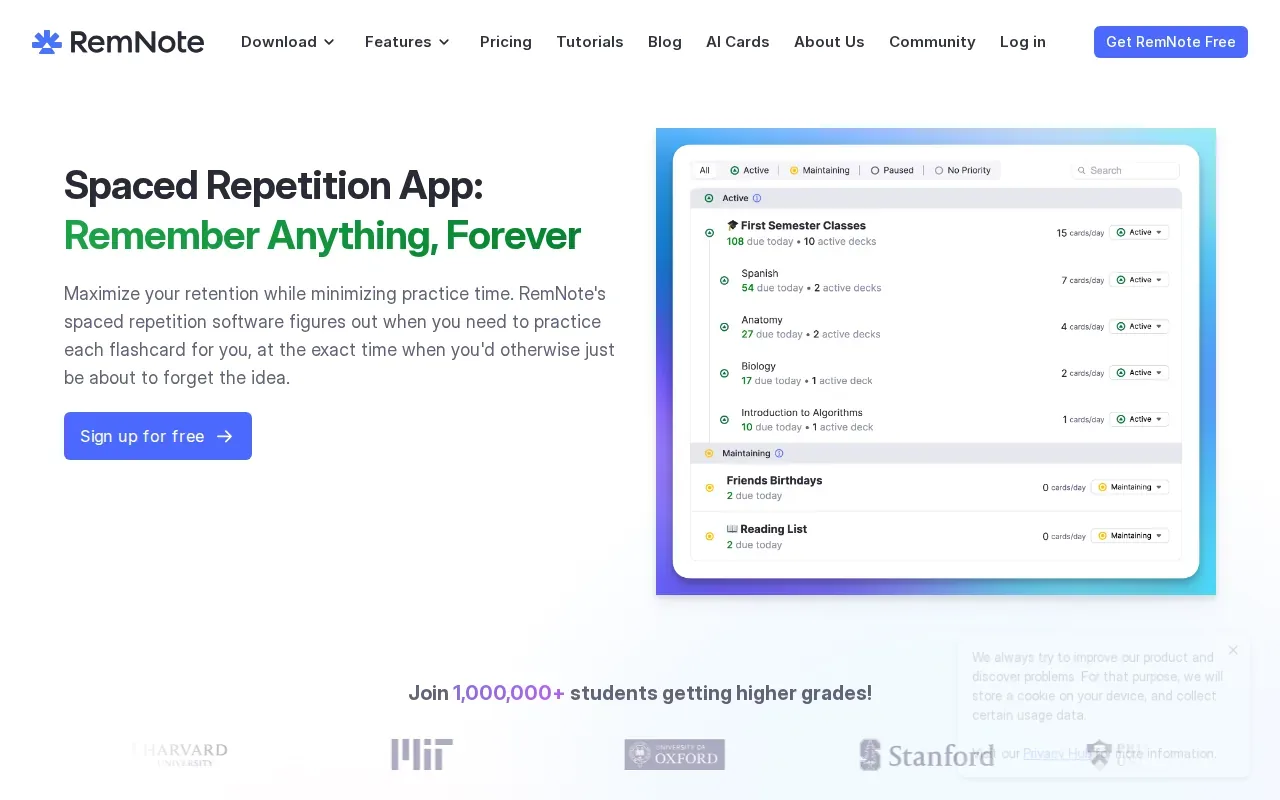
Its knowledge graph and bidirectional links help connect related ideas. You can turn notes into flashcards, keeping the surrounding context close when you review a detail. That may help when you’re learning how a theory links to a case, or how a process connects to a definition.
RemNote has optional FSRS scheduling. It has desktop apps for Windows, Mac, and Linux, along with mobile apps for Android and iOS. It can also generate flashcards from your notes or PDFs with AI, and its Exam Scheduler adjusts reviews around your exam date.
If you already take detailed notes, keeping notes and cards together can cut down on manual transfer. But this setup is a better match for people who want to organize knowledge as they study, not only run quick quiz sessions.
For a separate look at document-based practice, compare the app with an AI quiz generator for course notes and PDFs.
6. Mochi: Markdown-first cards with FSRS
Mochi is a Markdown-first note and flashcard app with FSRS scheduling. It suits learners who like writing in Markdown and want review cards tied to their notes.
Turn your notes into a practice exam
Upload a document and StudyBuddy builds questions, flashcards and explanations in minutes.
Try it free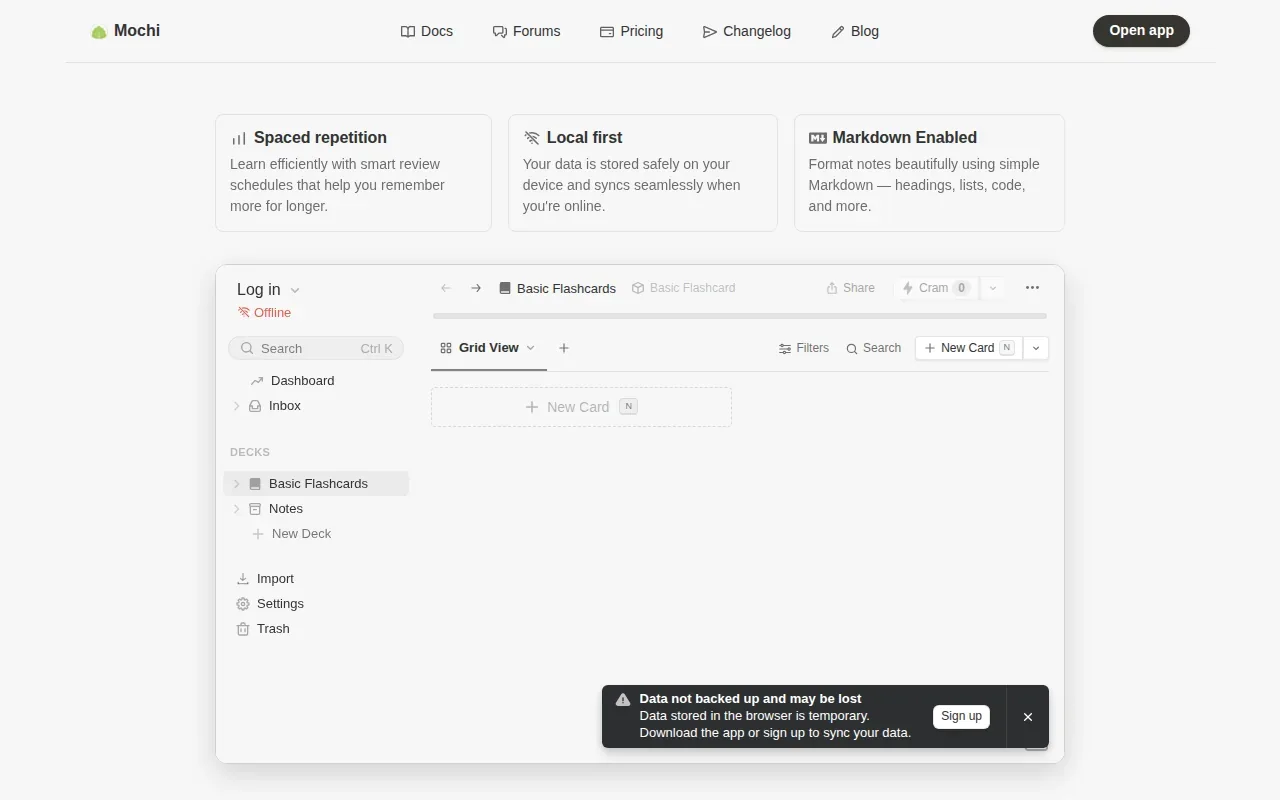
You can take notes, make cards, then study them with spaced repetition. Mochi also offers flashcard tools for vocabulary, grammar, and pronunciation, with built-in dictionaries, translation, and text-to-speech. That mix may suit a language learner who wants to keep word practice alongside written notes.
Mochi has a limited free tier. Its Markdown-first approach is a better fit for people who want to build their own notes and cards than for someone looking to turn a course PDF into a quiz automatically.
FSRS is a scheduling system that uses review history to estimate how well you may recall a card. The basic idea behind spaced repetition is to review information at intervals, rather than repeat every item at the same pace. The app’s Markdown approach is the more important fit test here: use it if that format already feels natural to you.
7. SuperMemo: Long-running, adaptive review scheduling
SuperMemo is an original spaced repetition application with its own adaptive scheduling system. It may suit learners who want scheduled reviews, especially for language study.
SuperMemo offers learning through a web browser or a smartphone or tablet app. It also highlights language courses and a schedule that adjusts to the learner.
An algorithm name alone doesn’t tell you which app fits your routine. Check how you’ll create or access the content you need.
Its current site centers on language courses, which makes SuperMemo a more focused option than a tool built around turning your lecture slides into questions. It could be worth considering if your main goal is language practice with scheduled reviews.
8. Brainscape: Confidence-rated flashcard practice
Brainscape is a flashcard study app that asks learners to rate their confidence. It suits students who want to judge how well they know each card and revisit weaker material.
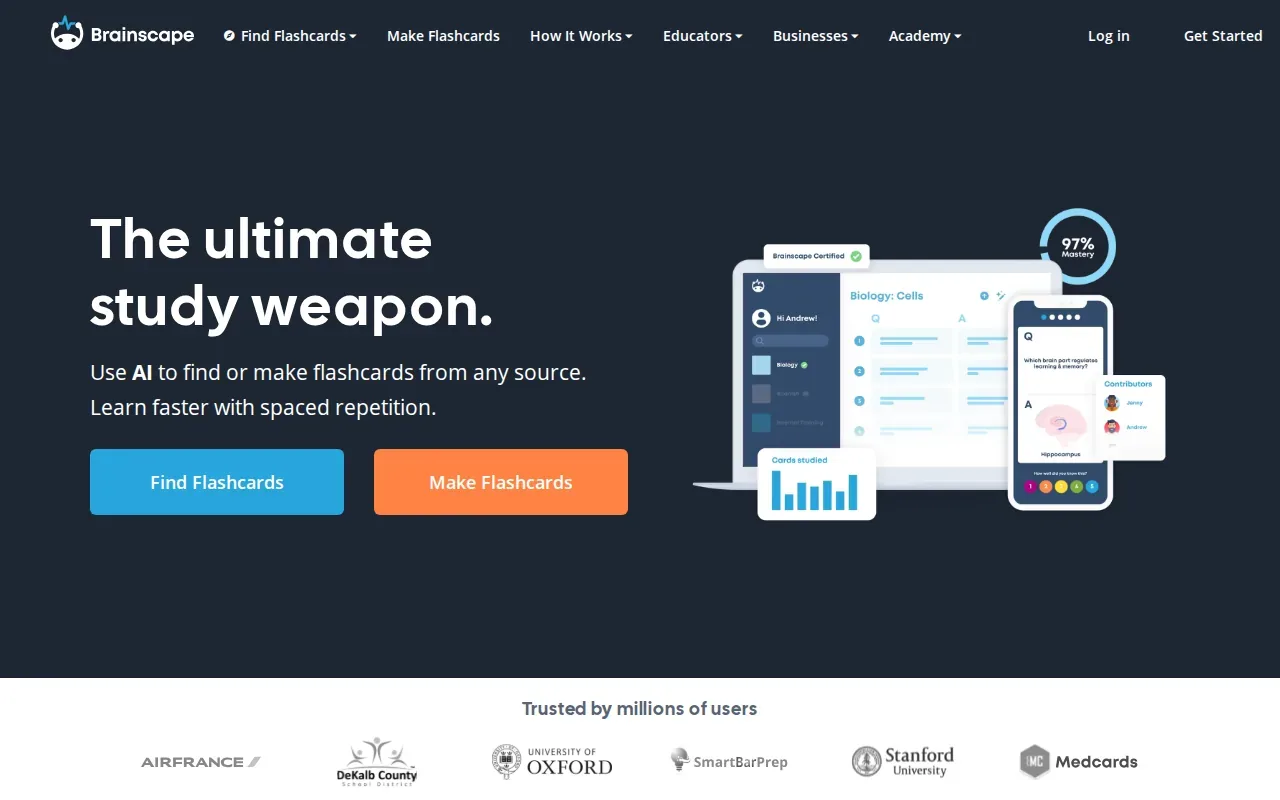
Its algorithm uses spaced retrieval to focus on weak areas. Students can also make and share cards, with editing permissions that support group feedback. That can help a class work on a shared deck, though shared cards still need a careful fact check before an exam.
Brainscape has a limited free option, and its Pro plan costs $95.88 per year. It supports AI generation, but its PDF workflow asks you to paste the document’s text rather than import the PDF itself. That extra step may be fine for a short handout, but it can be a hassle with long course files.
Use Brainscape if confidence ratings and shared study sets fit your routine. If your source material is a PDF, first check how much text you’ll need to copy and whether that suits your class workload.
9. Revisely: A lightweight document-to-quiz option
Revisely is a lightweight tool for turning documents into flashcards and quizzes. It may suit students who want to make study content from a document without a full note-taking system.
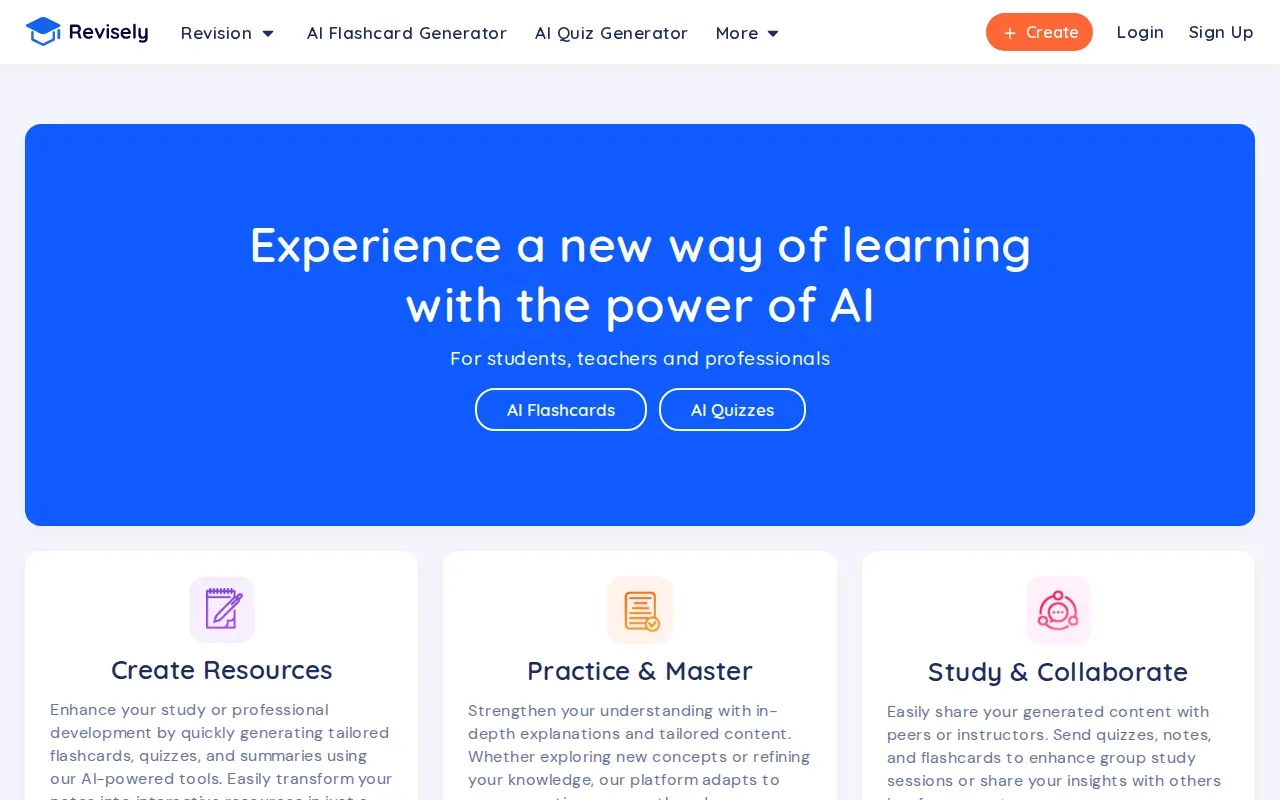
It turns documents into flashcards and quizzes. That gives you a way to start with course material and turn it into review content. Revisely says its platform adapts as you study, but check how it times reviews before you rely on it as your only spaced repetition tool.
Check the current plan and platform support before moving your study routine there. It’s also worth reviewing generated questions beside the original file, especially when the source includes similar terms or a multi-step process.
Revisely may be enough if your goal is a simple document-to-quiz workflow. If you need review scheduling that responds to your recall, compare its current features with a dedicated spaced repetition system.
10. Knowt: AI study sets from PDFs, notes, and recordings
Knowt makes AI-generated flashcards and quizzes from PDFs, notes, and lecture recordings. It suits students who want to turn different class materials into study sets.
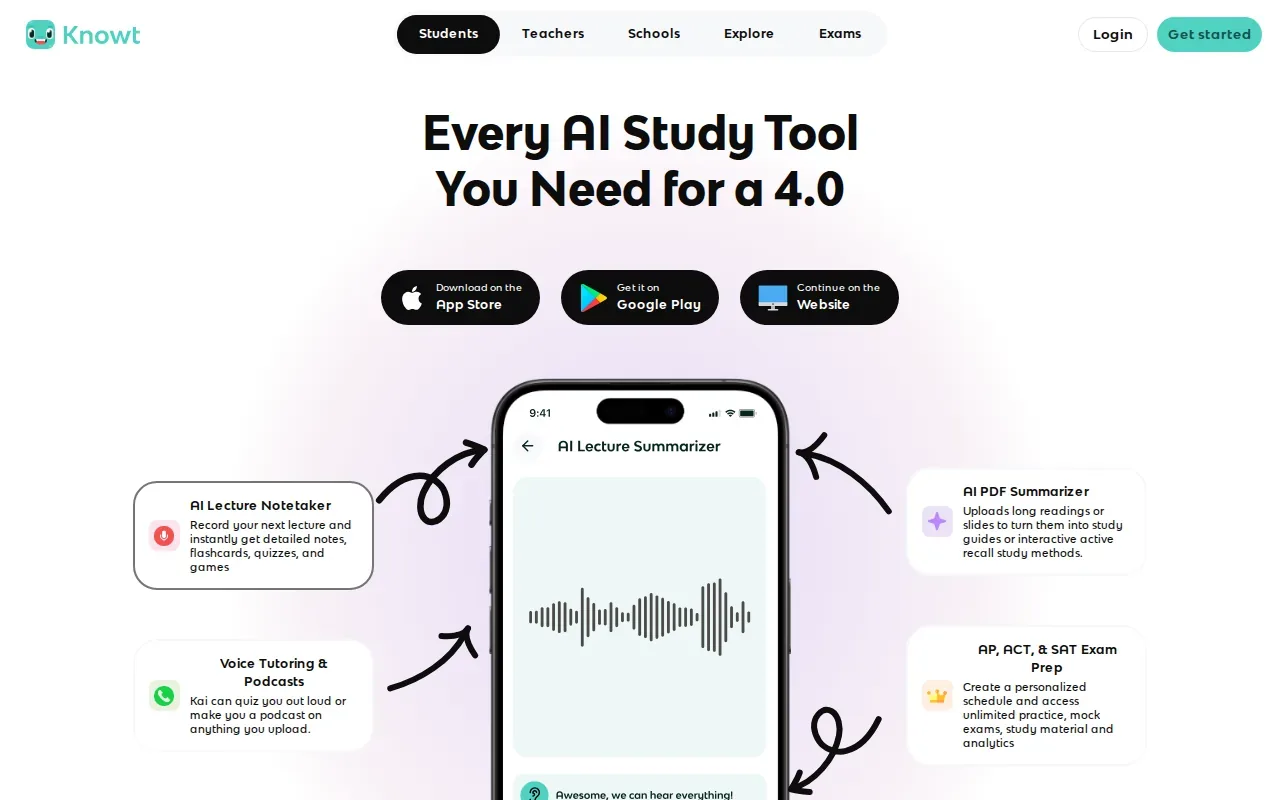
Knowt has a free plan that includes a spaced repetition mode, practice tests and a learn mode. Its Ultra plan costs $12.99 per month billed yearly ($149.99) or $24.99 month to month, and adds its AI PDF, PowerPoint, video and lecture-recording tools.
For example, you might use notes from a history lecture or a recording from a business class. Check the cards against the original material, then see whether the review features match how you want to prepare. A free tier can be a low-friction way to test that workflow, but check its current limits before making it your main study tool.
| Your study need | What Knowt offers | What to check next |
|---|---|---|
| Make cards from course files | AI cards from PDFs, notes, and recordings | Check how your file type and length work |
| Start without paying | Free plan with spaced repetition, learn mode and practice tests | Review current free-tier limits |
| Pay for more | Ultra from $12.99 per month, billed yearly | Confirm the current plan price |
| Adaptive review schedule | Spaced repetition mode | Check current scheduling features |
FAQ
What is the best spaced repetition app for students?
The best choice depends on how you study. StudyBuddy is a strong fit if you want MCQs, flashcards, and answer explanations made from your course materials, with later practice shaped by your performance. Anki suits students who want to build and tune their own decks. RemNote fits learners who want notes and flashcards connected.
How does spaced repetition help you remember?
Spaced repetition brings information back for review after time has passed, rather than asking you to repeat every card in one sitting. That means you have to retrieve the answer again. The timing can vary by card and by app. The forgetting curve describes how recall can fade over time, which helps explain why later review can matter.
Which spaced repetition app can make flashcards from PDFs?
StudyBuddy, StudyFetch, Noji, RemNote, Revisely, and Knowt can all make study material from PDFs. Their workflows differ, and a PDF feature doesn’t mean every app has the same review schedule. If you need questions based on your own files as well as adaptive practice, check that both parts are included before choosing.
Is Anki free to use?
Anki is free on desktop and Android, while its iOS app costs $24.99 as a one-time purchase. It gives you a flexible way to make and review cards, but you’ll need to build or source your decks. If you prefer practice generated from course documents, compare it with a study tool that imports your material.
Can spaced repetition apps help with language learning?
Yes. Flashcards can help you recall vocabulary and phrases over time. For language practice, make cards with enough context to recall how a word is used, not only its translation. Review generated or shared material for errors before learning it.
Conclusion
If you want study practice made from your own course materials, start with StudyBuddy. Upload one lecture file, try a guest session without signup, and check whether its MCQs, flashcards, and adaptive reviews fit your routine.
Turn your notes into a practice exam
Upload a document and StudyBuddy builds questions, flashcards and explanations in minutes.
Try it freeRelated articles
-
How to Do Spaced Repetition: A Step-by-Step Guide
Studying the same material for hours can feel productive, then leave you unsure what you can recall. Learning how to do spaced repetition gives each topic another chance to stick: review it after a...
-
Accounting Practice Questions and Study Resources
Accounting problems can feel tricky when you’re not sure which rule to use. These accounting practice questions cover core topics, show how to work through sample answers, and point you to ways to...
-
How to Study for a Final Exam: 5 Steps That Work
If you’re figuring out how to study for a final exam, a pile of slides and notes can make it hard to know where to begin. Start with the topics your instructor is likely to test, then spend most of...