How to Turn Notes Into Flashcards


Lecture notes can feel familiar without being easy to recall on an exam. Turn the key ideas into short questions, then try to answer before you check the back. You can make cards by hand or use StudyBuddy to turn course files into flashcards, MCQs, and answer explanations that adapt to your performance.
We read six public guides on turning notes into flashcards: two from RemNote, plus guides from Adobe, StudyCardsAI, Notelyn, and Formswrite. We checked each for two specific steps: splitting a card to test one idea, and checking an AI draft against the source text. Three of the six skipped the single-idea rule, and three never mentioned checking generated cards against the source, including Formswrite, which covered neither. Step 2 and Step 4 below walk through both practices, covering ground that half of the six public guides skipped.
Step 1: Choose the Notes and Topics to Convert
Start with one lecture, chapter, or exam topic. A small source set makes it easier to spot missing context and check each card against what your instructor taught. Don’t feed a whole semester into one deck before you know what belongs there.
Gather the material for that topic first. It might be lecture notes, a course PDF, a slide deck, a photo of a handwritten page, or an official study guide. If your notes are scattered, put the matching files in one place and remove duplicates. Make sure photos are in focus and pages appear in the right order.
Before you write cards, scan the material for headings and learning goals. Mark terms, formulas, dates, short processes, and ideas your instructor asks you to compare. Keep long arguments and connected explanations in your notes until you understand how the parts fit together.
Notes and flashcards do different jobs. Notes help you keep context; cards ask you to bring a specific answer to mind. That retrieval step is the point of active recall, where you try to remember information before looking at it.
If you’re ready to build from a course file, StudyBuddy’s PDF-to-flashcards workflow starts with your own material. It can also turn slides, notes, and photos into practice. For a first test, choose one unit rather than every file you have.
Milestone: You should have one clean source set and a short list of topics worth testing.
Step 2: Pull Out One Testable Idea at a Time
Now break the source into small recall targets. A card should have one clear job. If you can answer part of it but miss another part, split it further.
For example, a statistics note about a confidence interval might contain the term, its meaning, and how to interpret it. Those can become separate prompts. In contract law, test a rule’s basic elements on one card, then use another for an exception. This makes it clear which piece needs another look.
Skip fragments that only made sense during class. If a line says “enzyme active in acidic part?” check the slide, reading, or lecture recording before turning it into a card. A polished question can make a guess look like a fact.
Keep relationships visible when the idea depends on context. A biology pathway may need a simple diagram or a short sequence in your notes before you make cards about its steps. For music reading, a card can show a treble-clef staff note and ask for its name; a separate card can test its rhythm value. Don’t cram both skills into one question unless you’re ready to test them together.

You can also use an erasable tablet or pen to cover key terms on a copy of your notes, then fill them in from memory. It’s a quick way to test a diagram or formula without typing each prompt. Keep a clean reference copy so you can check your answers.
Milestone: Each idea on your list should be small enough to test with one specific prompt.
Step 3: Write Clear Questions and Useful Answers
Write the front so you know what kind of answer it asks for. “What is opportunity cost?” is clearer than “Economics.” Add enough context to avoid more than one reasonable answer.
Then keep the back short. A term may need a definition; a process may need a few ordered steps. If your answer needs a full paragraph, make the card narrower or keep the explanation in your notes. The goal is to recall a useful answer, not to rewrite the whole lecture.
Try different prompt styles when they fit the material:
- Definition: What does depreciation mean in accounting?
- Cause and effect: What does a rise in interest rates tend to do to borrowing costs?
- Compare: How does mitosis differ from meiosis in its outcome?
- Fill in the blank: In Spanish, the past-tense form of this verb is ____.
- Image cue: Name the marked structure on an anatomy diagram.
Use a small cue or mnemonic when it helps you recall an answer. A strange mental image or a short phrase can make a term easier to retrieve, but it should support the fact rather than replace it. For example, a color mark can group related formulas, while the prompt still asks which formula fits the problem.
Test the wording aloud before saving a card. Can you answer without seeing the back? Could someone interpret the prompt in two ways? If so, add context or rewrite it. StudyBuddy’s guide to writing effective flashcards covers focused prompts and review habits in more detail.
Turn your notes into a practice exam
Upload a document and StudyBuddy builds questions, flashcards and explanations in minutes.
Try it free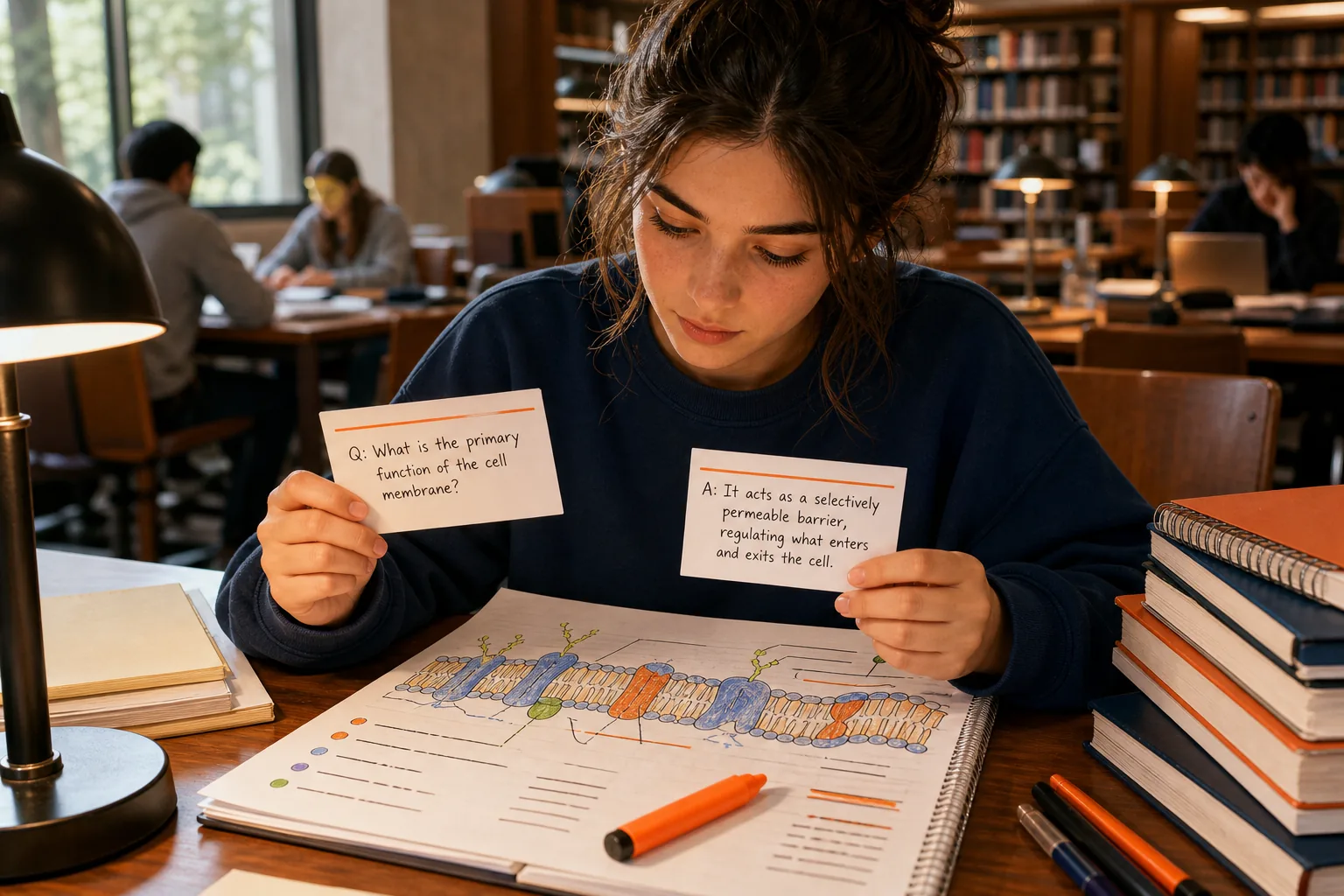
Milestone: A good draft has a clear question, a checkable answer, and no hidden second task.
Step 4: Turn Notes, Slides, or PDFs Into a First Draft
You can write every card yourself, or let a tool prepare a first draft from your course material. Manual writing can help you notice gaps in your understanding. It can also take time when you have a long slide deck or several readings to review.
For manual cards, copy only the prompt and answer you need. Keep the source nearby. If you’re using a spreadsheet or text file, put one question and answer on each row so you can check the set before importing it into a study app.
For an AI draft, upload one clear file or a focused group of pages. Ask for questions based only on that material. Tell the tool to keep each card to one idea and use short answers. If the source includes a chart or handwritten notes, check that the important labels and terms came through correctly.
StudyBuddy accepts course PDFs, slides, notes, and photos. It turns uploaded material into flashcards, multiple-choice questions, and answer explanations. You can use a free guest session without signup; access is limited, so don’t assume it means unlimited free study. The same material can support more than one kind of practice.
Once the draft appears, check every answer against the original source. Fix wrong details, remove duplicates, and rewrite questions that only ask you to recognize a phrase. AI can save the typing, but it can’t decide whether a subtle point matches your professor’s wording or the course guide.
Try five cards first. If they’re accurate and clear, review the rest. If the output is off, narrow the source or clarify the instructions before generating another batch.
Milestone: You should have an editable first draft that matches your course material, not an unchecked pile of generated cards.
Step 5: Review, Fix, and Space Out Your Flashcard Practice
A deck only helps when you try to answer before you reveal the back. Say the answer, write a few words, or sketch the idea. Then check what you produced against the card and the course source.
Mark a card for review if you missed a key condition, guessed, or only remembered the answer after seeing it. If the answer was wrong because the card was unclear, rewrite it. If the idea itself still feels fuzzy, return to the notes before drilling the card again.
Don’t run through the full deck in the same order every time. Mix topics once you know the basic ideas. That makes you choose which rule, formula, or term fits the prompt instead of relying on the card before it.
Space your sessions instead of cramming them into one sitting. Review a topic, leave a gap, then test it again later. Spaced repetition describes this approach of revisiting material over time. You don’t need to build a complicated calendar: set a reminder for another session and bring back the cards you missed.
StudyBuddy adapts later practice to how you answer and tracks topic mastery and exam readiness. Its Readiness Score can help you decide what to review next; it isn’t a promise of an exam result, and generated explanations still deserve a check against your class material.
Cards support the exam task, but they don’t replace it. After a card session, solve a sample problem, outline a history argument, or label a blank diagram if that’s what your course asks you to do. For mixed recall and quiz practice, the StudyBuddy AI quiz generator can make MCQs from your uploaded material.
When you export or tag cards, use labels that help you find a course unit or topic later. Avoid making tags so detailed that they become another filing task. A few useful labels are enough to locate the cards you need before an exam.
Milestone: You should know which cards need another pass and which course task to practice next.
Frequently Asked Questions
How do I turn notes into flashcards?
Choose one topic, find the facts or relationships you need to recall, and write one clear question for each idea. Keep the answer short, then test it before checking the back. You can make cards by hand or use StudyBuddy to draft flashcards from your notes, slides, or course PDFs. Check each generated answer against the source.
Can I turn a PDF into flashcards?
Yes, you can turn a course PDF into flashcards by entering the key points yourself or using a tool that accepts document uploads. Start with one chapter or unit, then check the cards against the PDF. StudyBuddy can also make MCQs and answer explanations from uploaded course material, so you can practice in more than one format.
How many facts should go on each flashcard?
Keep each card focused on one testable idea. If you can answer one part but miss another, split the card. A short process may need more than one step, but avoid putting a whole lecture summary on the back. Focused cards make it easier to tell exactly what you know and what needs another review.
How often should I review my flashcards?
Review cards across separate sessions instead of repeating them only in one long sitting. Bring back the cards you missed, and leave time between reviews so you have to recall the answer again. The right pace depends on your course and exam date. Use your errors and upcoming assignments to decide when to return to a topic.
Are AI-generated flashcards accurate?
They can be useful drafts, but you should verify them against your lecture slides, notes, or official study guide. AI may misread a scanned page or leave out a condition that changes the answer. StudyBuddy generates cards and practice from uploaded material, but checking important details remains part of your study process.
Conclusion
Start with one course topic and make a small set of focused cards. If typing every prompt would slow you down, upload your material to StudyBuddy for a first draft, then check the answers and review the ones you miss. Pick a lecture or PDF today and turn its most testable ideas into questions you can answer from memory.
Turn your notes into a practice exam
Upload a document and StudyBuddy builds questions, flashcards and explanations in minutes.
Try it freeRelated articles
-
How to Do Spaced Repetition: A Step-by-Step Guide
Studying the same material for hours can feel productive, then leave you unsure what you can recall. Learning how to do spaced repetition gives each topic another chance to stick: review it after a...
-
Accounting Practice Questions and Study Resources
Accounting problems can feel tricky when you’re not sure which rule to use. These accounting practice questions cover core topics, show how to work through sample answers, and point you to ways to...
-
How to Study for a Final Exam: 5 Steps That Work
If you’re figuring out how to study for a final exam, a pile of slides and notes can make it hard to know where to begin. Start with the topics your instructor is likely to test, then spend most of...